
How to make stickers with Cricut Print Then Cut
Free in your browser, nothing to install: try this in BoboCreate Online.
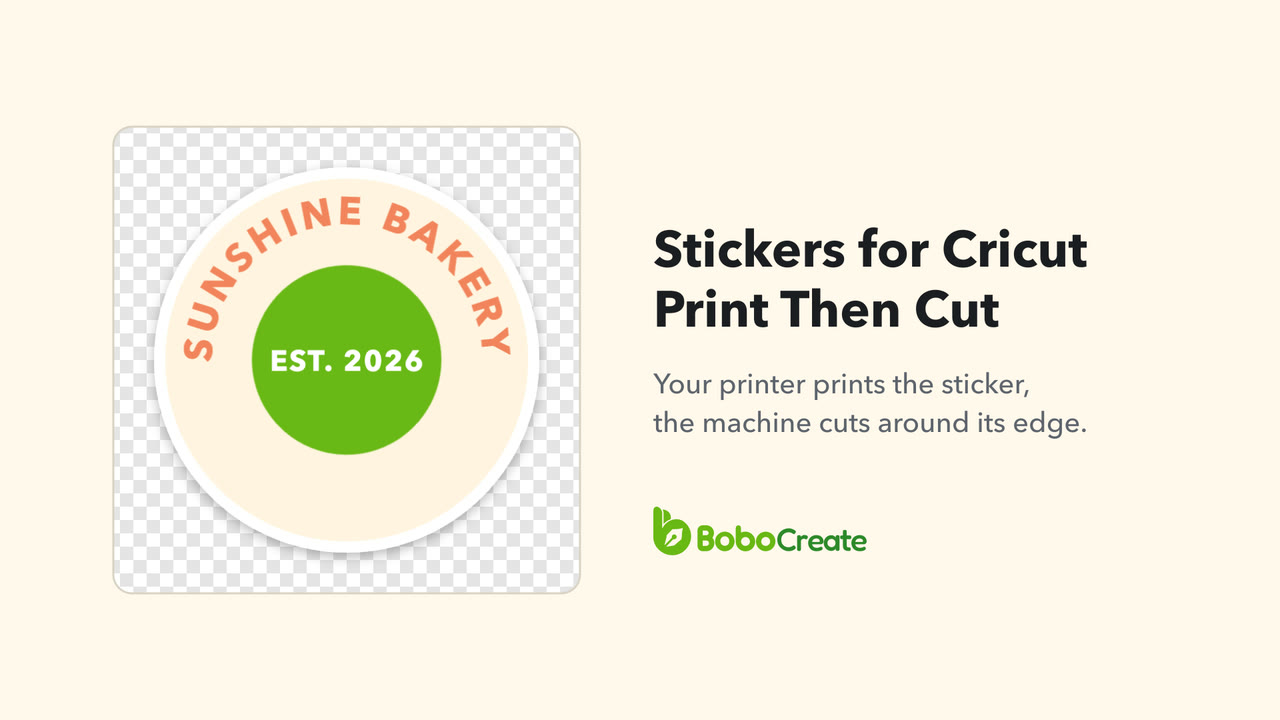
Make a design the size of one sticker, give it a solid edge, and export it with Export › Cricut › Print then Cut. You get a PNG at 300 DPI with a see-through background. In Cricut Design Space, upload it as a Flat Graphic, apply the Sticker effect, and raise Project Copies to fill the sheet.

Make the file in BoboCreate
-
Start a design the size of one sticker
In the library, click New design, give it a name, and type the Width and Height with the unit set to in. Leave Resolution at 300 DPI — print. The line under it gives the size in pixels: a 2 × 2 in sticker is 600 × 600.
-
Give the sticker a solid edge
The machine cuts around the outside of what is printed, so put a solid shape behind the design, such as a white circle or a rounded rectangle. Its outline is the shape of the sticker.
-
Export for Cricut
Click Export, then the Cricut tab. Print then Cut is already chosen. Check the line above the button, then click Export Cricut and choose where to save the PNG.

What the PNG holds

The PNG is 300 DPI, and the file says so, so it is the size you designed: a 2 in sticker is 600 pixels across. The background is see-through. The page colour is left out, so a page coloured to see the sticker better while you work does not end up printed around it.

Then, in Cricut Design Space
-
Upload it as a Flat Graphic
Upload the PNG and, when you save it, choose Flat Graphic: a single-layer, full-colour image for Print Then Cut with a home printer.
-
Apply the Sticker effect
Select the image, choose Effects in the toolbar, then Sticker. Die Cut cuts all the way through the material and its liner, so each sticker comes out loose. Kiss Cut cuts the printed layer only and leaves the liner whole, so you peel the stickers off a sheet.
-
Click Make, and set the copies
To fill a sheet with the same sticker, raise Project Copies on the Mat Preview. Then print from Design Space and put the printed sheet on the mat to cut.
If you set the Sticker effect to no border, Cricut suggests turning Bleed off before printing.
How large Cricut can Print Then Cut
These are the largest designs each way, from Cricut's own table. For a design wider than it is tall, turn it in Design Space and check its longer side against the figure for down.
| Letter (8.5 × 11 in): Explore, Maker, Venture, Joy Xtra | 7.44 in across, 9.94 in down |
|---|---|
| Letter: Joy 2 | 3.19 in across, 9.94 in down |
| A4: Explore, Maker, Venture, Joy Xtra | 7.2 in across, 10.62 in down |
| Tabloid (11 × 17 in): Explore, Maker, Venture | 9.94 in across, 15.94 in down |
| A3: Explore, Maker, Venture | 10.64 in across, 15.44 in down |
| 24 × 28 in: Venture | 22.94 in across, 26.94 in down |
The area is not a full rectangle: some of the page is kept for the sensor marks printed around your design, so a design that is nearly as wide and nearly as tall as the limits at once may not fit. BoboCreate checks against the Letter limits. Close to both, its note says Design Space may ask you to shrink the design.
Where it goes wrong
- A full Letter sticker sheet does not fit. An 8.5 × 11 in page is larger than Print Then Cut cuts on Letter, and the Export note says so. Make one sticker and let Project Copies fill the sheet.
- The cut line is not where you expected. The cut follows the outside of the printed design. Give it a solid edge, rather than letters or shapes floating on nothing.
- The sticker is not the size you designed. After uploading, check its width and height in Design Space, and set them to the size you made it in BoboCreate if they differ.
Sources
The Design Space steps and the size table are from Cricut's help pages:
- How large can I Print Then Cut?
- How to upload images into Design Space
- How to use the Sticker tool in Design Space
- How to Print Then Cut in Design Space
Cricut and Design Space are trademarks of Cricut, Inc. BoboCreate is not affiliated with or endorsed by Cricut, Inc. Read more about the Cricut exports in BoboCreate.
Start it free in your browser
Design the sticker online. The Cricut Print Then Cut file is made in the BoboCreate app.
BoboCreate Online is free, with no account. Its downloads carry a small “Made with BoboCreate” mark; the BoboCreate app exports without it, and adds photos, video, cutting files and print quality.