
Free PDF + editable BoboCreate template
How to Print and Host the What Would the Bride Choose? Scenario Game
Open the free native template in BoboCreate Desktop, review every page, export a US Letter PDF and print at Actual Size.
Both downloads are the free edition. The editable file opens in BoboCreate Desktop.
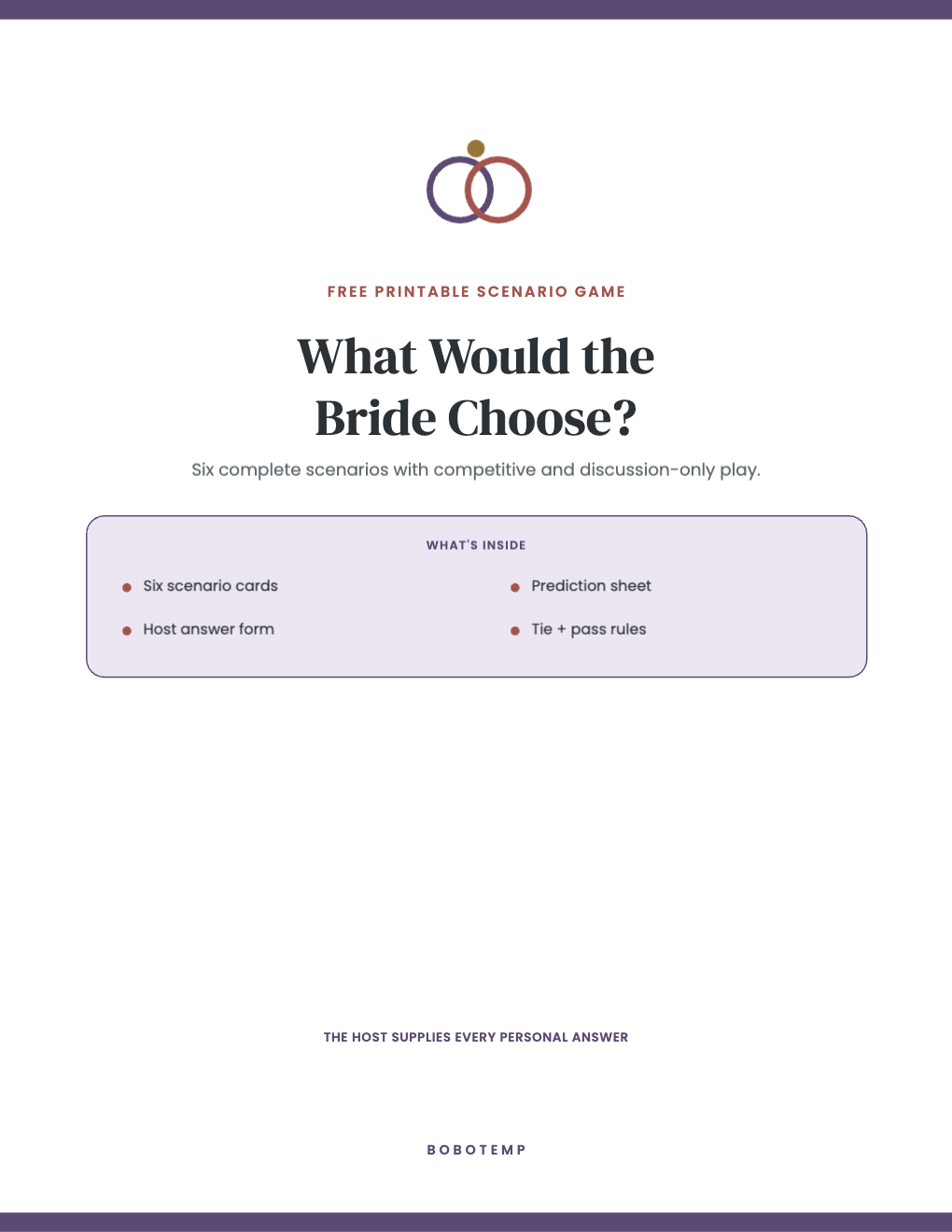
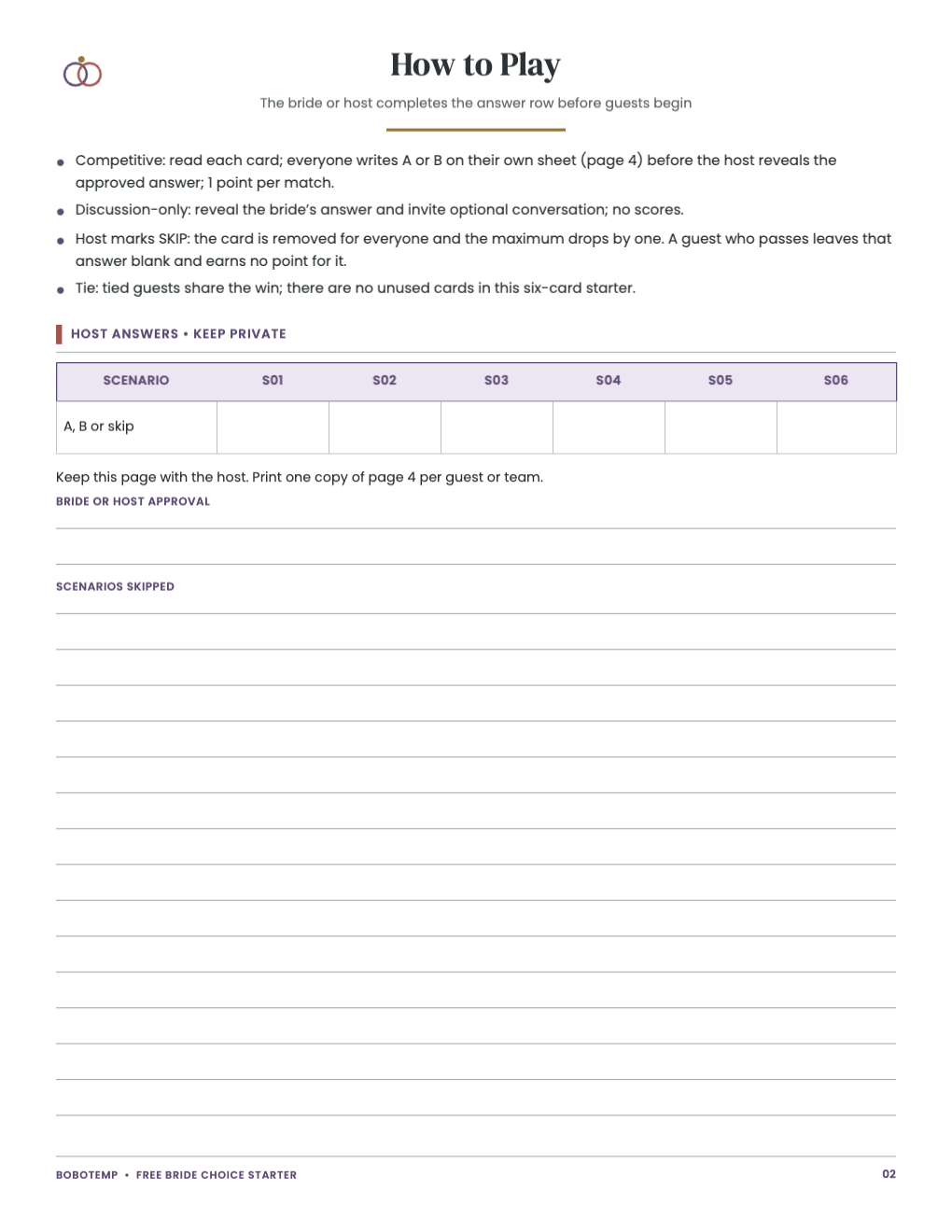
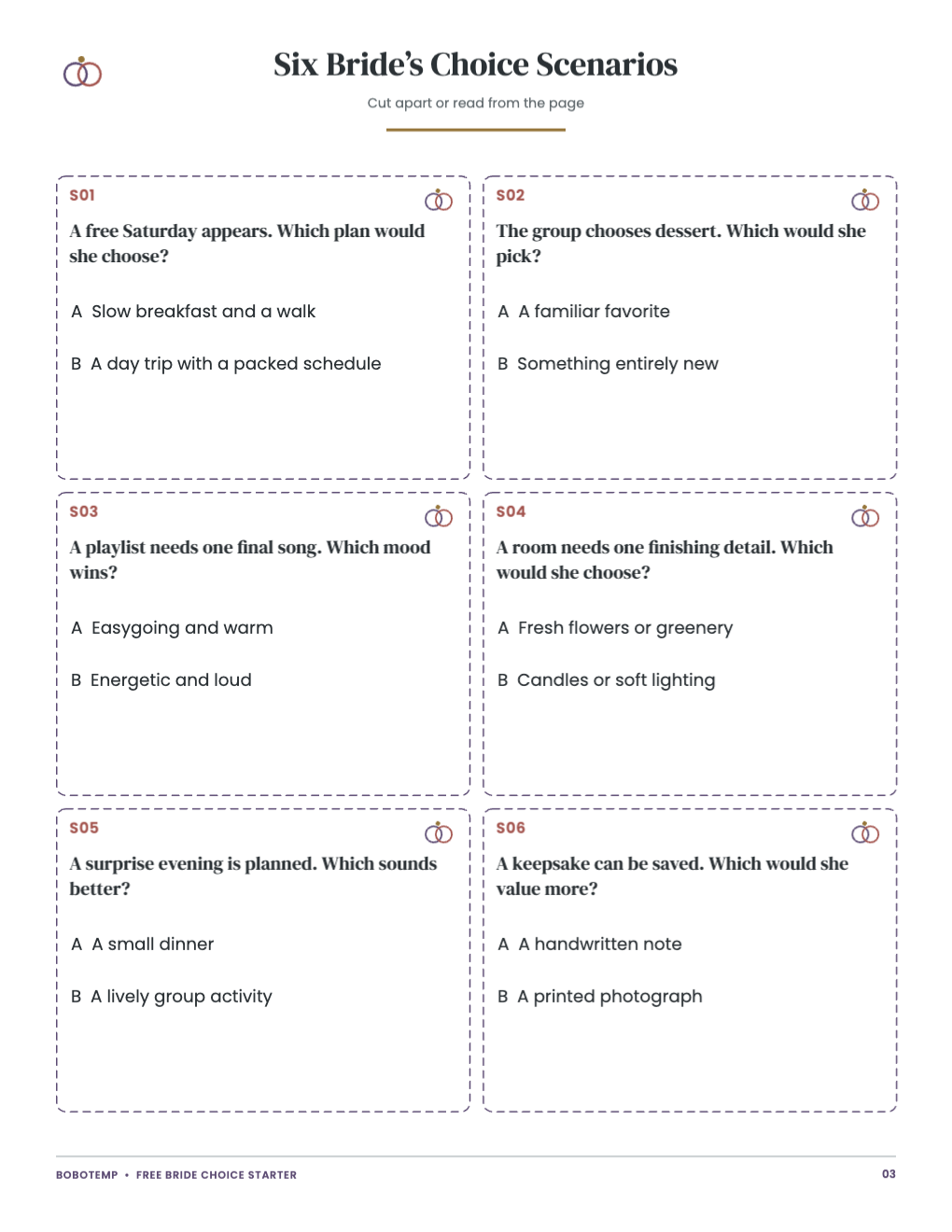
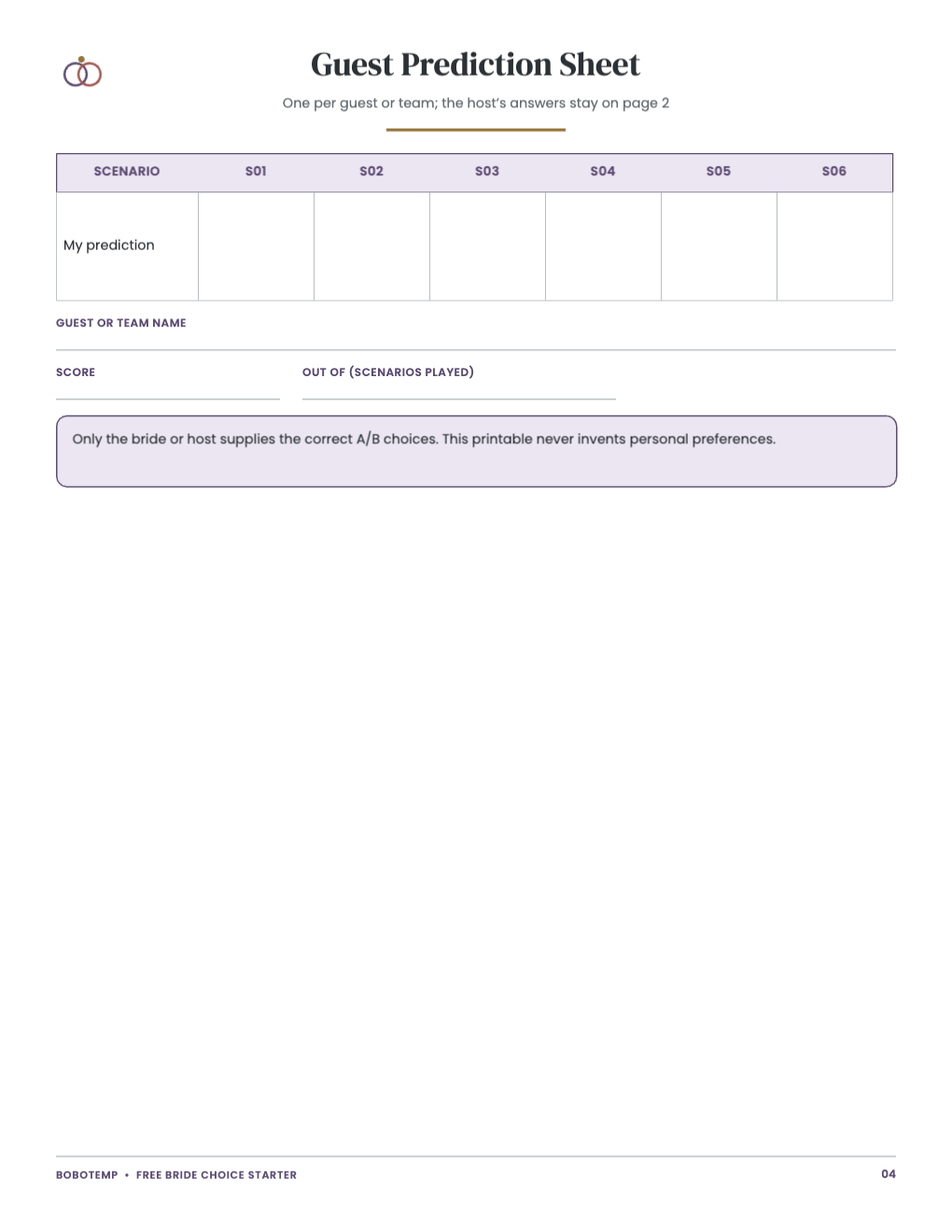
Use the free 4-page starter as a complete small activity, or choose the 12-page premium edition for the full coordinated collection.
The free PDF and editable starter are ungated. The premium customer download contains print-ready color and ink-saver PDFs, not an editable premium master.
What the free template includes
- six complete scenarios
- private host answer row
- guest prediction sheet
- discussion-only rules
- US Letter PDF
- editable BoboCreate starter file (.bobo)
Choose the free or complete edition
The free 4-page starter is useful by itself. The complete paid edition has 12 color pages plus a separate 12-page ink-saver PDF and customer README.
Print accurately
Use US Letter paper and print at 100% / Actual Size. Do not use Fit to Page. Print only the host, activity, answer, and cut-apart pages needed for your gathering.
Edit the free starter in BoboCreate
Open the free native .bobo starter in BoboCreate Desktop, keep changes inside the printer-safe margins, export a US Letter PDF, and inspect every changed page before printing.
Open the editable template in BoboCreate
- Install BoboCreate Desktop.
- Open free-bride-choice-scenario-starter.bobo.
- Keep text and artwork inside the safe margins.
- Export a US Letter PDF and inspect every page.
- Print at 100% / Actual Size.
Download BoboCreate for Mac · Download BoboCreate for Windows