
Free PDF + editable BoboCreate template
How to Print and Host the Family Christmas Game Night Collection
The free Family Christmas Game Night Collection sample is a complete small-format activity, not a teaser. Open the editable native file in BoboCreate or print the supplied PDF.
Both downloads are the free edition. The editable file opens in BoboCreate Desktop.
The editable file imports in BoboCreate Free 0.3.19 or later. It uses one of Free's three design places, and its own artwork does not count toward your three uploaded images. Older versions of the app need BoboCreate activated to import it, so update BoboCreate first.
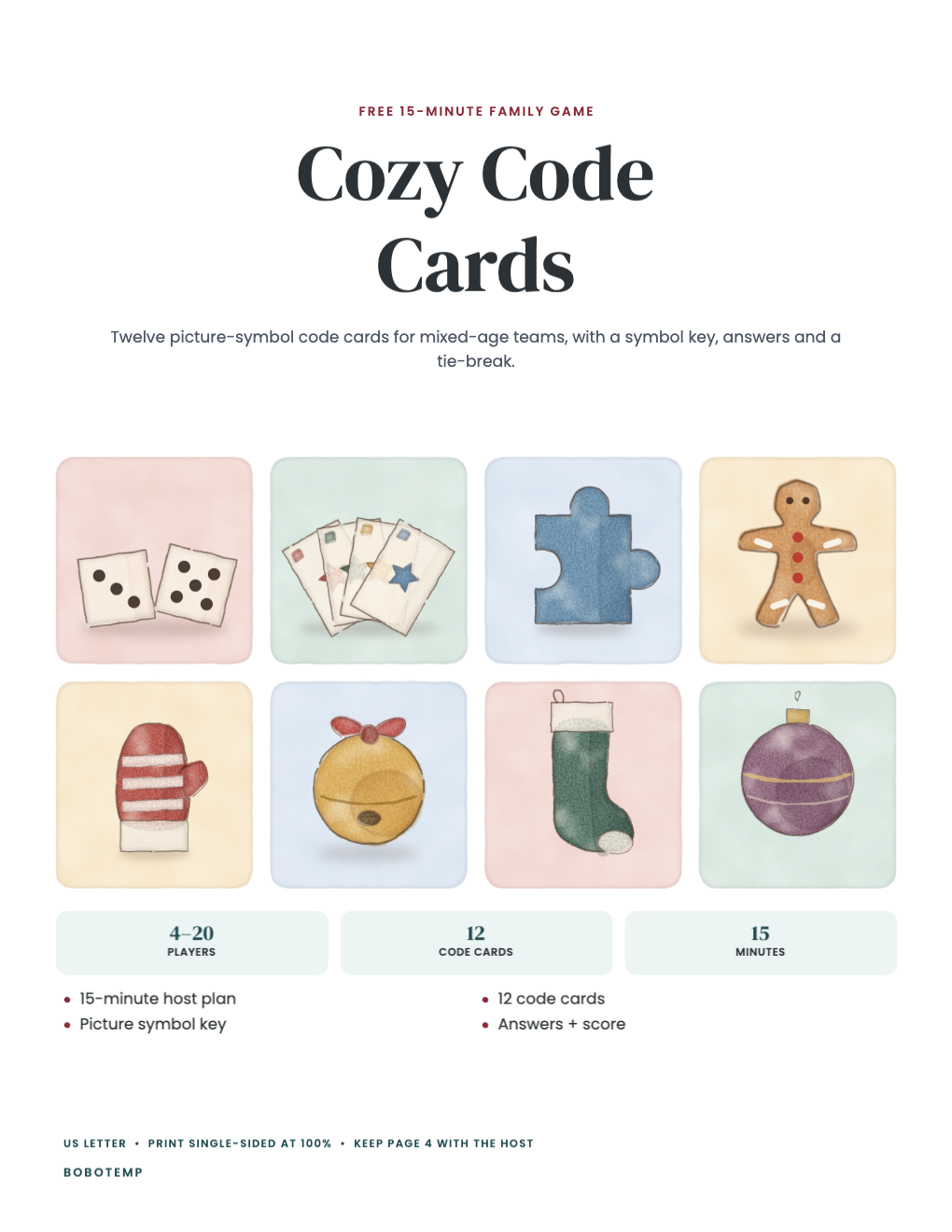
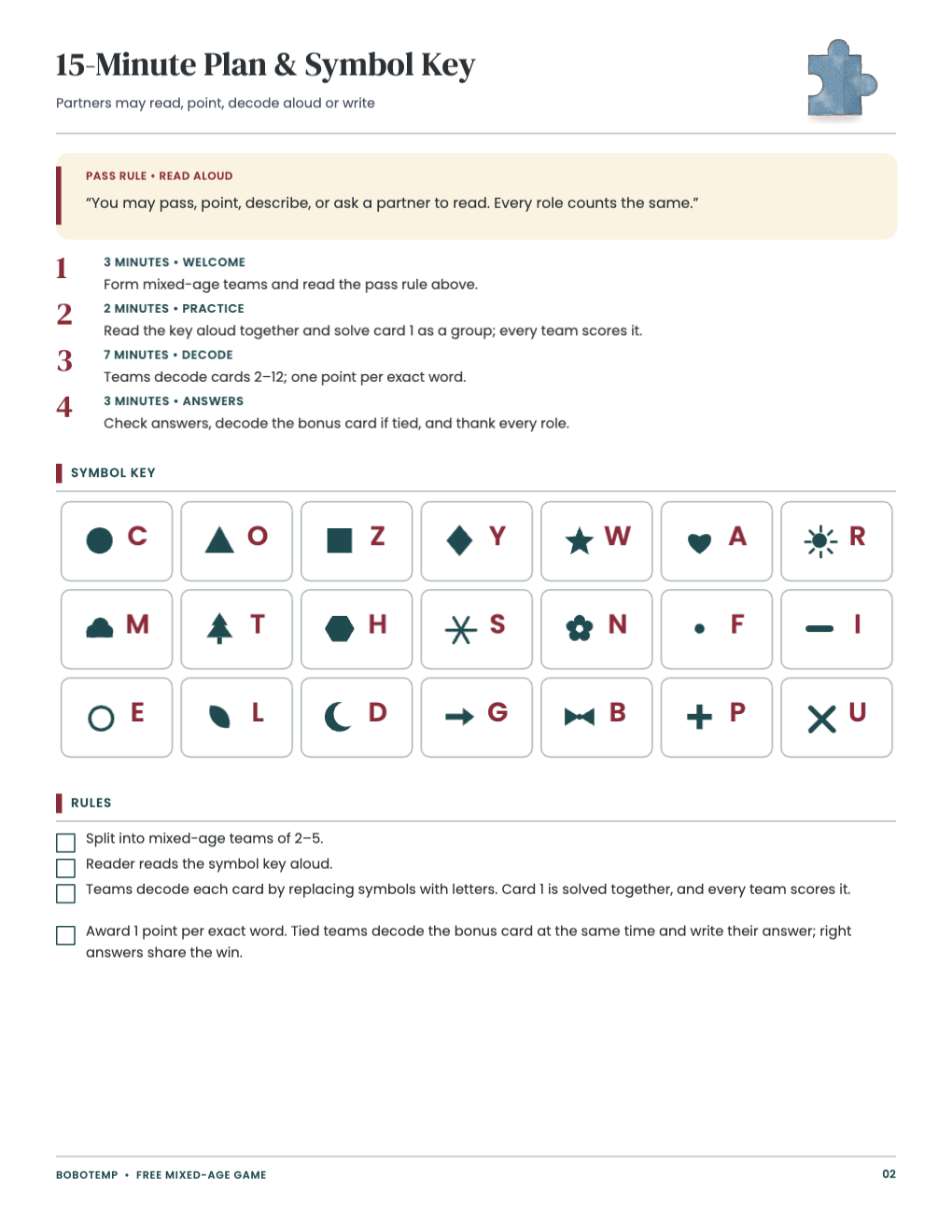
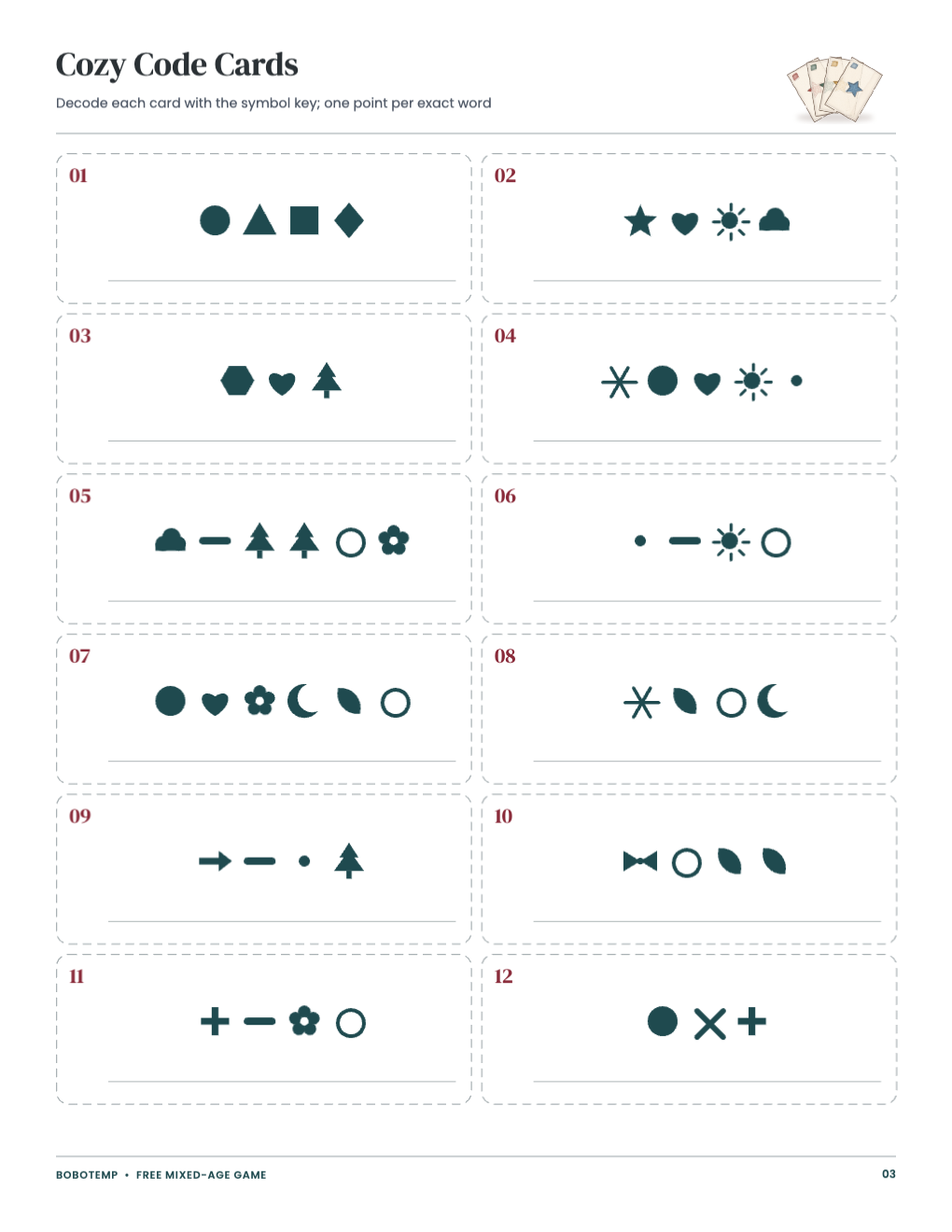
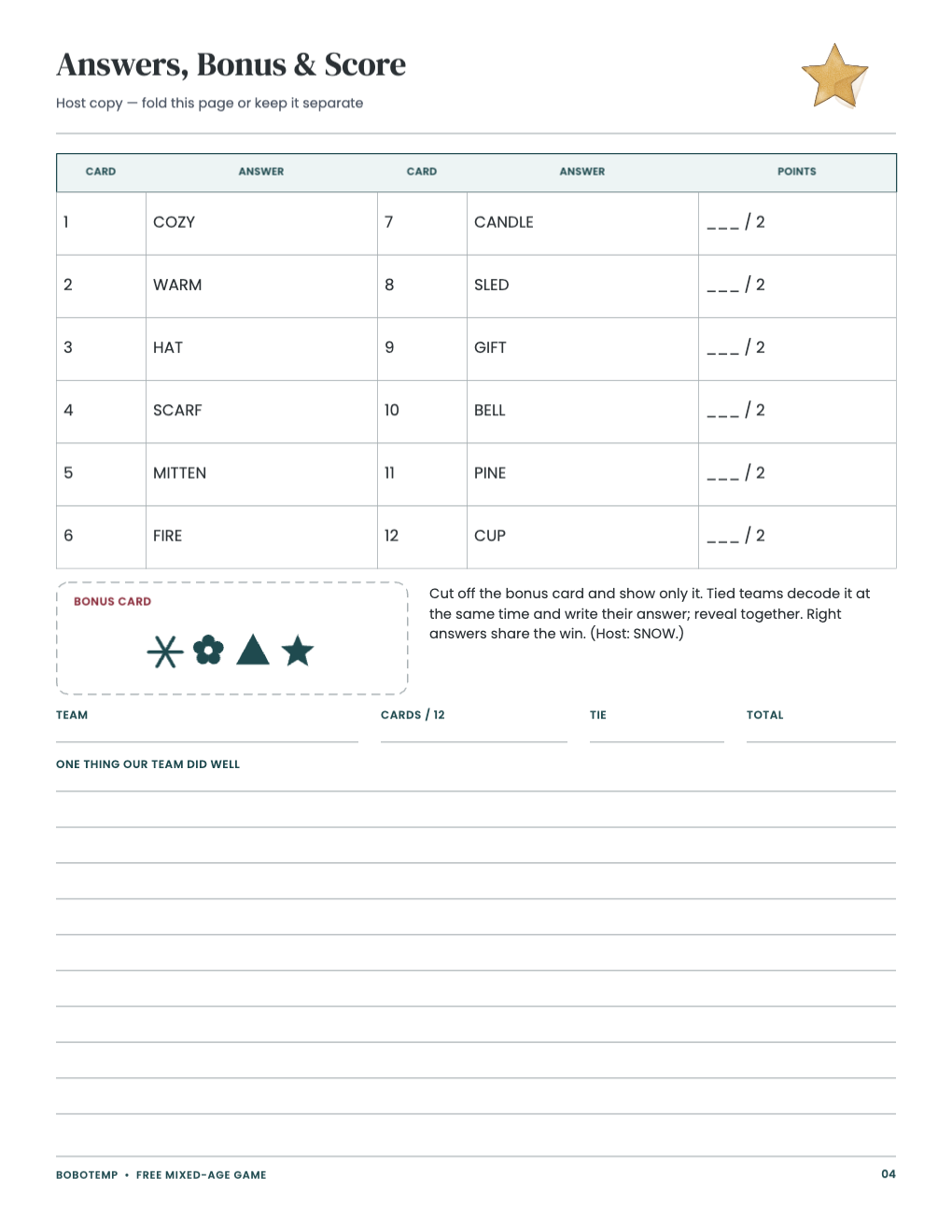
Use the host guidance for 4–20 participants and an estimated 30–75 minutes.
The free Cozy Code uses a drawn symbol key and complete host answers. The full collection adds original riddles, private relay cards and mixed-age roles.
What the free template includes
- 1 complete mixed-age game
- 15-minute host plan
- US Letter PDF
- editable native .bobo master
Choose the free or complete edition
The free edition has 4 pages and stands on its own. The complete paid edition has 18 pages plus a separate ink-saver PDF.
Print accurately
Use US Letter paper and print at 100% / Actual Size. Do not use Fit to Page. Use card stock for cut-apart pieces and ordinary paper for guides and answer sheets.
Prepare and host
Follow the host page for private answer handling, brackets, byes, ties and mixed-age roles. Choose the 30-, 60- or 75-minute plan before printing.
Edit in BoboCreate
Open the native .bobo starter in BoboCreate Desktop, personalize the editable text inside the safe margins, and export your own US Letter PDF.
Open the editable template in BoboCreate
- Download and install BoboCreate Desktop.
- Open the free free-family-christmas-cozy-code.bobo native master.
- Review every page, edit only within the safe margins, and export a US Letter PDF.
- Print at 100% / Actual Size and follow the host page.
Download BoboCreate for Mac · Download BoboCreate for Windows