
Free PDF + editable BoboCreate template
Free Practice Repair Detective: Find, Fix, Retry
Compare the music with what was played, find the one bar that went wrong, decide if it was the notes or the rhythm, and fix it slowly.
Both downloads are the free edition. The .bobo file opens in BoboCreate Desktop.
The editable file imports in BoboCreate Free 0.3.19 or later. It uses one of Free's three design places, and its own artwork does not count toward your three uploaded images. Older versions of the app need BoboCreate activated to import it, so update BoboCreate first.
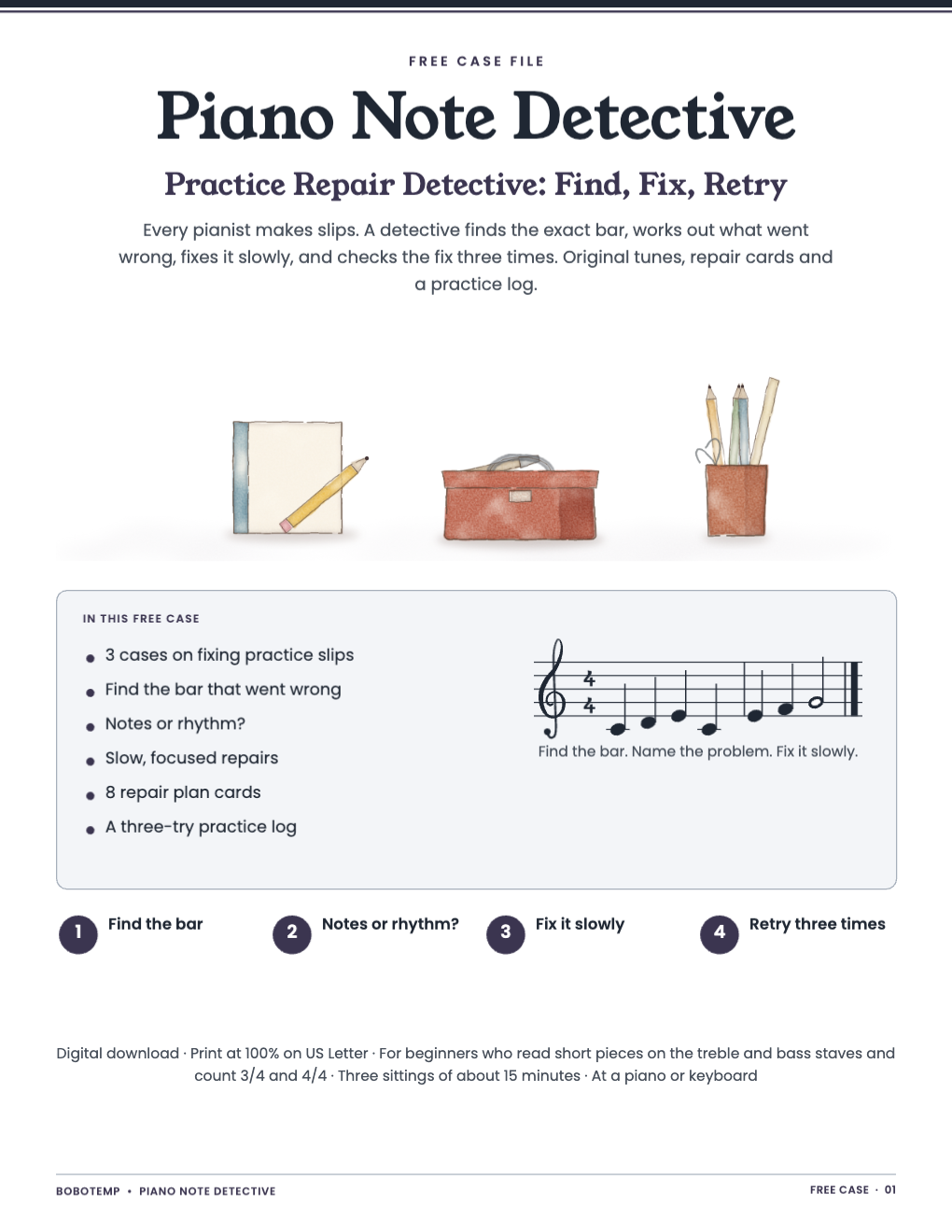
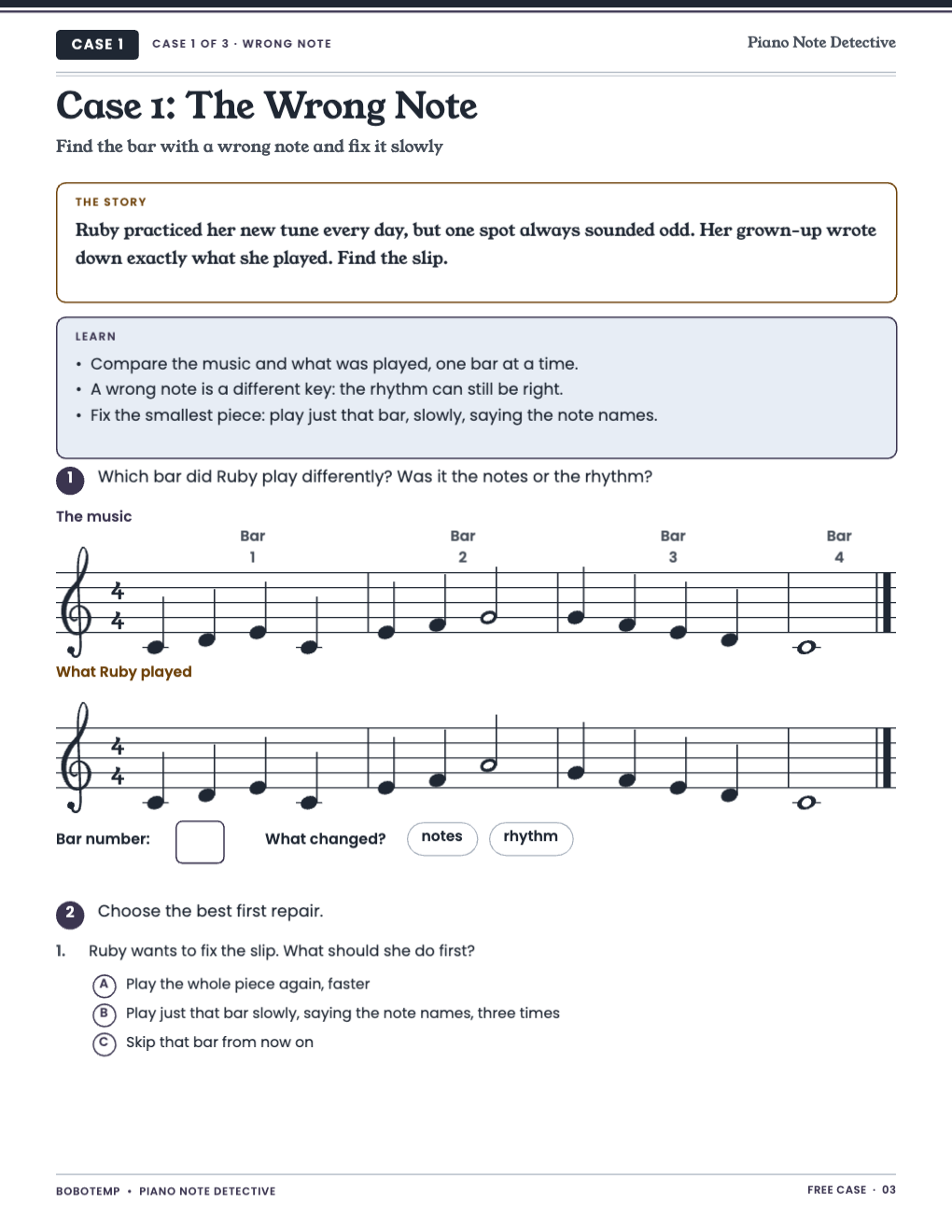
Three short cases with original tunes and what a young pianist really played.
A slip is information: it shows exactly where to practice.
What the free template includes
- Three cases with a story and a Learn box
- Find-the-bar tasks with answers and reasons
- Eight cut-out repair plan cards
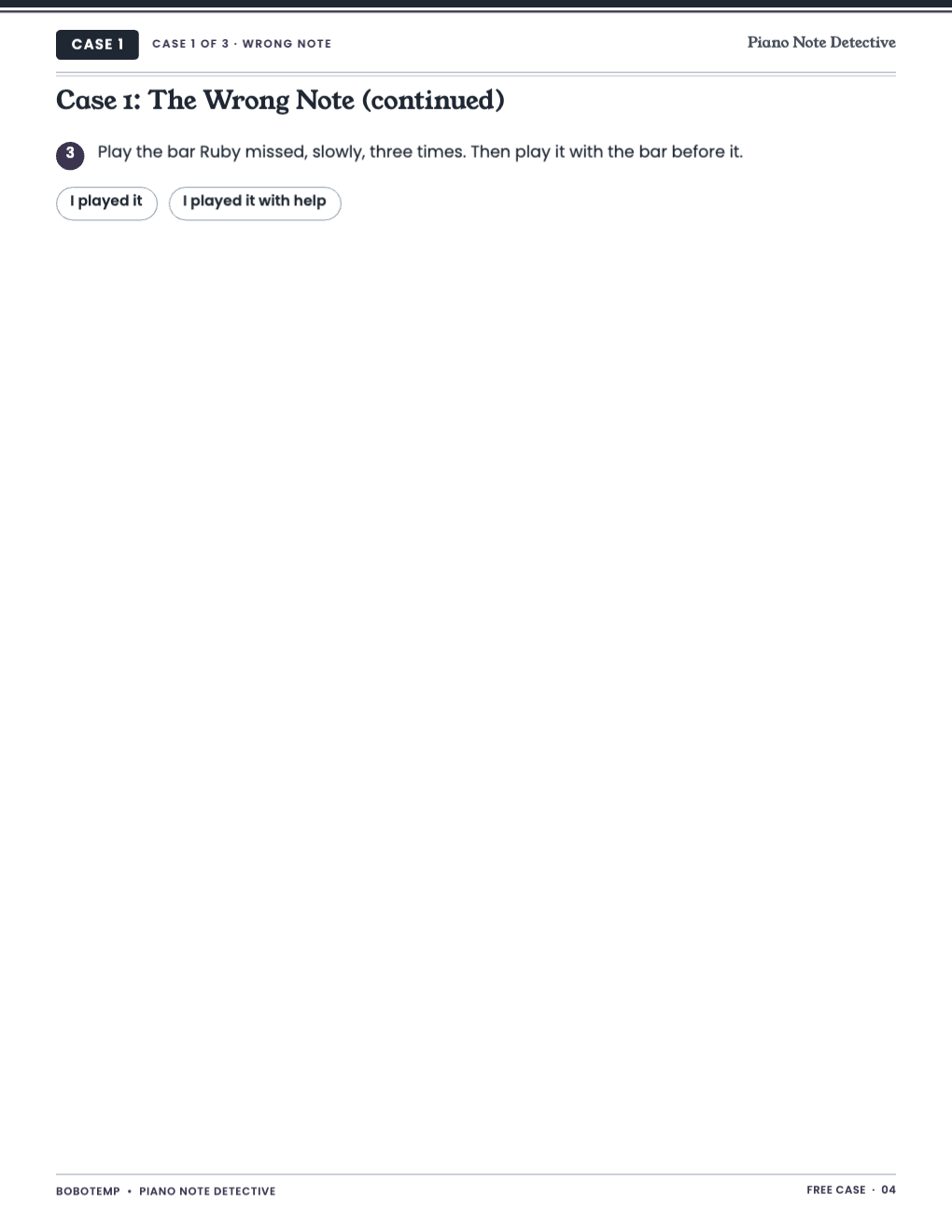
- A three-try practice log
One bar at a time
Fix the smallest piece that went wrong, slowly, then add the bars around it.
Next
Recital Ready: Performance Missions practices starting, restarting after a slip and finishing a piece.
Open the editable template in BoboCreate
- Download and install BoboCreate Desktop for Mac or Windows.
- Download the free `free-practice-repair-detective.bobo` file.
- In BoboCreate, choose Open or Import and select the file.
- Export a PDF.
- Print at 100% on US Letter.
Download BoboCreate for Mac · Download BoboCreate for Windows
Practice skills, not piano lessons.
Read the Bobotemp printable guide for the ready-to-print download and practical use instructions.