
Free PDF + editable BoboCreate template
How to Make and Print a Recital Program Booklet
A recital program is a small booklet with a lot of names in it. This free starter opens in BoboCreate, so you can type your studio, running order and performers, then print a folded program that reads in the right order.
Both downloads are the free edition. The editable file opens in BoboCreate Desktop.
The editable file imports in BoboCreate Free 0.3.19 or later. It uses one of Free's three design places, and its own artwork does not count toward your three uploaded images. Older versions of the app need BoboCreate activated to import it, so update BoboCreate first.
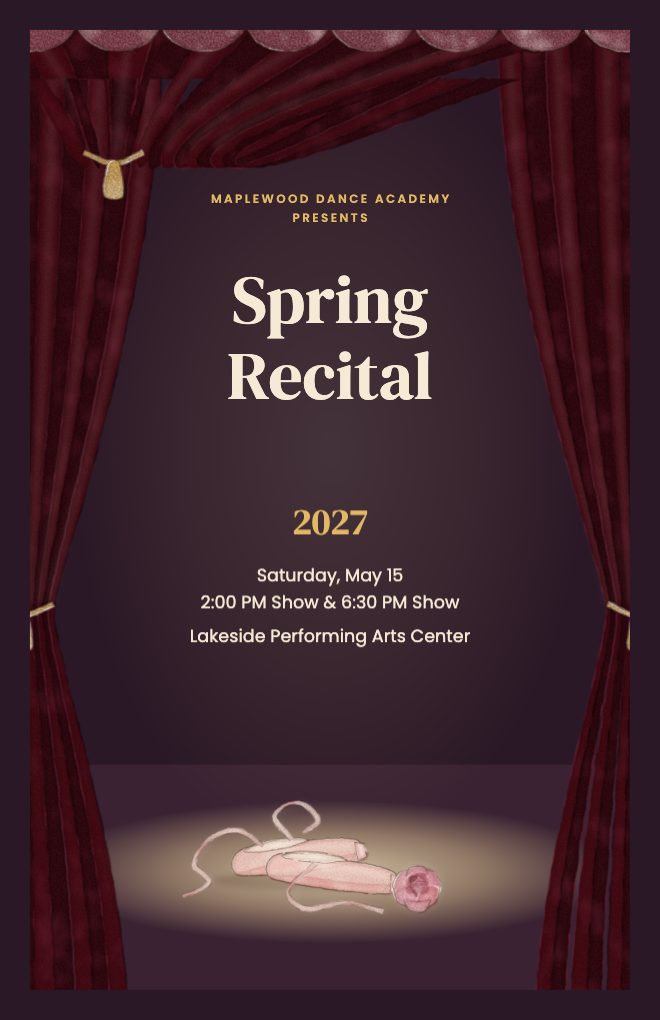
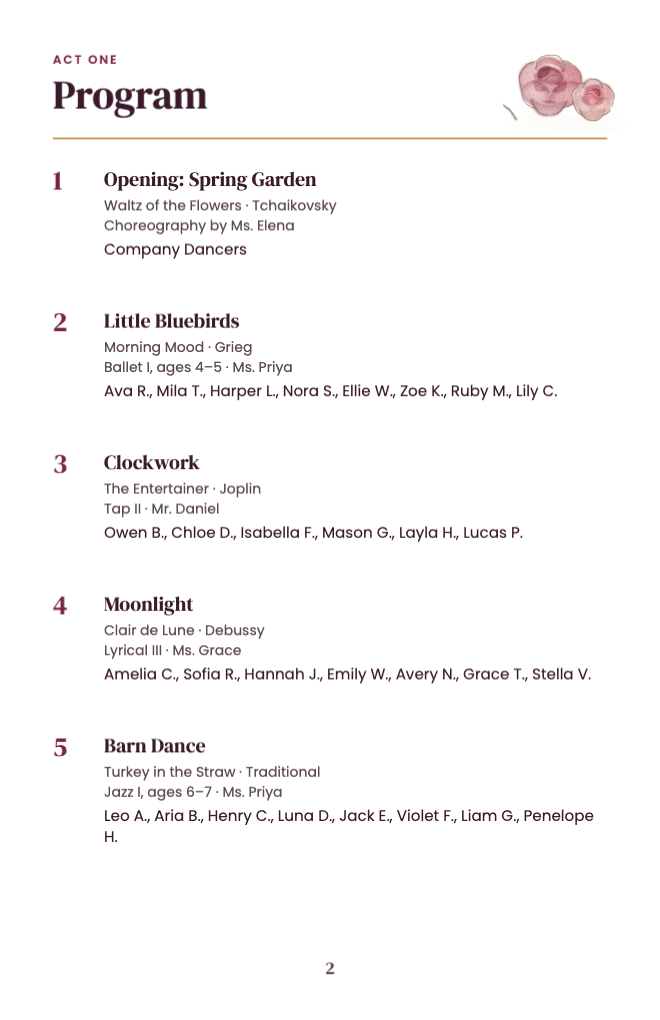
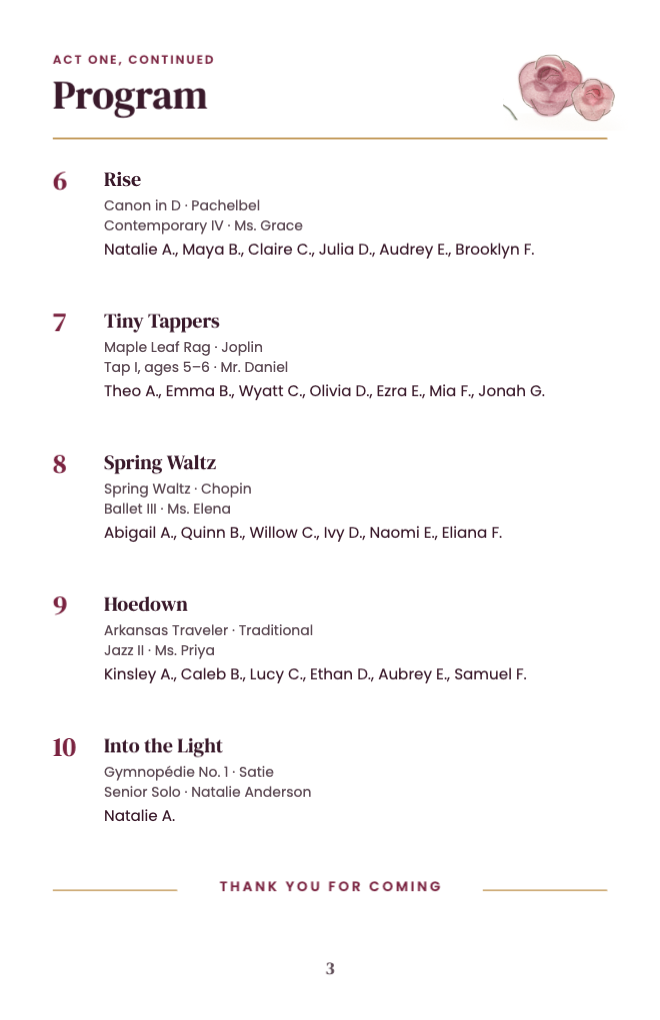
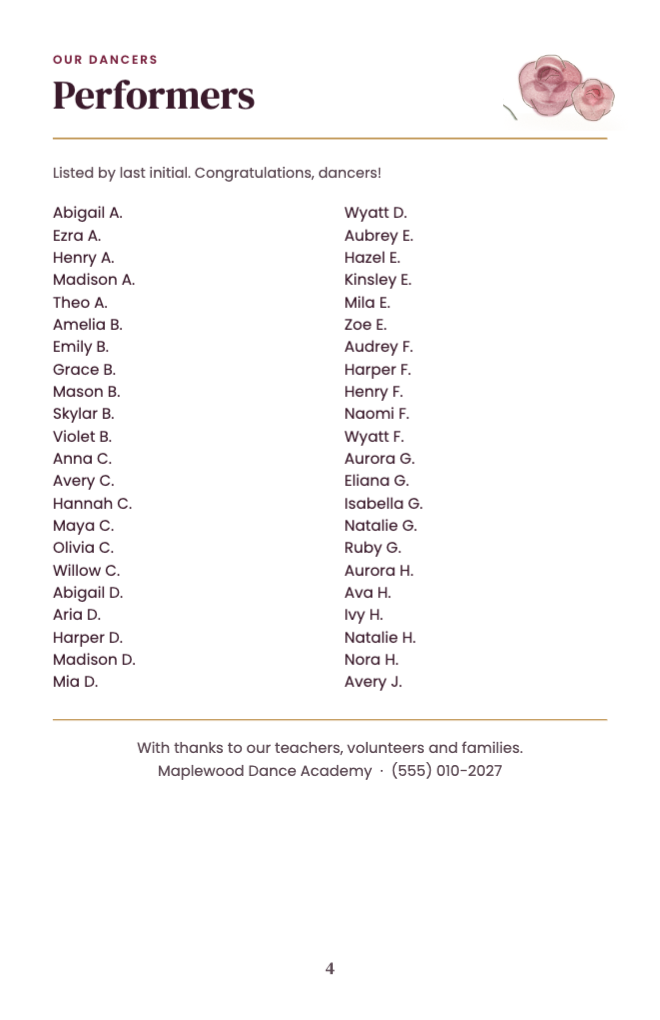
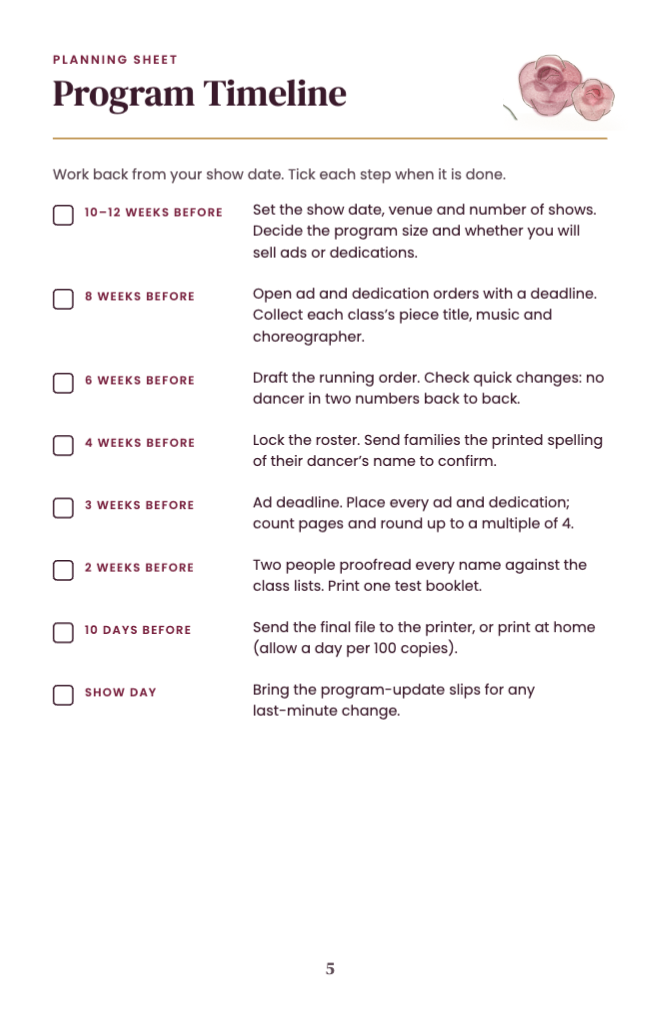
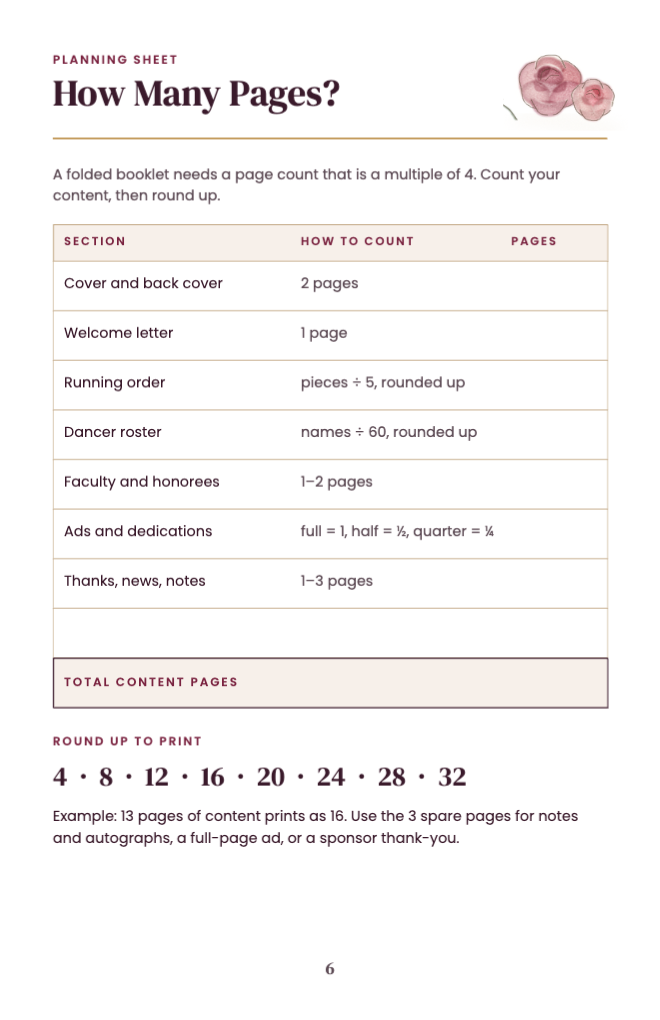
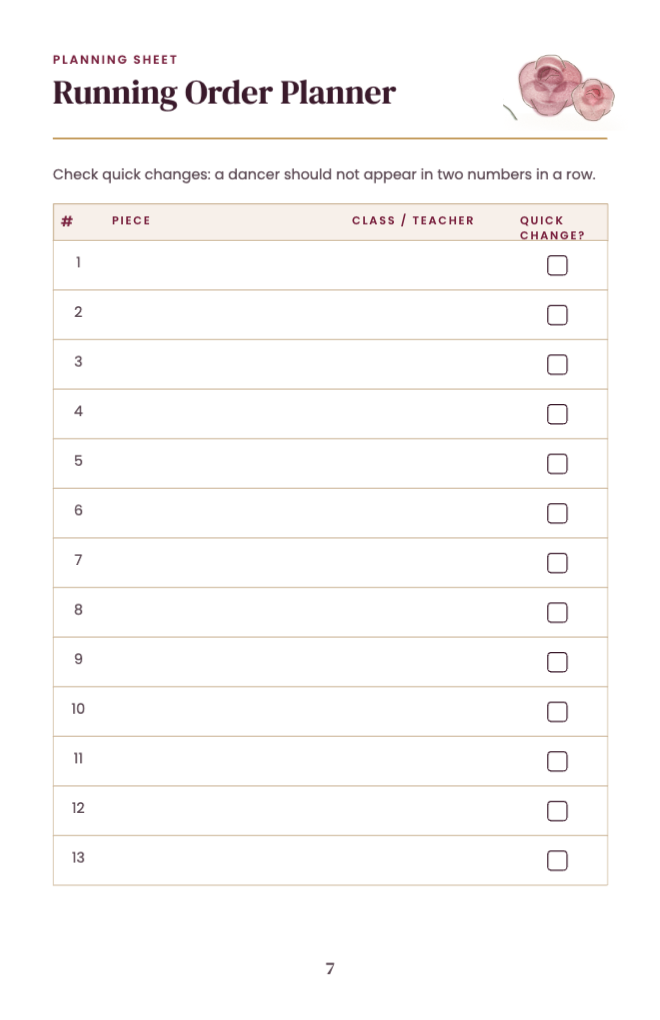
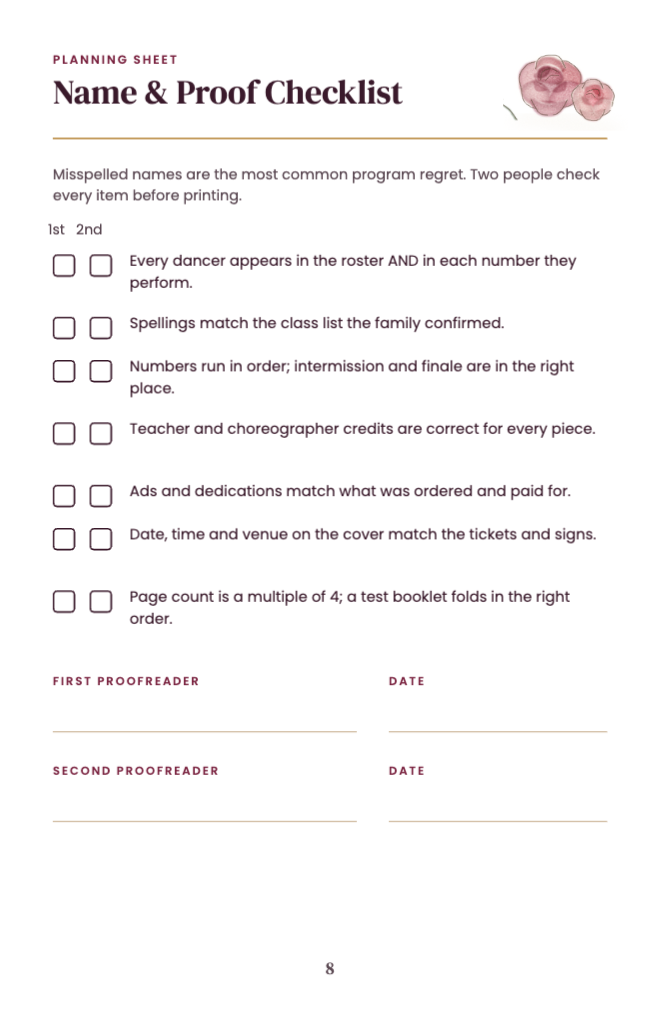
The free starter has a 4-page program and four planning sheets: a timeline, a page-count planner, a running-order planner and a name and proof checklist.
Every name, date and piece is its own text box. Nothing is baked into the artwork.
What the free template includes
- A 4-page program with a painted stage cover
- Two running-order pages, five pieces each
- A performers page in two columns
- Recital timeline, page-count planner, running-order planner and proof checklist
Type the running order first
Each piece has a title, a line for the music and a line for the class and teacher, and room for three lines of performers. Five pieces fit on a page; add a page for more, in fours.
Paste your performers
A performer column is one text box: paste one name per line. Each column holds thirty names; when a list is longer, continue it in the next column or page. BoboCreate does not flow text from page to page.
Keep the page count in fours
A folded, stapled booklet needs 4, 8, 12 or 16 pages. Use spare pages for notes and autographs, a full-page ad or a thank-you.
Print it as a booklet
Export the PDF from BoboCreate. BoboCreate does not automatically impose pages for a folded booklet. At home, open the exported PDF in Adobe Acrobat Reader and print with Booklet, both sides, binding left, flipping on the short edge, then fold and staple. At a print shop, send the single pages in reading order and ask for saddle-stitched 5.5 × 8.5 in booklets.
What the full collection adds
The premium collection adds a 16-page program with faculty, graduating dancers, dedications and sponsors, two alternative covers, an ink-saver and matching tickets, reserved-seat signs, a welcome sign, thank-you cards and program-update slips. It is available on Bobotemp for $16.99.
Open the editable template in BoboCreate
- Download and install BoboCreate Desktop for Mac or Windows.
- Download the free `free-recital-program-starter.bobo` file.
- In BoboCreate, choose Open or Import and select the file.
- Type your studio, show, running order and performers; check every name twice.
- Export a PDF and print it as a booklet (both sides, flip on the short edge) or send it to a print shop.
Download BoboCreate for Mac · Download BoboCreate for Windows
The free source is for your own recital. Do not resell or redistribute the design. Print children’s names and photos only with their families’ permission. Physical printing of this edition has not yet been tested.