
Free PDF + editable BoboCreate template
Free First Recital Certificate
A first recital is a big step. This free certificate opens in BoboCreate, so you can type a student’s name and give them something to keep.
Both downloads are the free edition. The .bobo file opens in BoboCreate Desktop.
The editable file imports in BoboCreate Free 0.3.19 or later. It uses one of Free's three design places, and its own artwork does not count toward your three uploaded images. Older versions of the app need BoboCreate activated to import it, so update BoboCreate first.
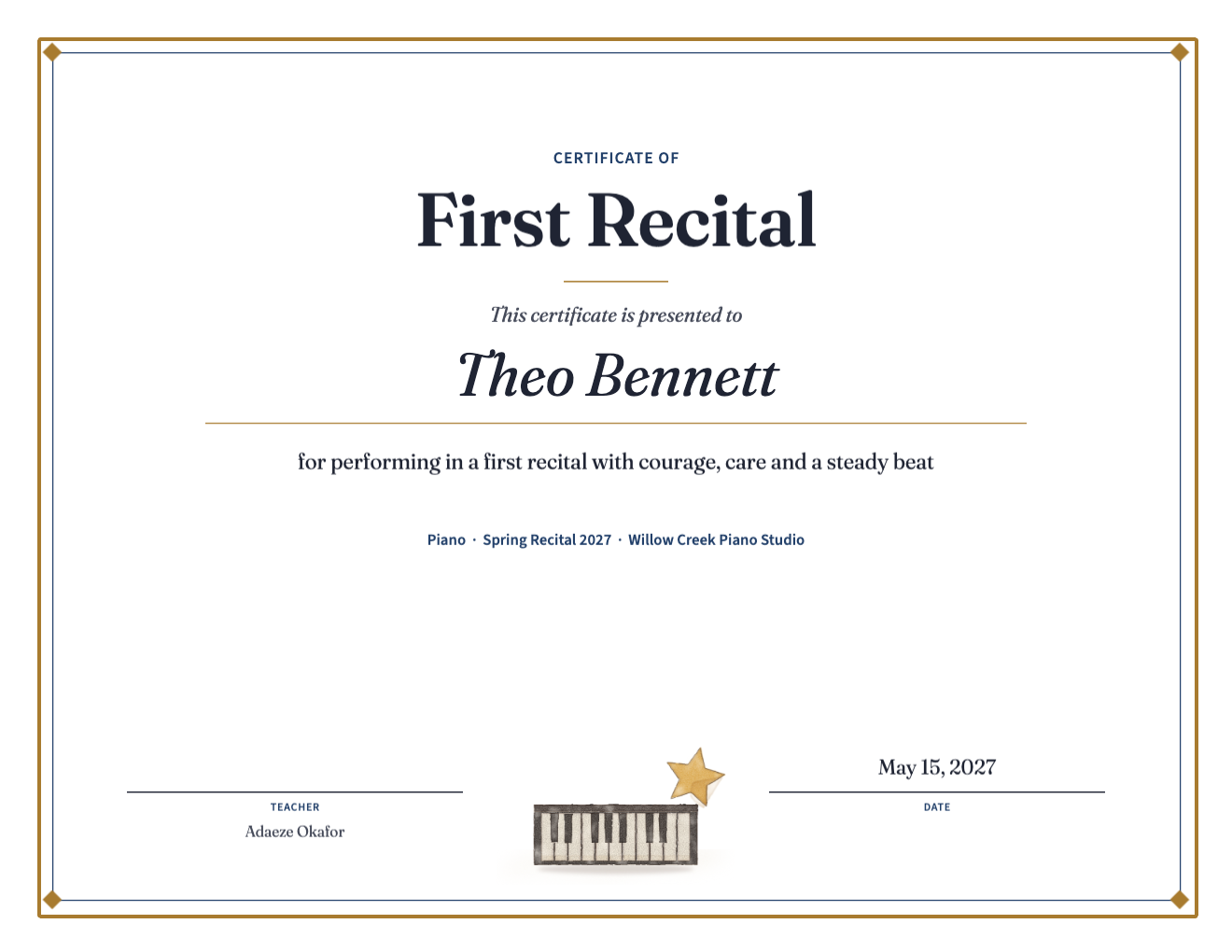
The certificate is landscape US Letter with a classic frame, painted piano keys and a star, and a white space to sign.
The name, achievement line, instrument, date and teacher are separate text boxes.
What the free template includes
- A First Recital certificate, 11 × 8.5 in
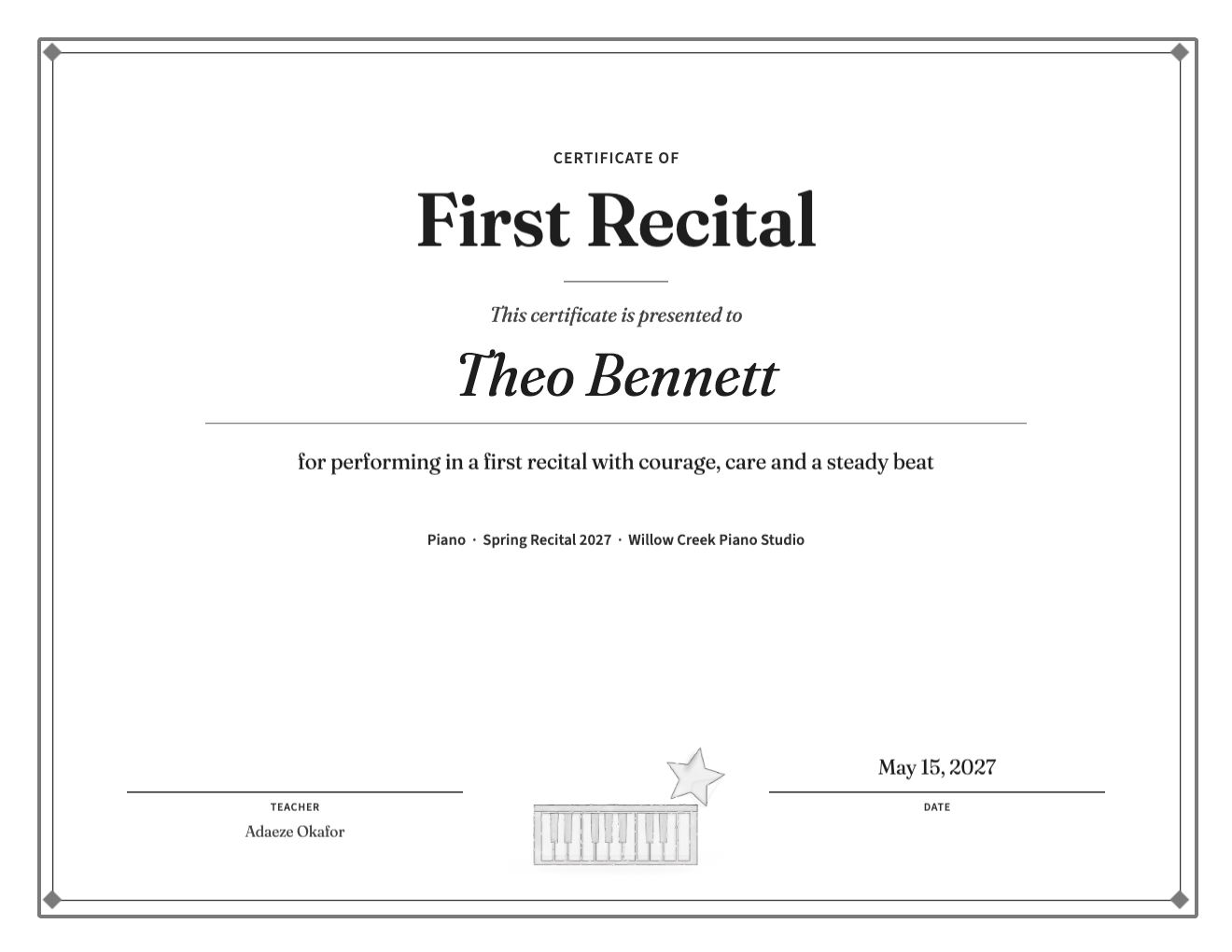
- The same certificate in gray for black-and-white printing
- Editable name, wording, instrument, recital, studio, date and teacher
Celebrate effort, not rank
A studio recital is not a competition. Name what the student did — performed with courage, kept a steady beat, played with feeling — rather than a place.
One page per student
For a whole class, duplicate the page for each student, change the name, and export once: one PDF holds every certificate.
Print and sign
Print at Actual size on cardstock, then sign each certificate by hand in dark ink.
Open the editable template in BoboCreate
- Download and install BoboCreate Desktop for Mac or Windows.
- Download the free `free-first-recital-certificate.bobo` file.
- In BoboCreate, choose Open or Import and select the file.
- Type the student’s name, instrument, recital and date.
- Export a PDF, print and sign.
Download BoboCreate for Mac · Download BoboCreate for Windows
The sample name is invented.
Read the Bobotemp printable guide for the ready-to-print download and practical use instructions.