
Free PDF + editable BoboCreate template
Free Case: Wrong Labels on the Treble Staff
One label in each set is wrong: name every note yourself, find the mistake, say why, and draw the correction.
Both downloads are the free edition. The .bobo file opens in BoboCreate Desktop.
The editable file imports in BoboCreate Free 0.3.19 or later. It uses one of Free's three design places, and its own artwork does not count toward your three uploaded images. Older versions of the app need BoboCreate activated to import it, so update BoboCreate first.
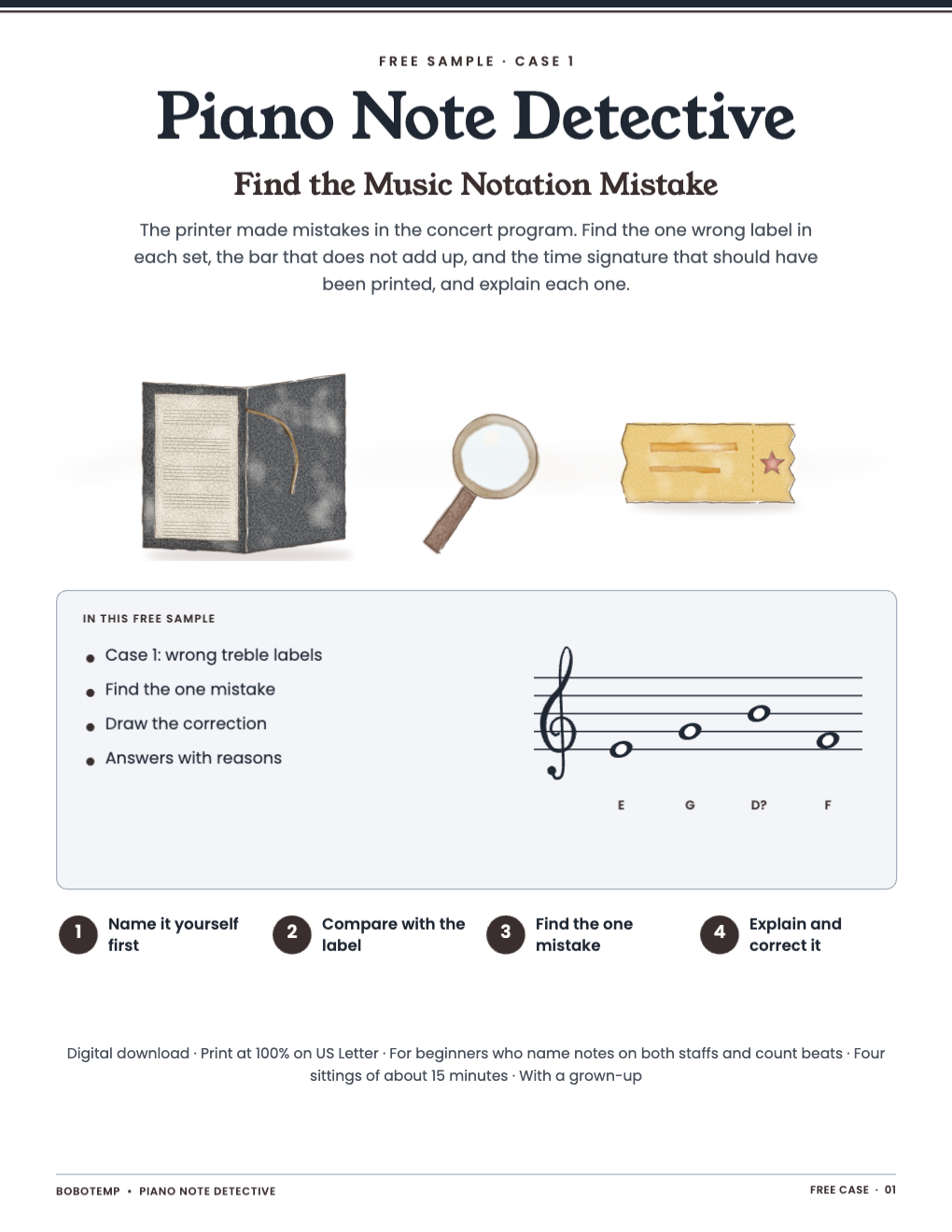
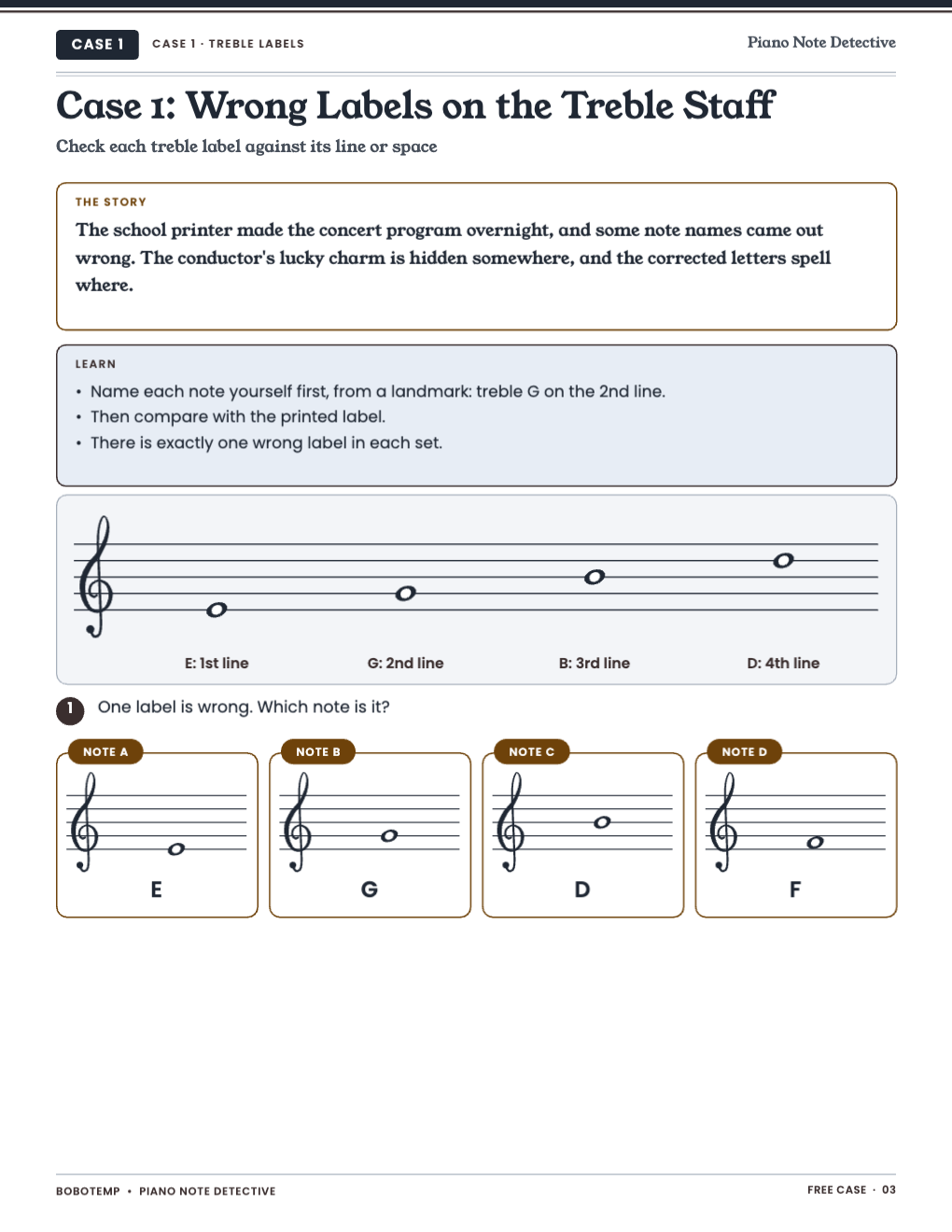
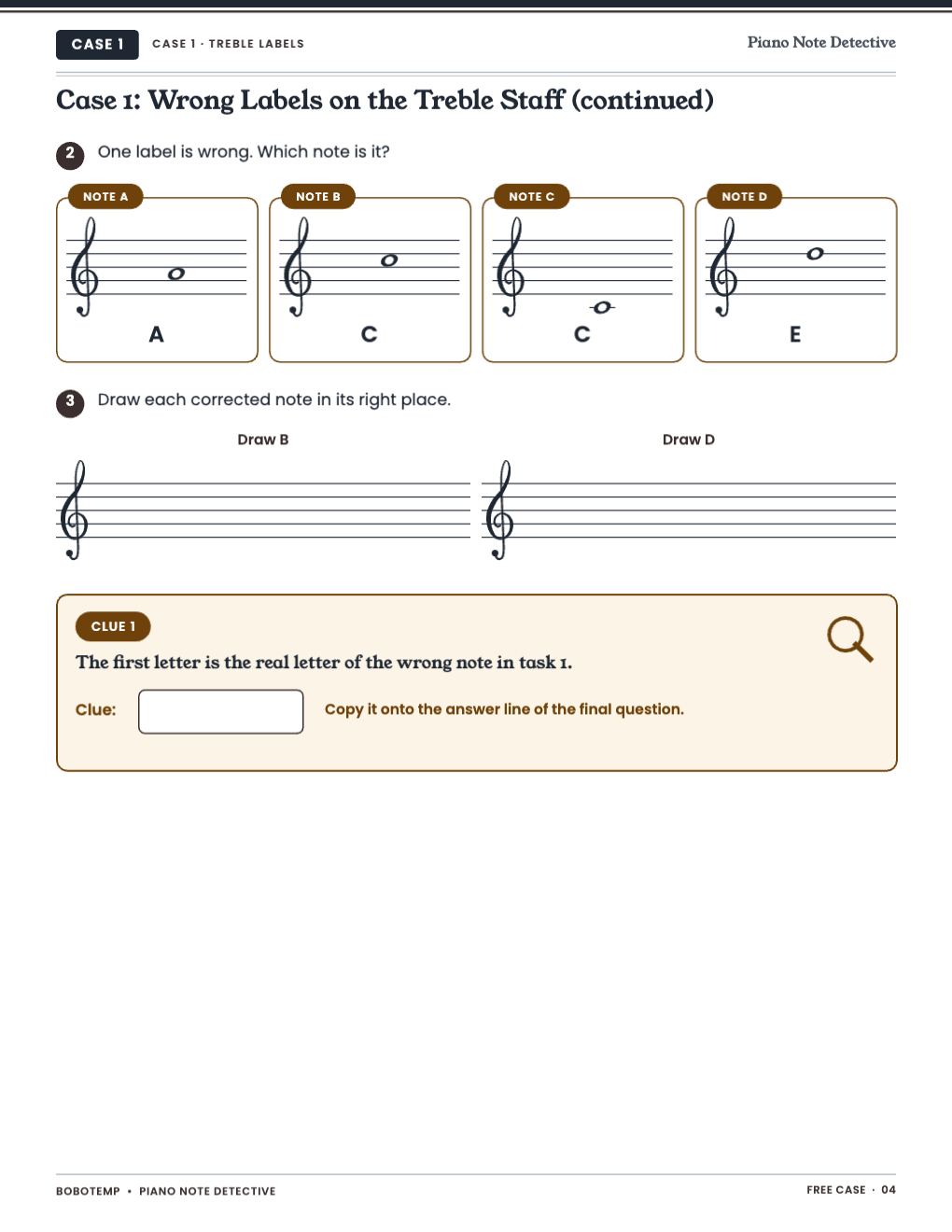
The first case of Find the Music Notation Mistake, complete and free.
Exactly one mistake in every prompt.
What the free template includes
- A story and a Learn box about treble landmarks
- Two find-the-wrong-label tasks
- A draw-the-correction task
- Answers with a reason for each
Name it first
Cover the labels, name each note yourself, then compare.
The full case file
Three more cases: bass labels, rhythm counts, and a mixed-up program.
Open the editable template in BoboCreate
- Download and install BoboCreate Desktop for Mac or Windows.
- Download the free `free-find-the-notation-mistake-sample.bobo` file.
- In BoboCreate, choose Open or Import and select the file.
- Export a PDF.
- Print at 100% on US Letter.
Download BoboCreate for Mac · Download BoboCreate for Windows
Note-reading practice, not a piano method.
Read the Bobotemp printable guide for the ready-to-print download and practical use instructions.