
Free PDF + editable BoboCreate template
How to Edit and Print Your Free Teacher Thank-You Activity Pages
A free 13-page printable for saying thank you to a teacher. Its editable .bobo file opens in BoboCreate Desktop, and the PDF is ready to print without editing.
Both downloads are the free edition. The .bobo file opens in BoboCreate Desktop.
The editable file imports in BoboCreate Free 0.3.19 or later. It uses one of Free's three design places, and its own artwork does not count toward your three uploaded images. Older versions of the app need BoboCreate activated to import it, so update BoboCreate first.
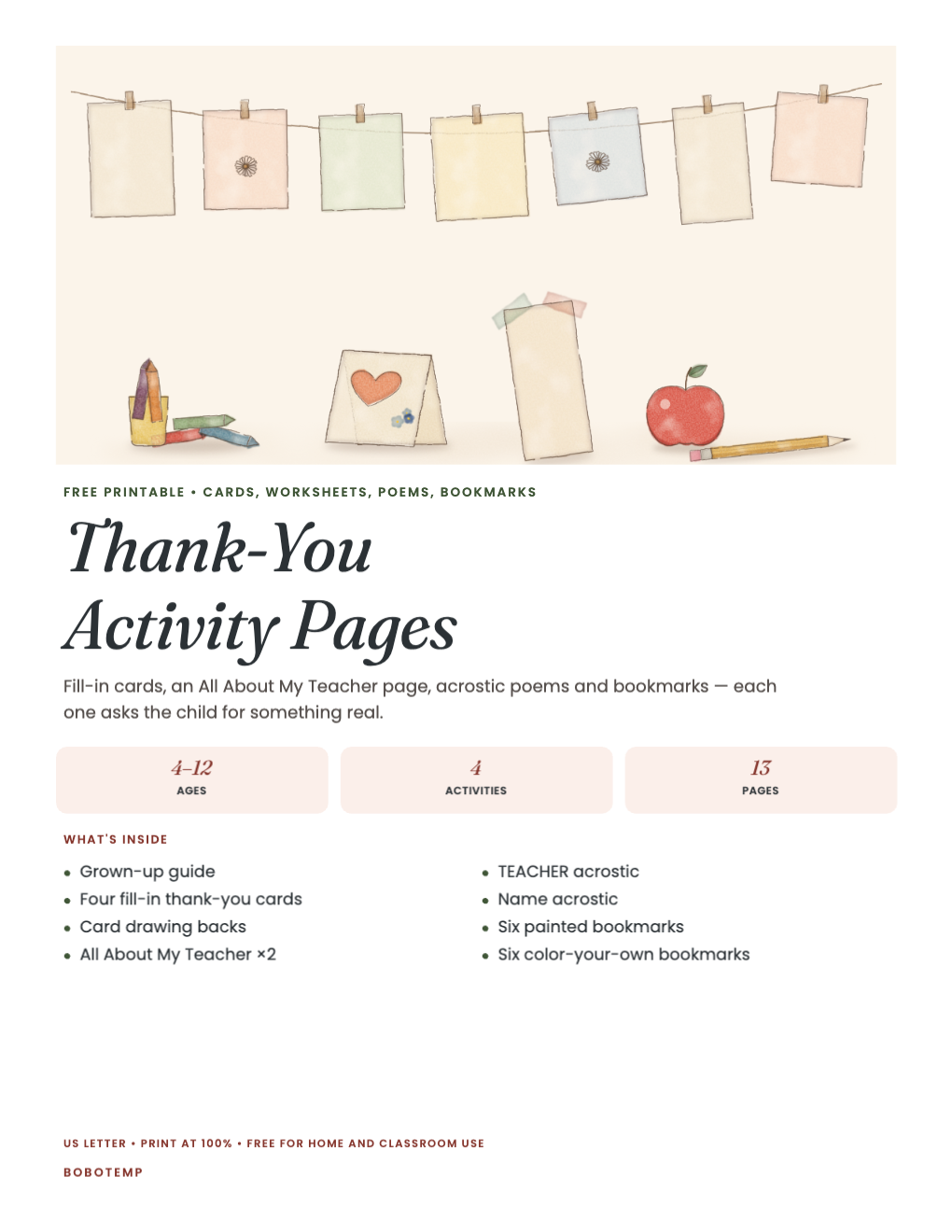
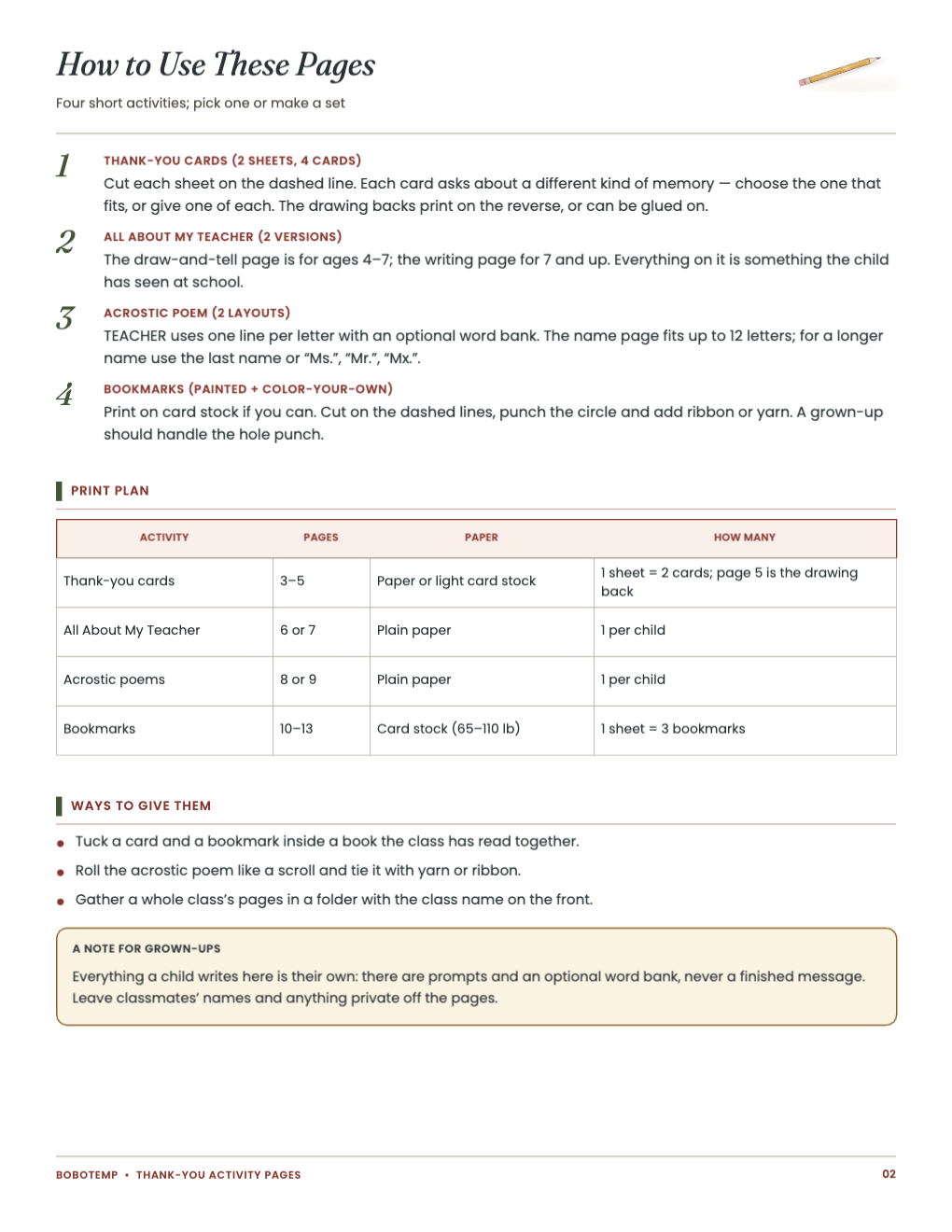
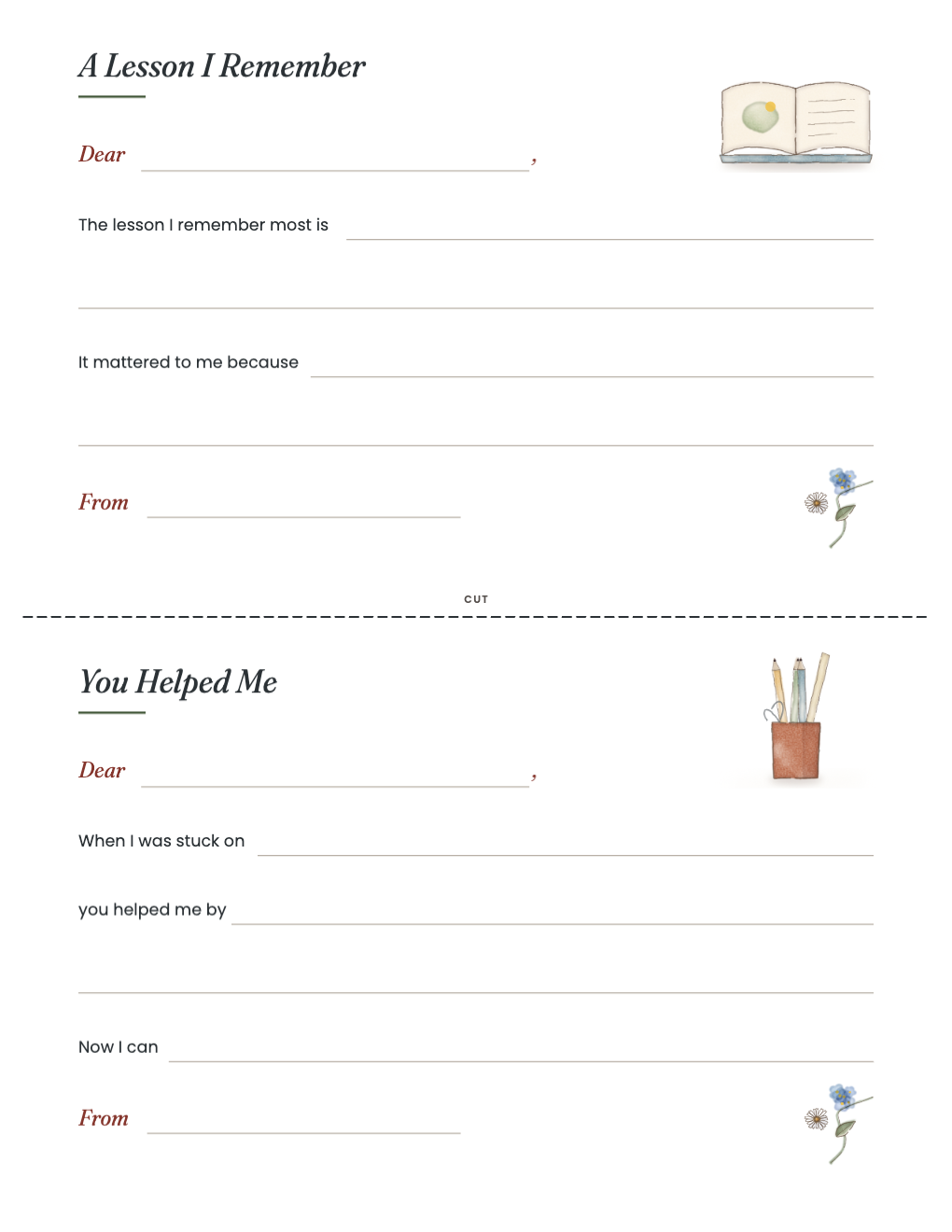
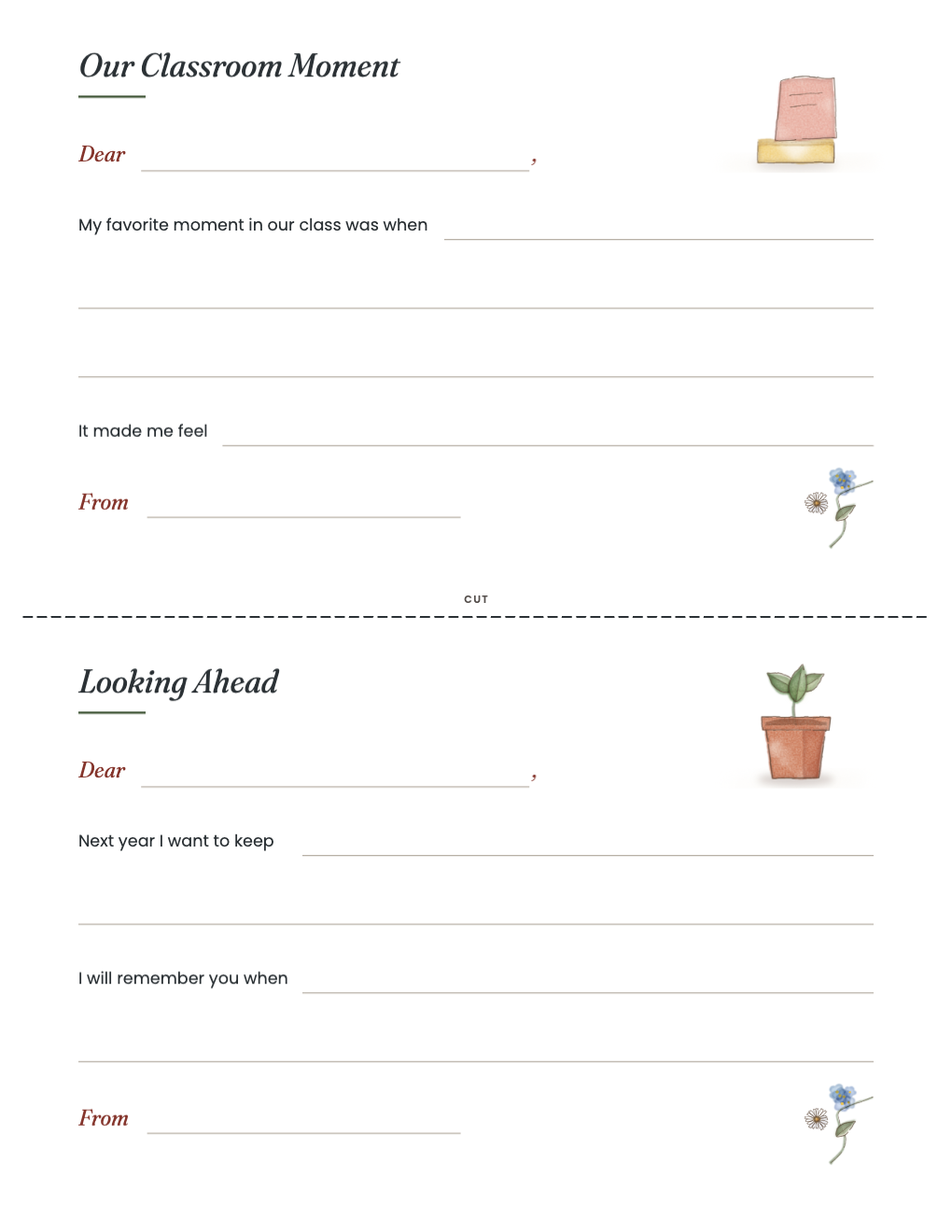
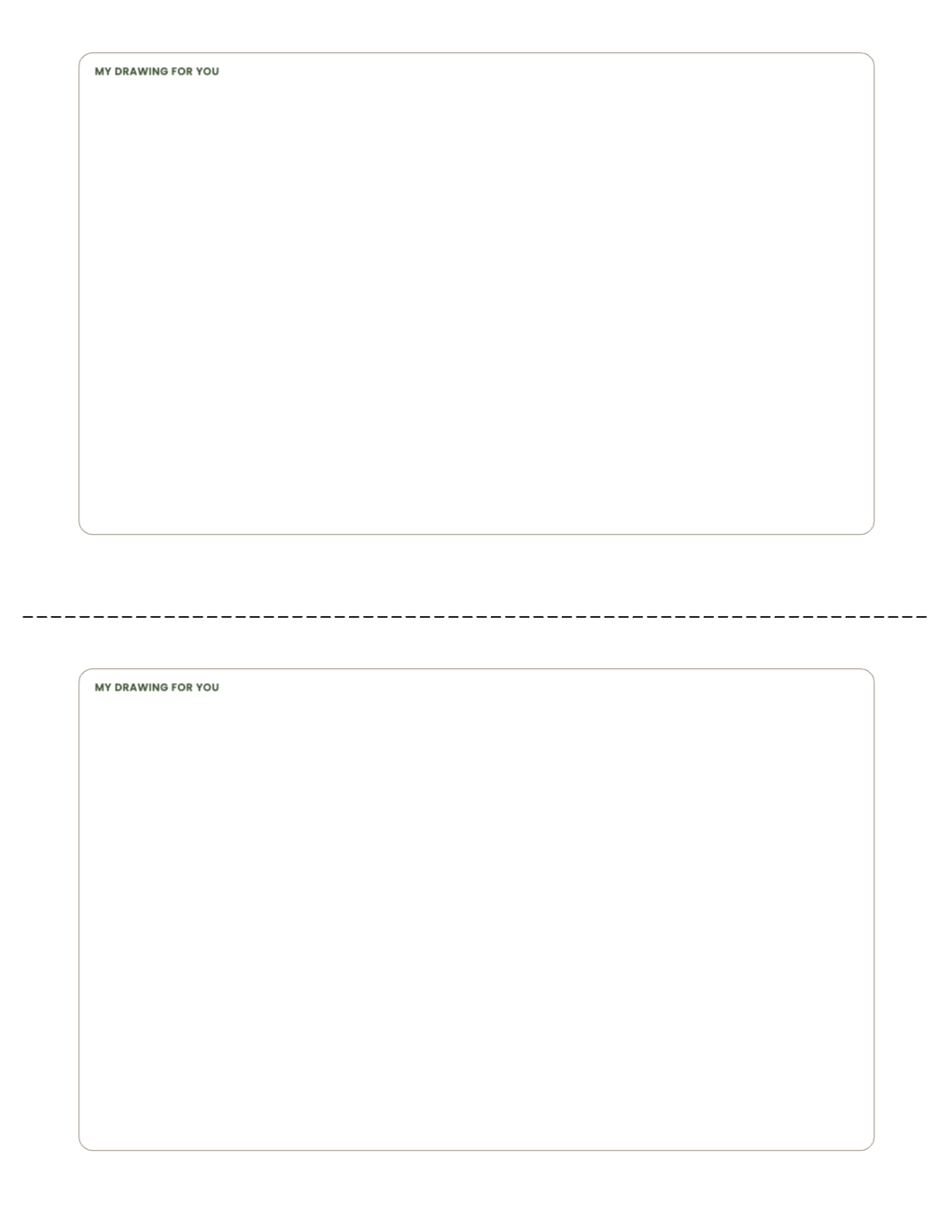
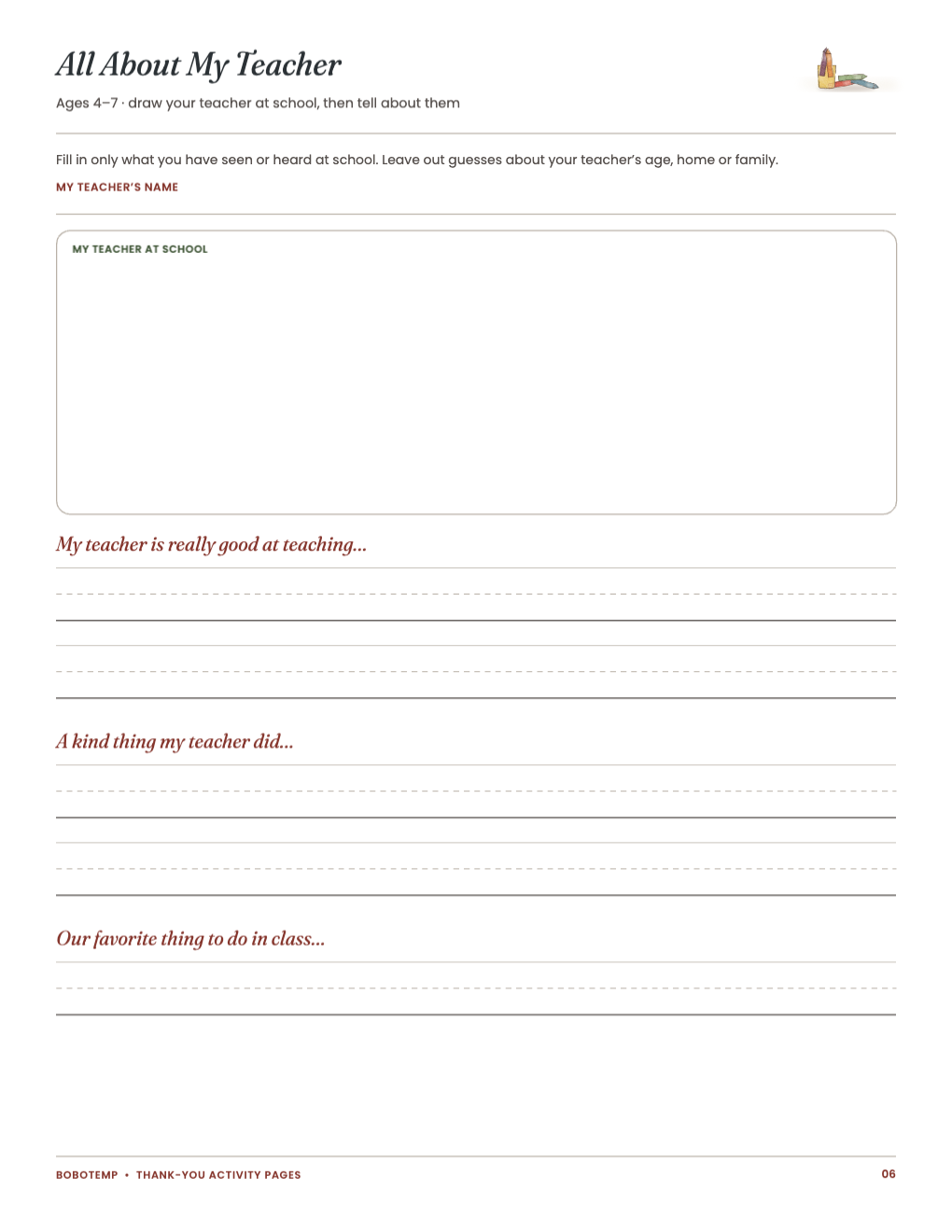
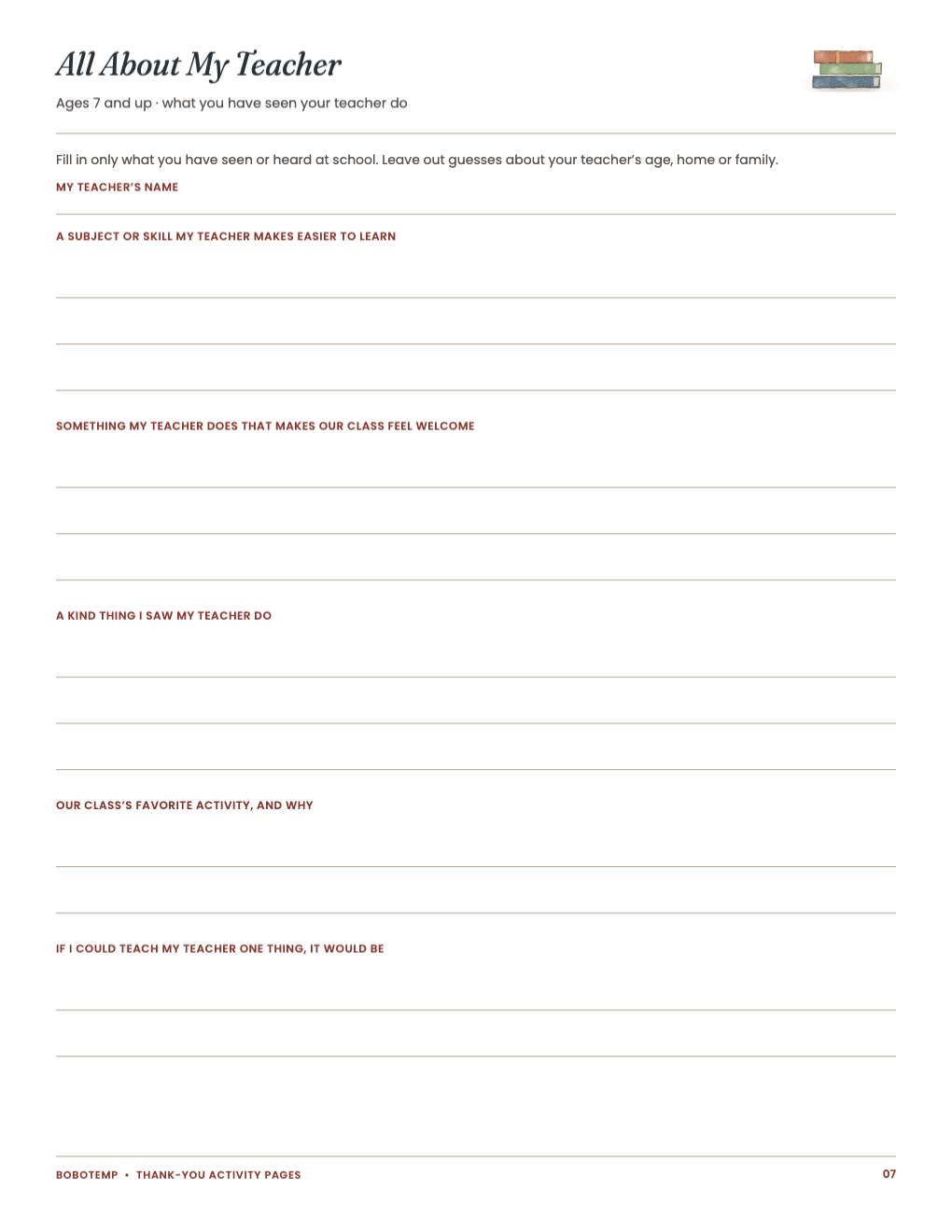
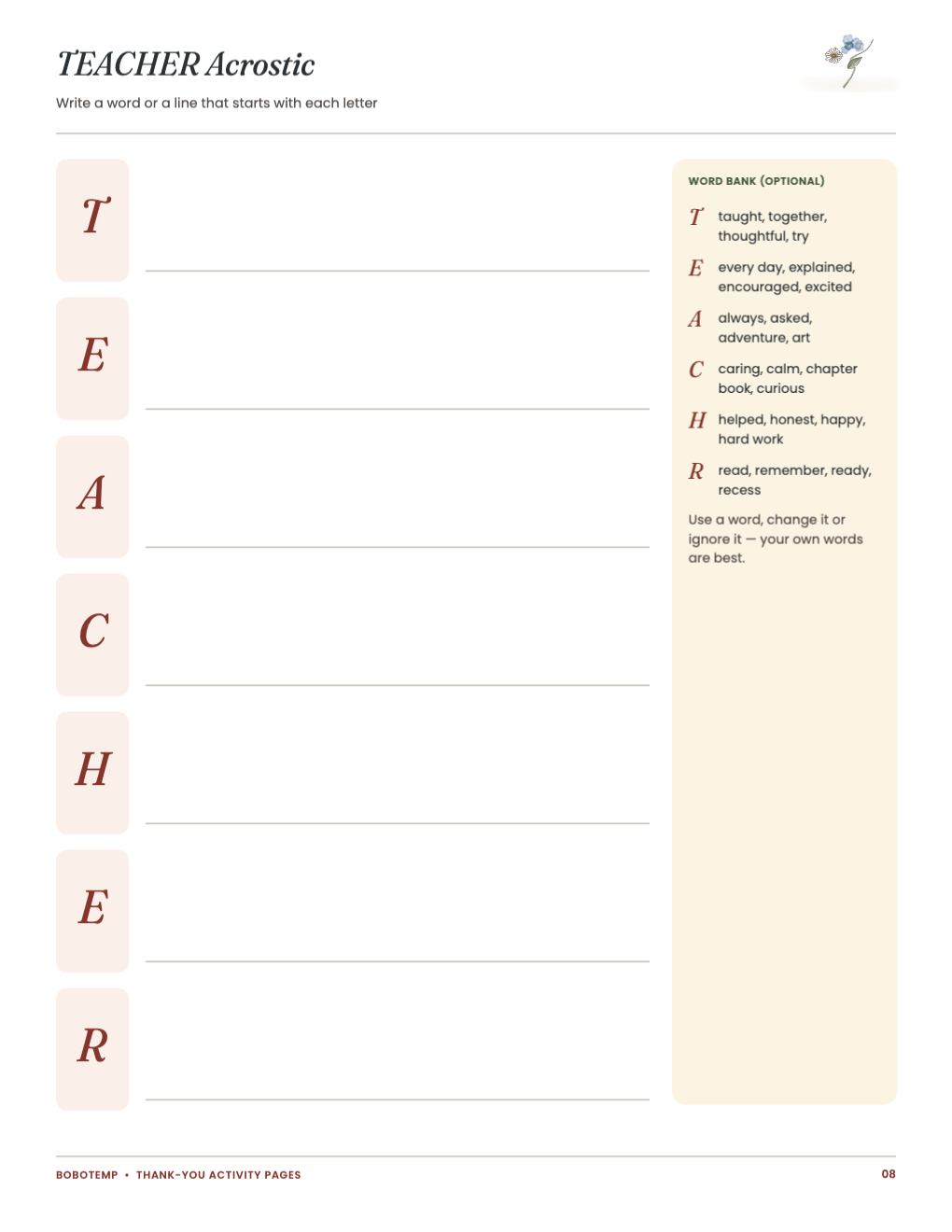
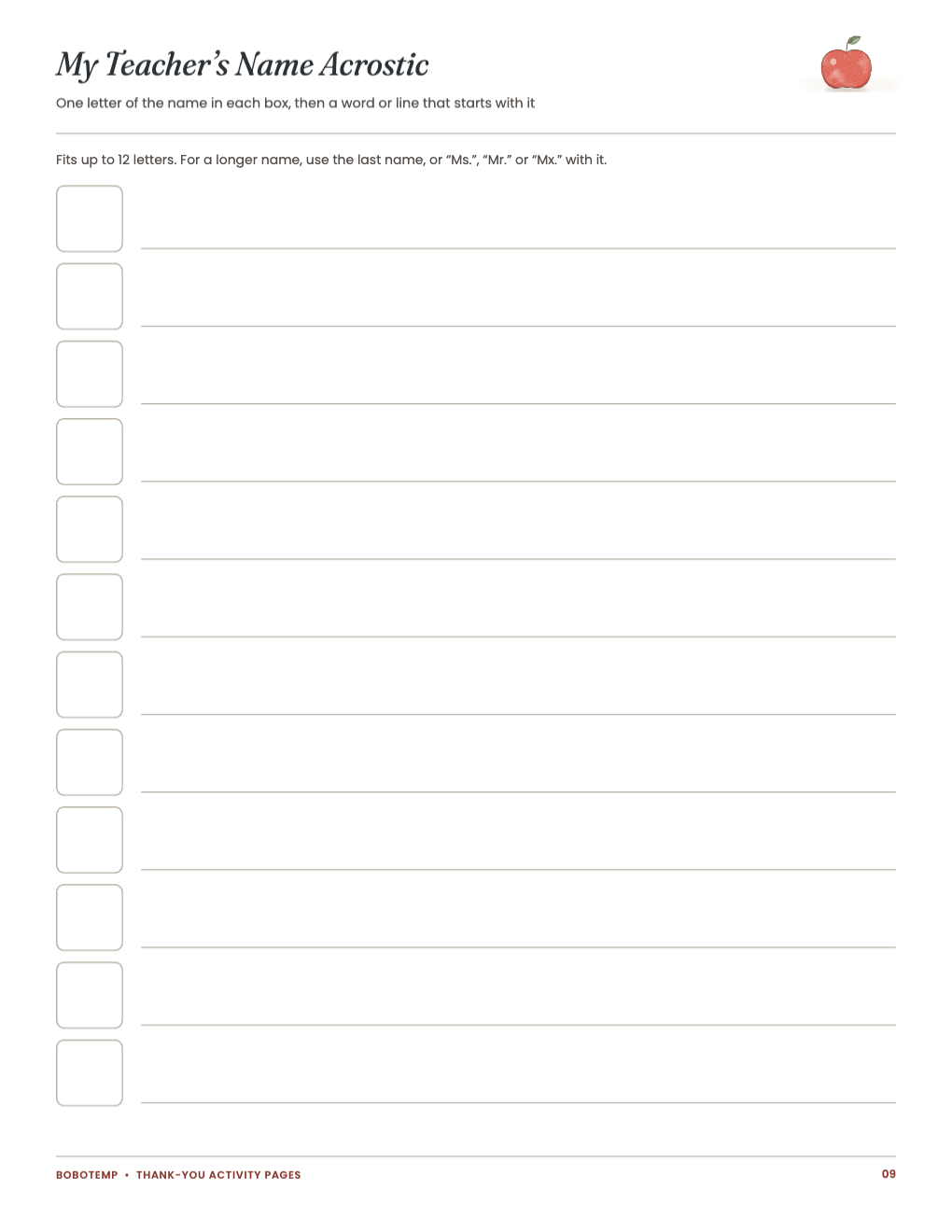
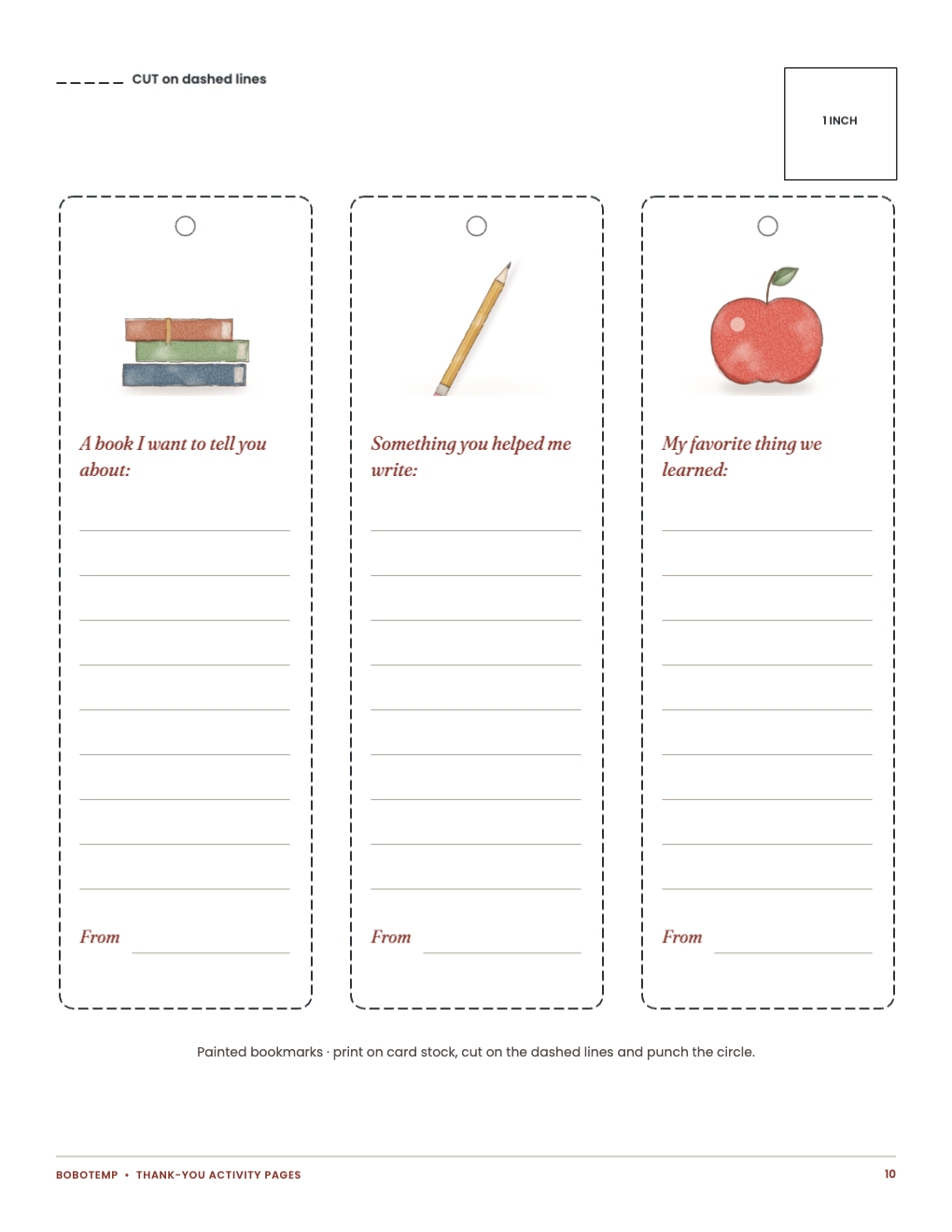
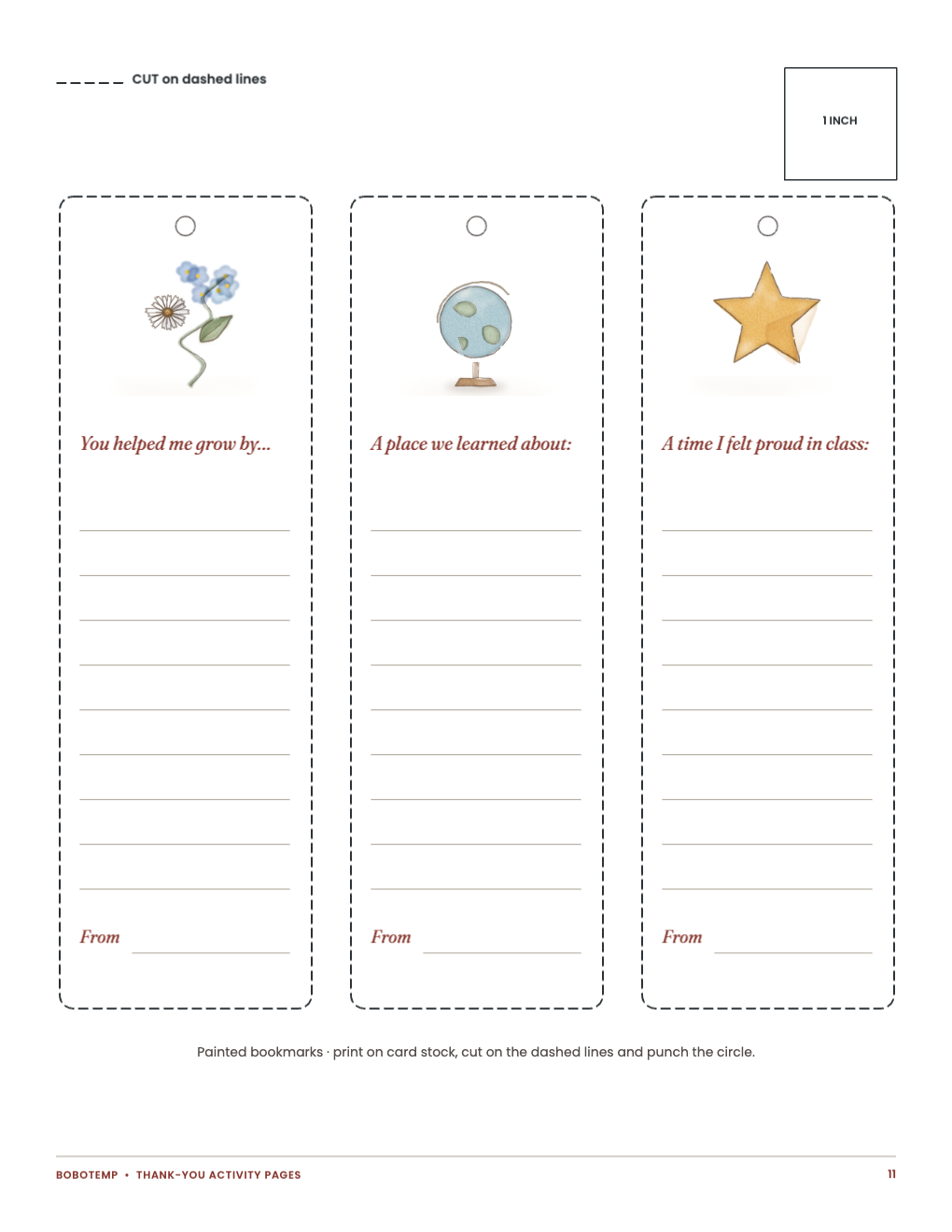
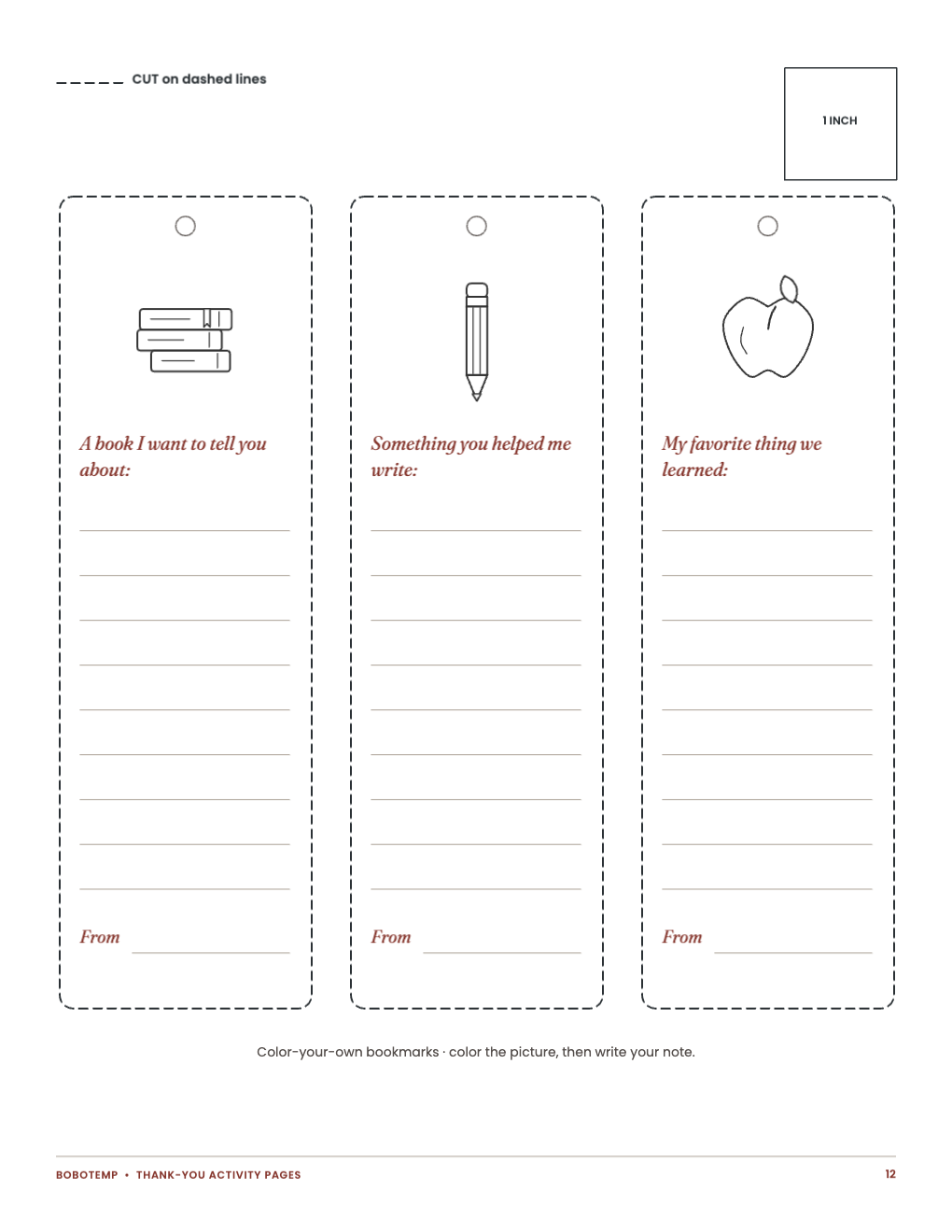
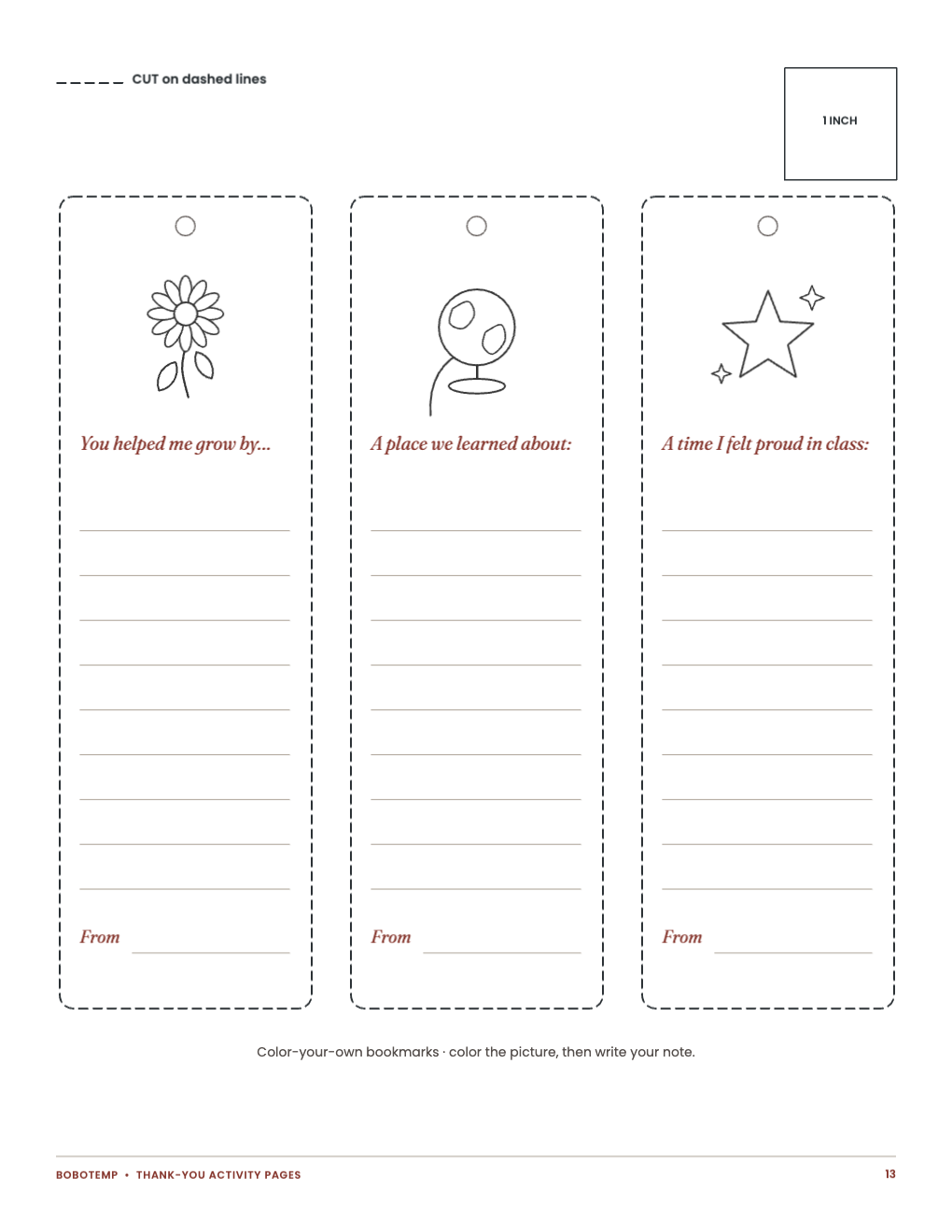
This free printable includes four fill-in thank-you cards with drawing backs, all About My Teacher in two versions, tEACHER and name acrostic poems and six painted and six color-your-own bookmarks.
You can change the wording in BoboCreate Desktop, or print the PDF exactly as it is.
What the free template includes
- Four fill-in thank-you cards with drawing backs
- All About My Teacher in two versions
- TEACHER and name acrostic poems
- Six painted and six color-your-own bookmarks
Open the editable file
Download the free .bobo and import it into BoboCreate Desktop. It opens as one design with all 13 pages.
Make it yours
Every page asks for the child’s own words: prompts and an optional word bank, never a finished message.
Print the pages you need
Print US Letter at Actual Size or 100%; bookmarks on card stock.
Open the editable template in BoboCreate
- Download the free .bobo, or use the ready-to-print PDF.
- In BoboCreate Desktop choose Open or Import, then select the .bobo file.
- Change only the wording you need and preview all 13 pages.
- Export a PDF and print US Letter at Actual Size.
Download BoboCreate for Mac · Download BoboCreate for Windows
Leave classmates’ names and anything private off the pages.
Read the Bobotemp printable guide for the ready-to-print download and practical use instructions.