
Free PDF + editable BoboCreate template
How to Edit and Print Your Free Puzzle-Piece Class Thank-You
A free 3-page sampler for saying thank you to a teacher. Its editable .bobo file opens in BoboCreate Desktop, and the PDF is ready to print without editing.
Both downloads are the free edition. The .bobo file opens in BoboCreate Desktop.
The editable file imports in BoboCreate Free 0.3.19 or later. It uses one of Free's three design places, and its own artwork does not count toward your three uploaded images. Older versions of the app need BoboCreate activated to import it, so update BoboCreate first.
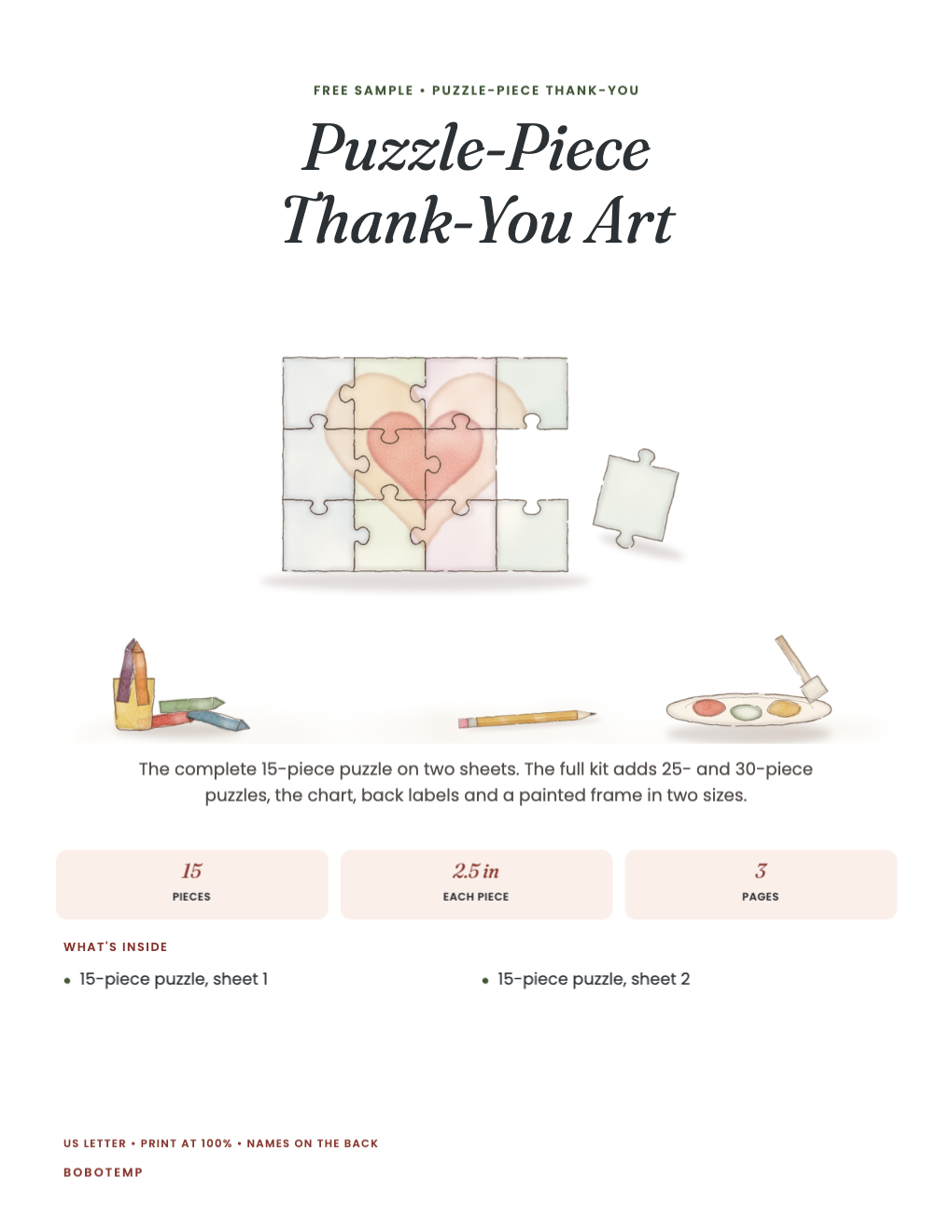
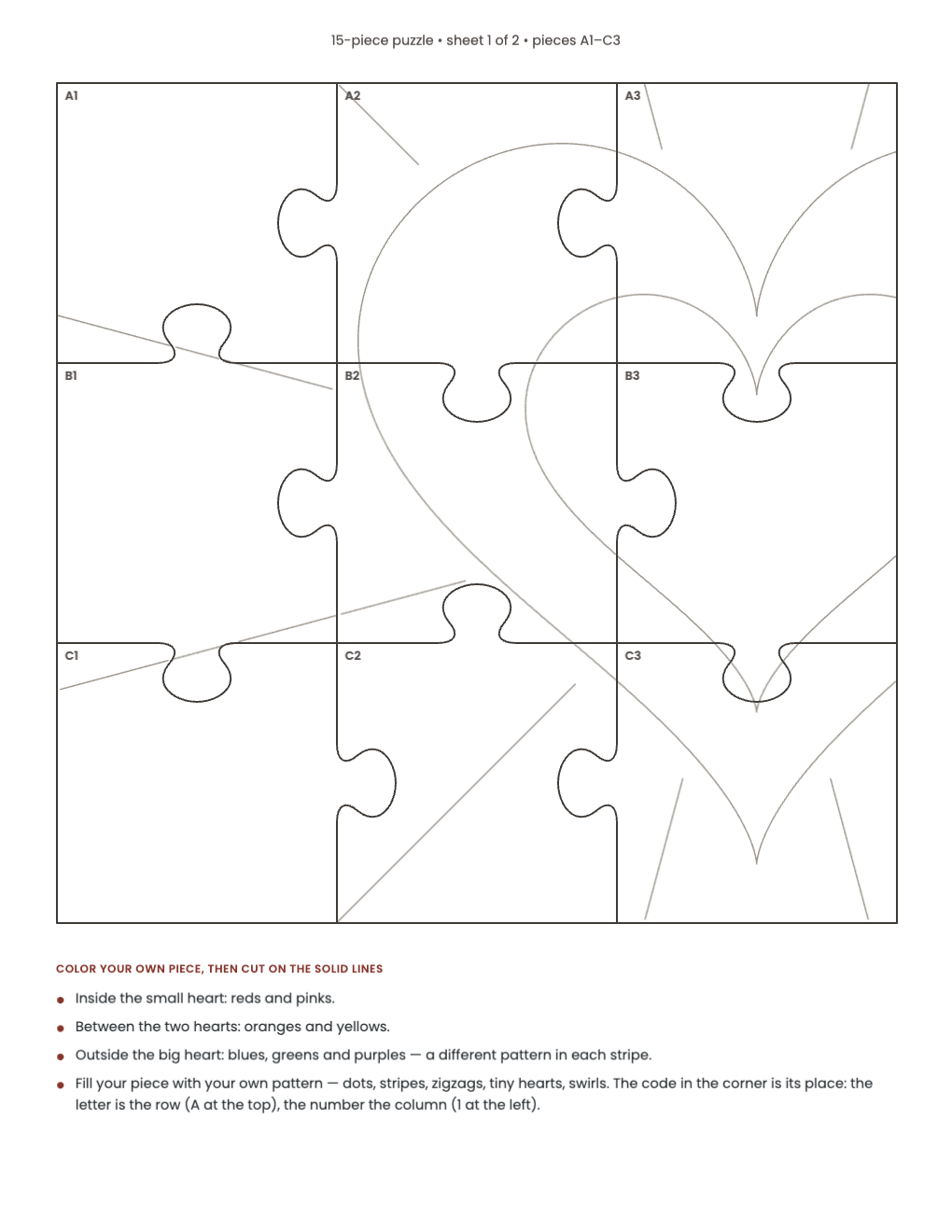
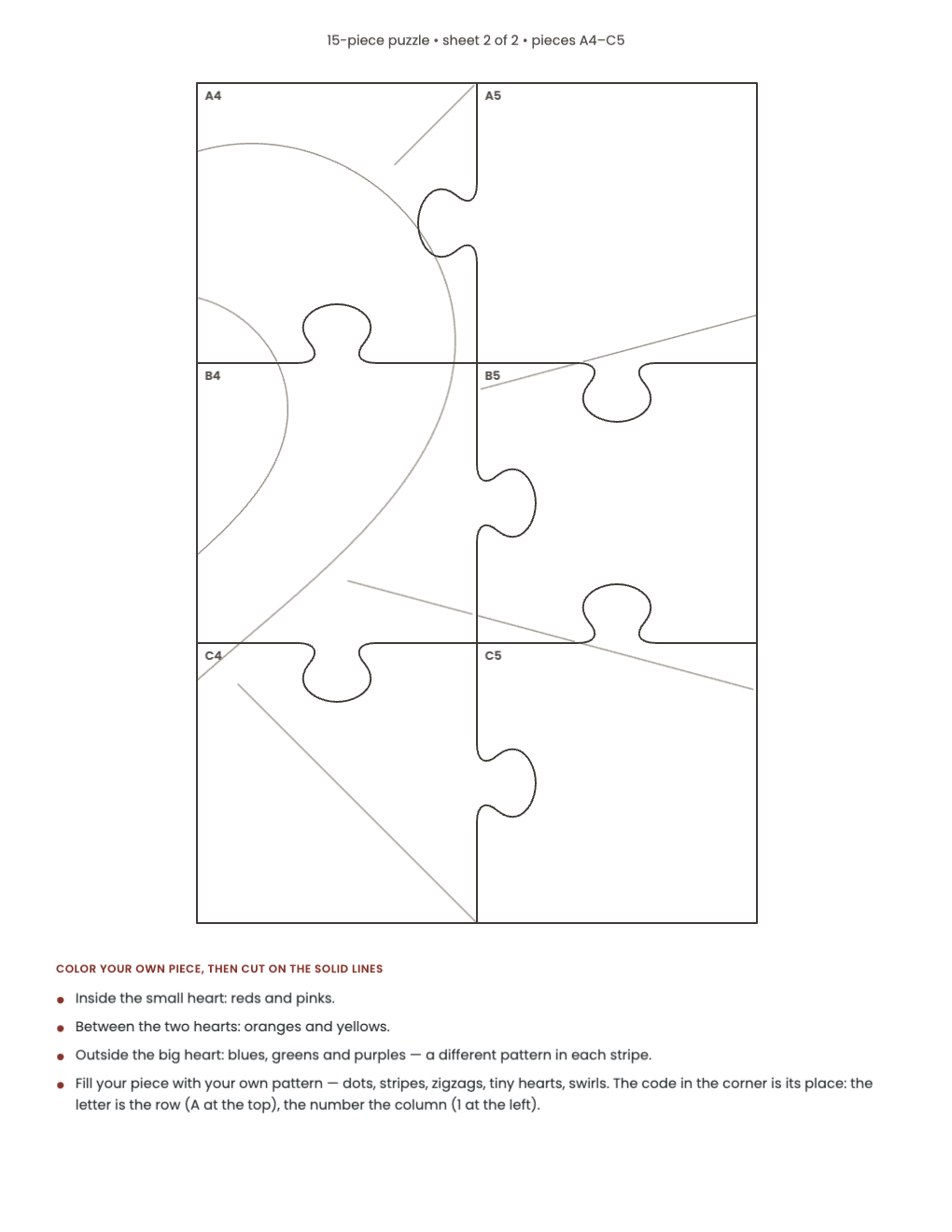
This free sampler includes a complete 15-piece puzzle on two sheets, 2.5 in pieces; and coloring zones, so the heart still shows when every piece is different.
You can change the wording in BoboCreate Desktop, or print the PDF exactly as it is.
What the free template includes
- A complete 15-piece puzzle on two sheets, 2.5 in pieces
- Coloring zones, so the heart still shows when every piece is different
Open the editable file
Download the free .bobo and import it into BoboCreate Desktop. It opens as one design with all 3 pages.
Make it yours
Each piece has a code: the letter is the row (A at the top) and the number is the column (1 at the left).
Print the pages you need
Print US Letter at Actual Size or 100%, on card stock if you can. Children color first, then cut on the solid lines, or a grown-up cuts. The full kit adds 25- and 30-piece puzzles, an assembly chart, back labels and a painted frame in two sizes.
Open the editable template in BoboCreate
- Download the free .bobo, or use the ready-to-print PDF.
- In BoboCreate Desktop choose Open or Import, then select the .bobo file.
- Change only the wording you need and preview all 3 pages.
- Export a PDF and print US Letter at Actual Size.
Download BoboCreate for Mac · Download BoboCreate for Windows
Children’s names stay off the display.
Read the Bobotemp printable guide for the ready-to-print download and practical use instructions.