
Free PDF + editable BoboCreate template
How to Customize a Graduation Memory Station
An open house has guests arriving at different times. A quiet writing station works without a group game or fixed schedule.
Both downloads are the free edition. The .bobo file opens in BoboCreate Desktop.
The editable file imports in BoboCreate Free 0.3.19 or later. It uses one of Free's three design places, and its own artwork does not count toward your three uploaded images. Older versions of the app need BoboCreate activated to import it, so update BoboCreate first.
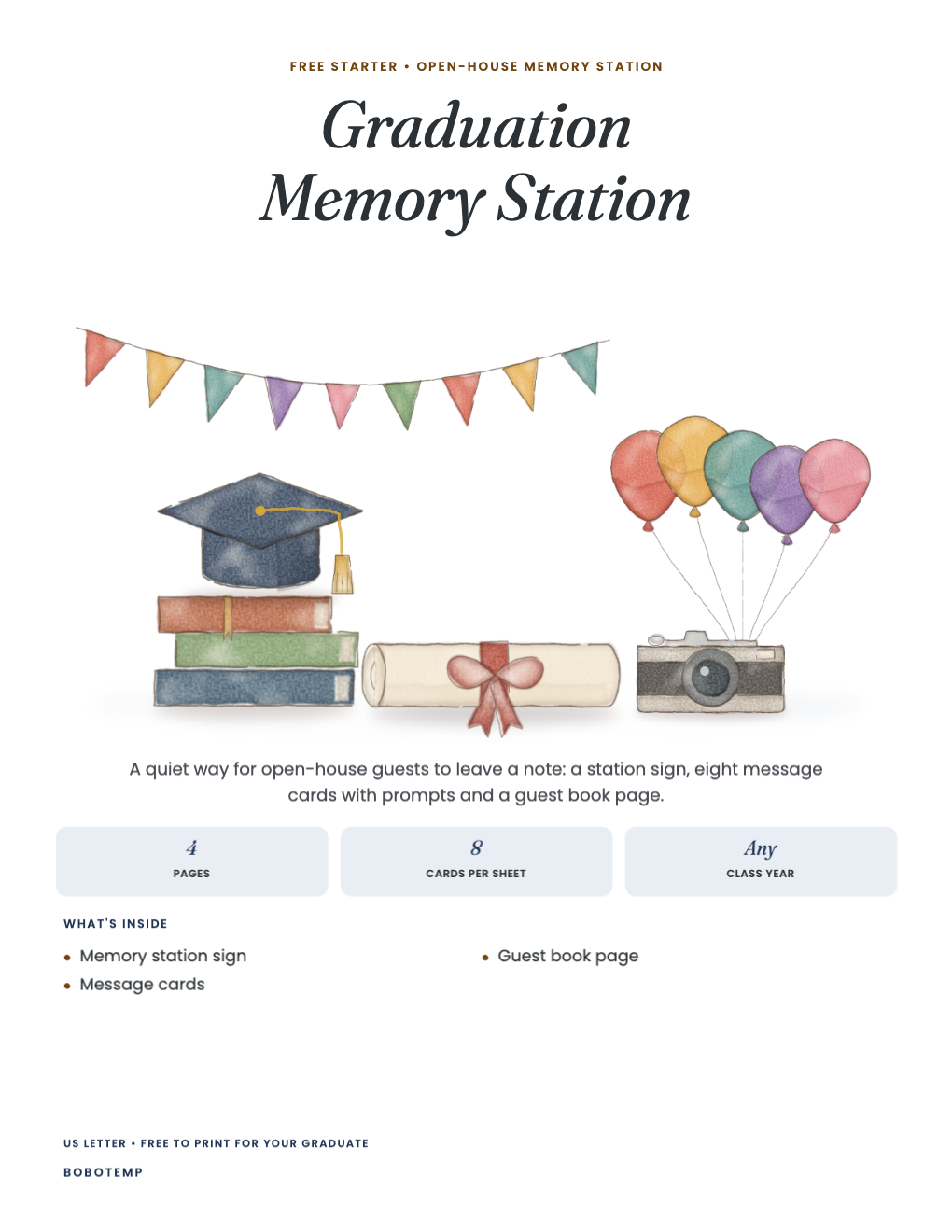
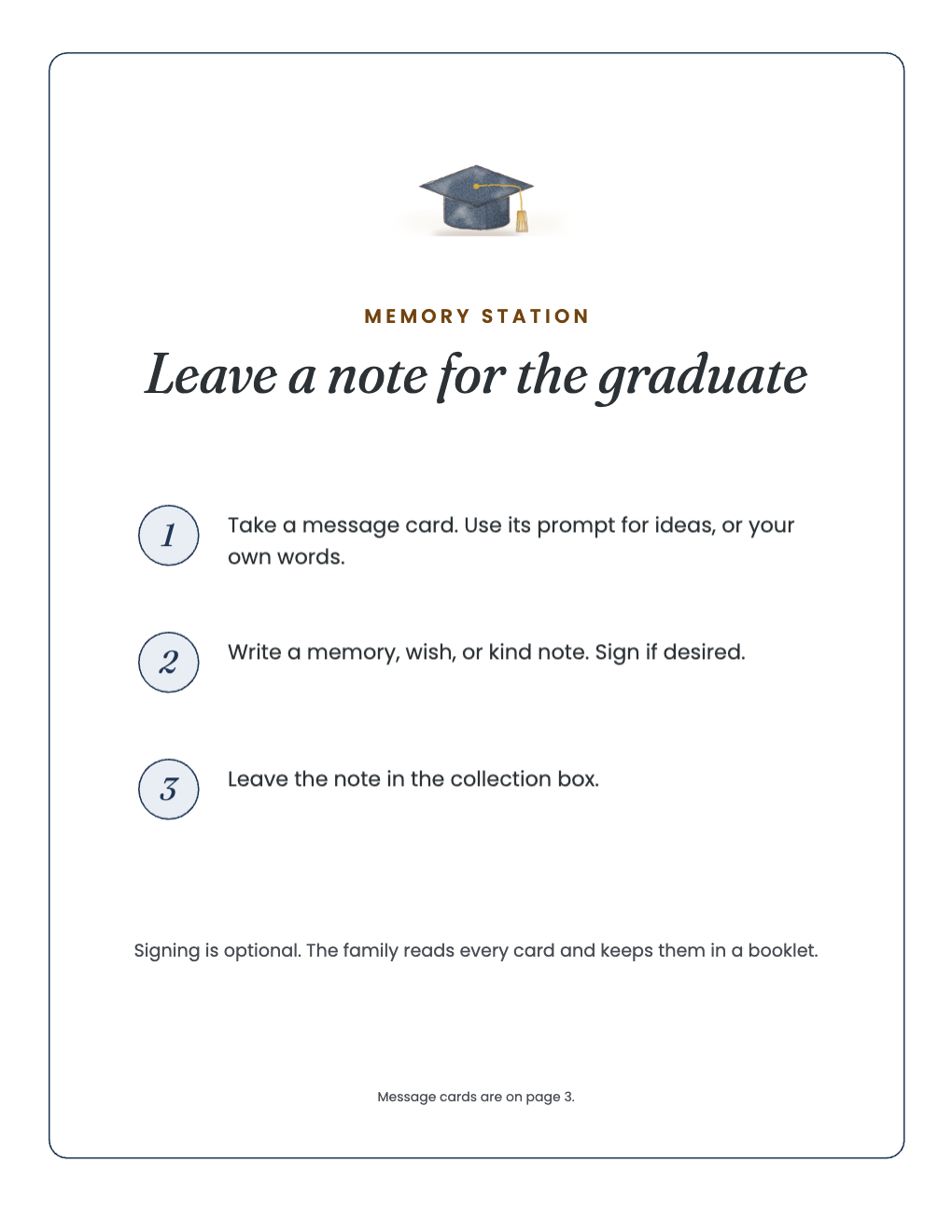
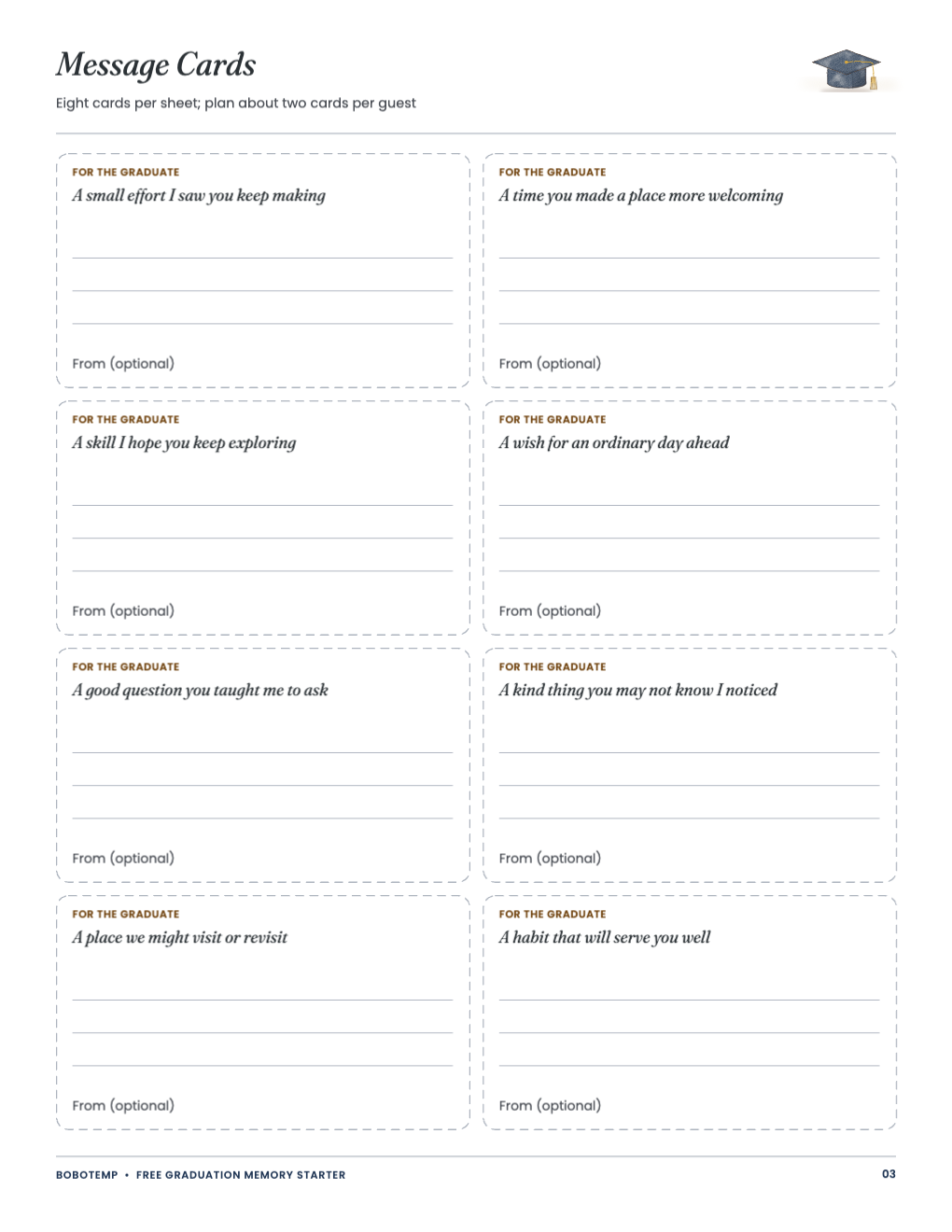
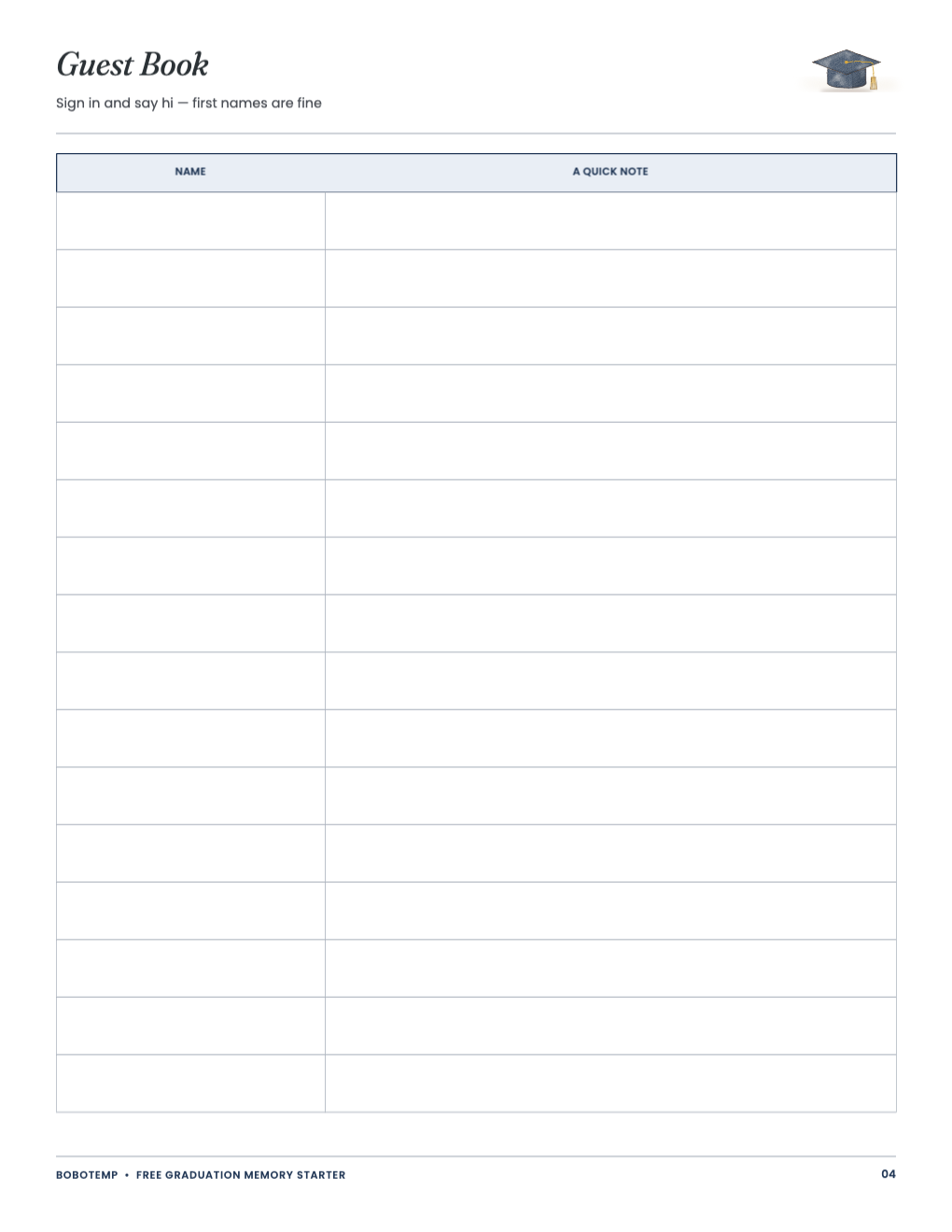
The free PDF prints as-is, and its .bobo is one editable BoboCreate Desktop design.
Nothing prints a year: write the graduate’s name and class on the sign, or type it in BoboCreate.
What the free template includes
- Memory station sign
- Eight prompt message cards
- Guest book page
Open the free design
Import the .bobo in BoboCreate Desktop. It is one four-page design with two pictures (the cover still life and a small mortarboard), so it uses one of the Free plan’s three design places.
Make it theirs
Type the graduate’s name on the sign or write it by hand. Keep the prompts or change them to your own words.
Set out the station
Place the sign, cards, pens and a box near the door, away from food and drinks. Signing a card is optional. The premium kit adds a keepsake booklet for the notes.
Open the editable template in BoboCreate
- Download the free PDF or the editable .bobo.
- Import the .bobo into BoboCreate Desktop if you want edits.
- Preview all four pages.
- Print the sign once and the cards for your guest count.
Download BoboCreate for Mac · Download BoboCreate for Windows
Guests supply every message. Ask before sharing anyone’s note or photograph.
Read the Bobotemp printable guide for the ready-to-print download and practical use instructions.