
Free PDF + editable BoboCreate template
How to Customize a Free Mah-Jongg Night Organizer
A social game night runs more smoothly when names, tables and hand results are easy to record. This starter leaves rules and scoring to the current card and house rules your group already uses.
Both downloads are the free edition. The .bobo file opens in BoboCreate Desktop.
The editable file imports in BoboCreate Free 0.3.19 or later. It uses one of Free's three design places, and its own artwork does not count toward your three uploaded images. Older versions of the app need BoboCreate activated to import it, so update BoboCreate first.
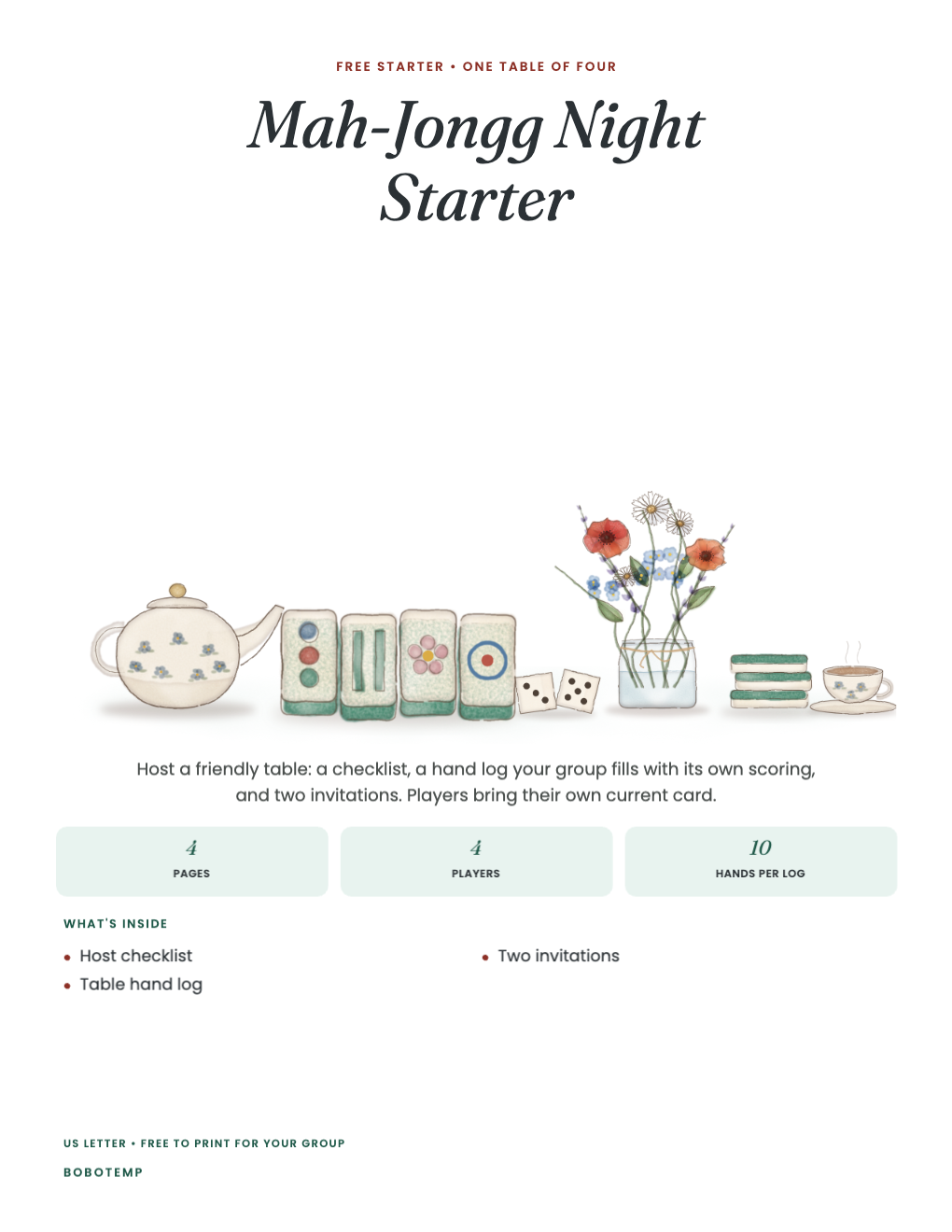
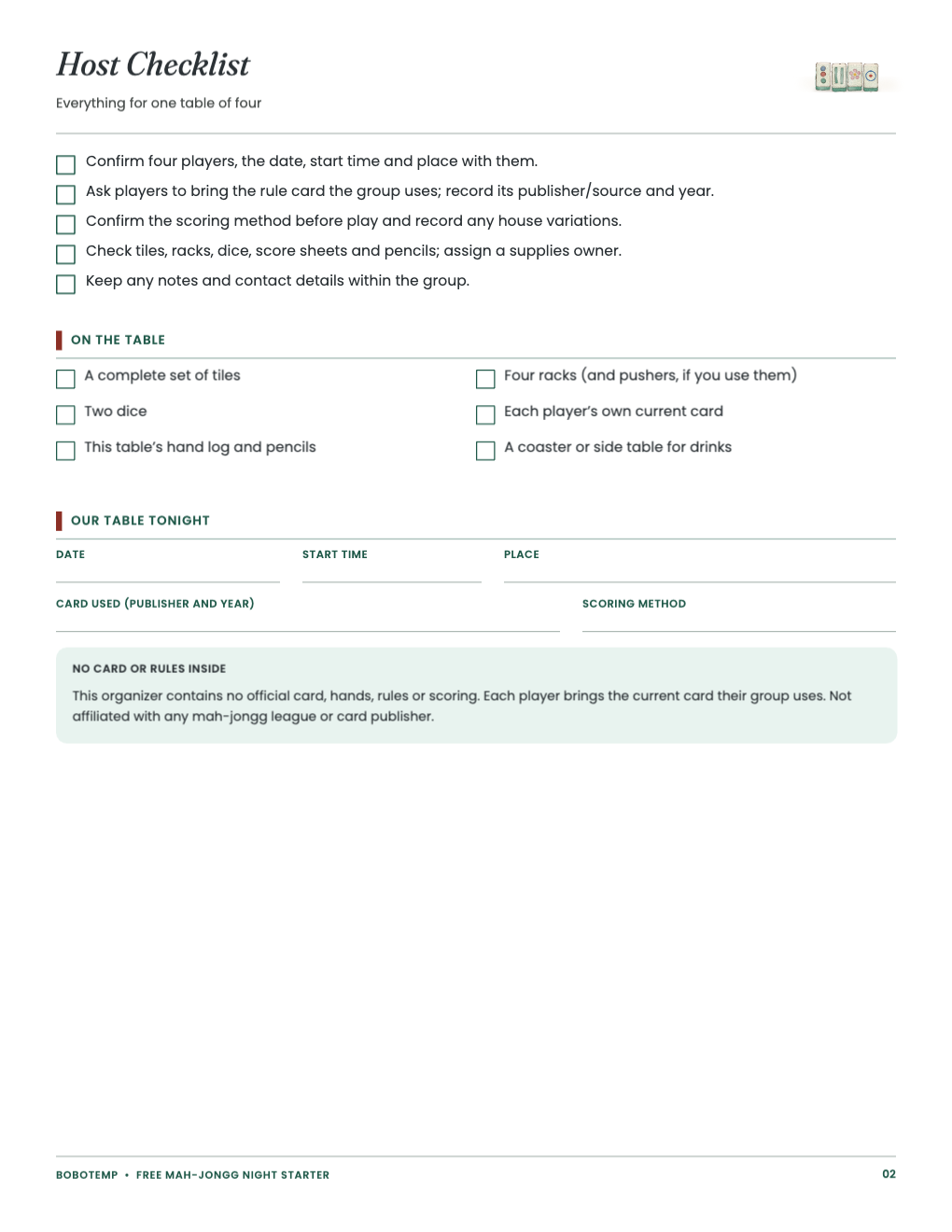
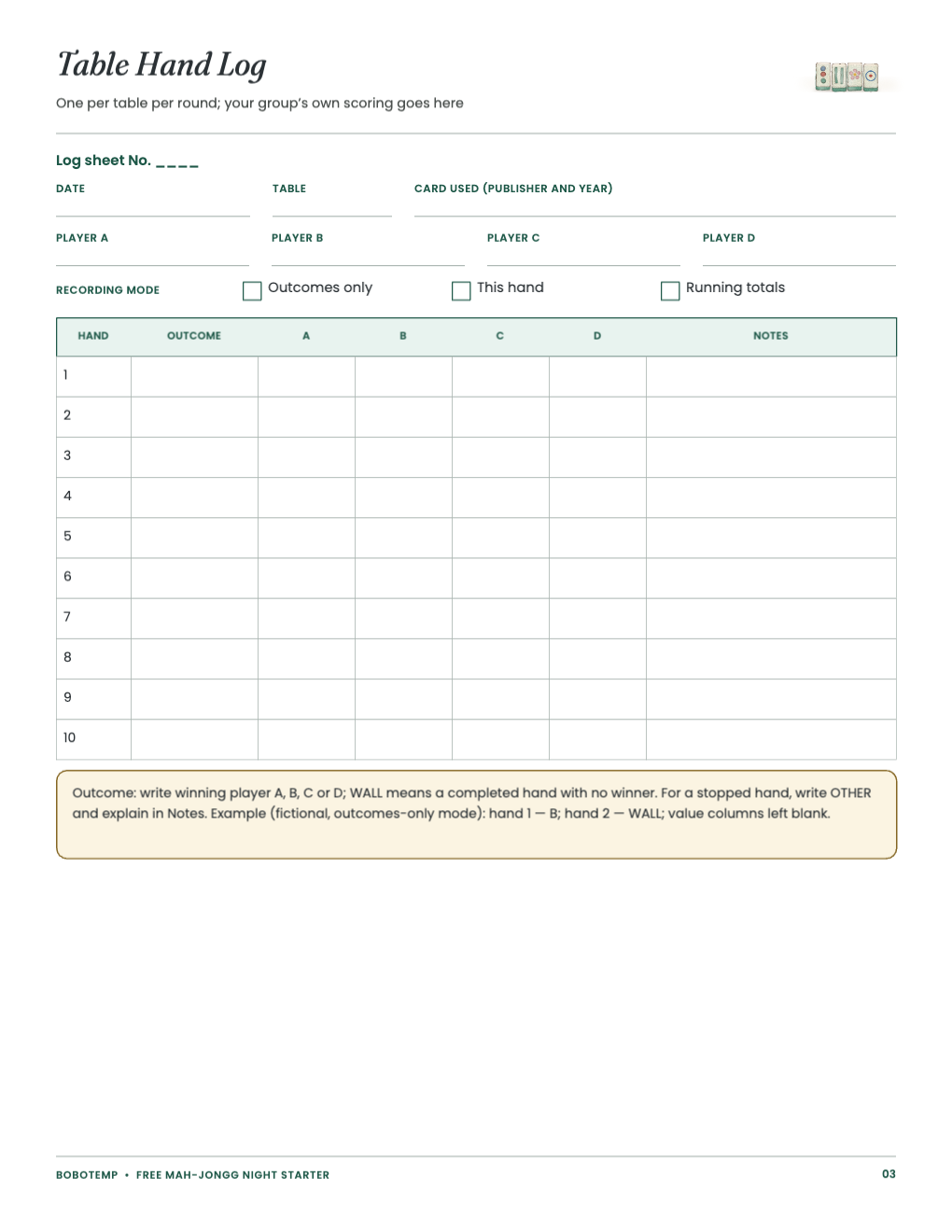
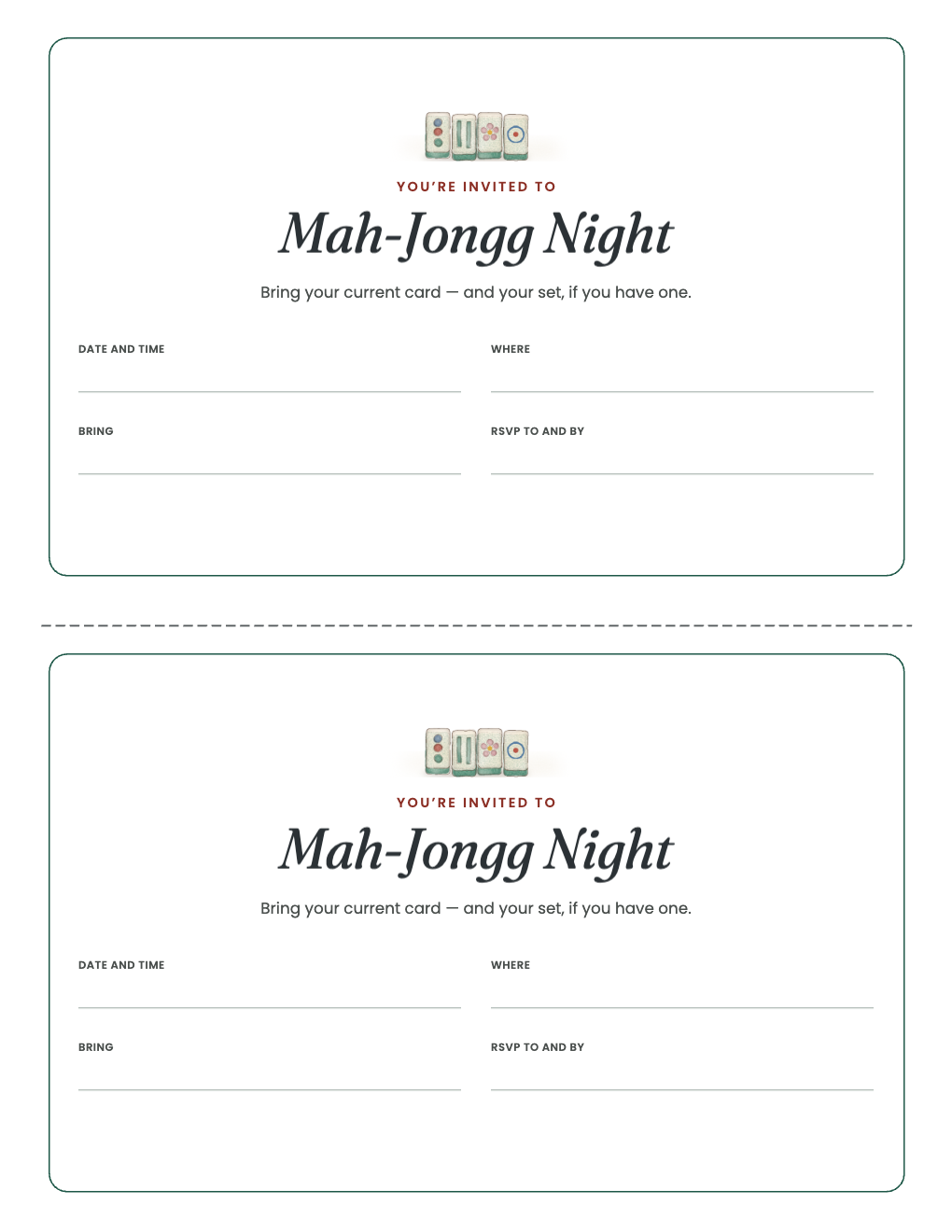
Use the free PDF as-is or edit its one-design .bobo in BoboCreate Desktop.
Nothing in the starter reproduces any official card, hands or scoring.
What the free template includes
- A one-table host checklist
- A hand log with three recording modes
- Two invitations
Open the editable starter
Import the .bobo into BoboCreate Desktop. It is one four-page design with two pictures (the cover and a small tile header), so it uses one of the Free plan’s three design places.
Agree the house rules first
Before the first hand, agree which card and which scoring your table uses, and write them on the log. The organizer never decides them for you.
Print for each table
Print US Letter at Actual Size or 100%: the checklist once, a hand log per table per round, and invitations as needed. The premium organizer adds seating rotations, table signs and a year of hosts.
Open the editable template in BoboCreate
- Download the free PDF or the editable .bobo.
- Import the .bobo into BoboCreate Desktop if you want edits.
- Preview all four pages.
- Print the pages your table needs.
Download BoboCreate for Mac · Download BoboCreate for Windows
Not affiliated with any mah-jongg league or card publisher.
Read the Bobotemp printable guide for the ready-to-print download and practical use instructions.