
Free PDF + editable BoboCreate template
How to Customize a Sewing Project Planner
Keep the decisions that affect fit and finish beside the project. This editable three-page planner records the pattern view, size, fabric direction, notions, measurements, cutting pieces and changes you would make next time.
Both downloads are the free edition. The editable file opens in BoboCreate Desktop.
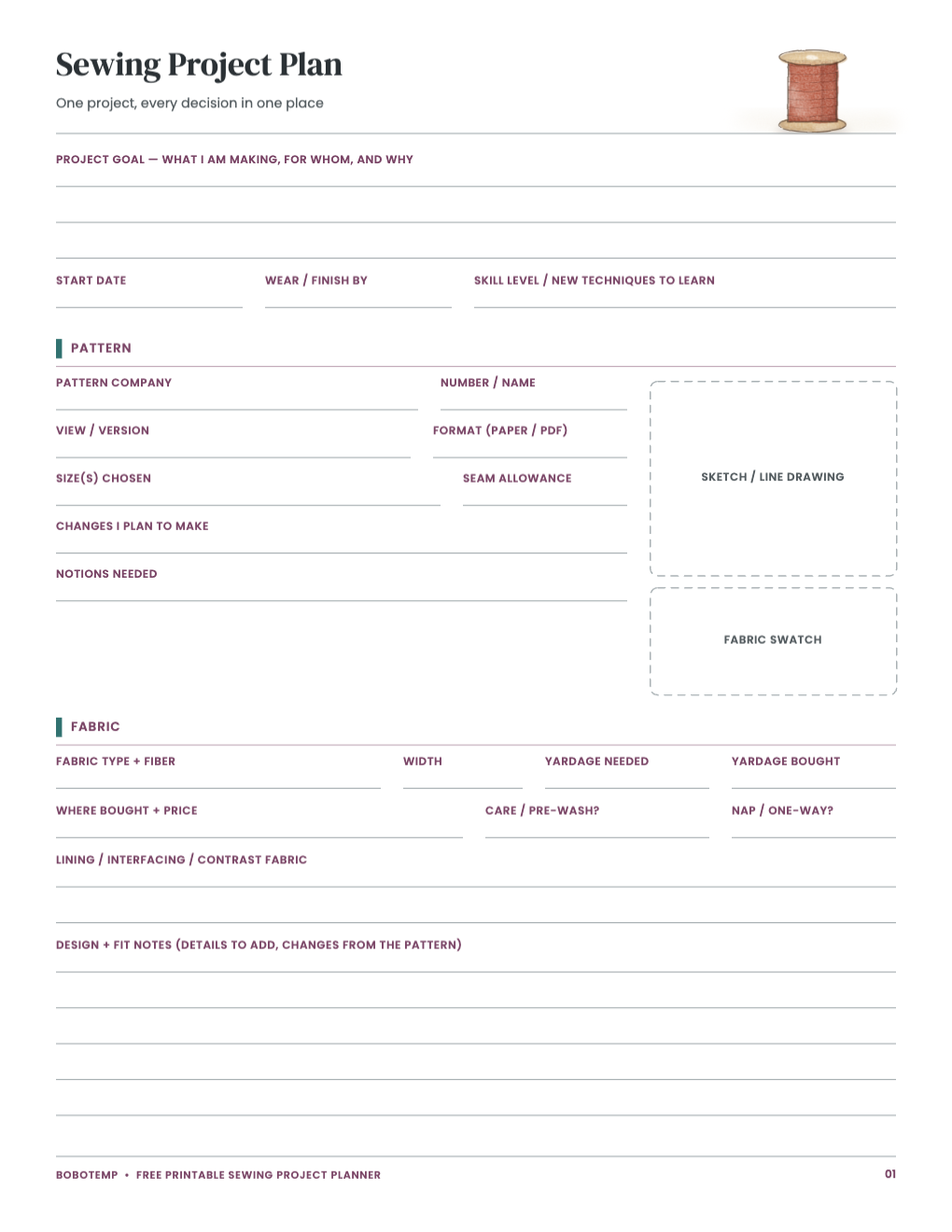
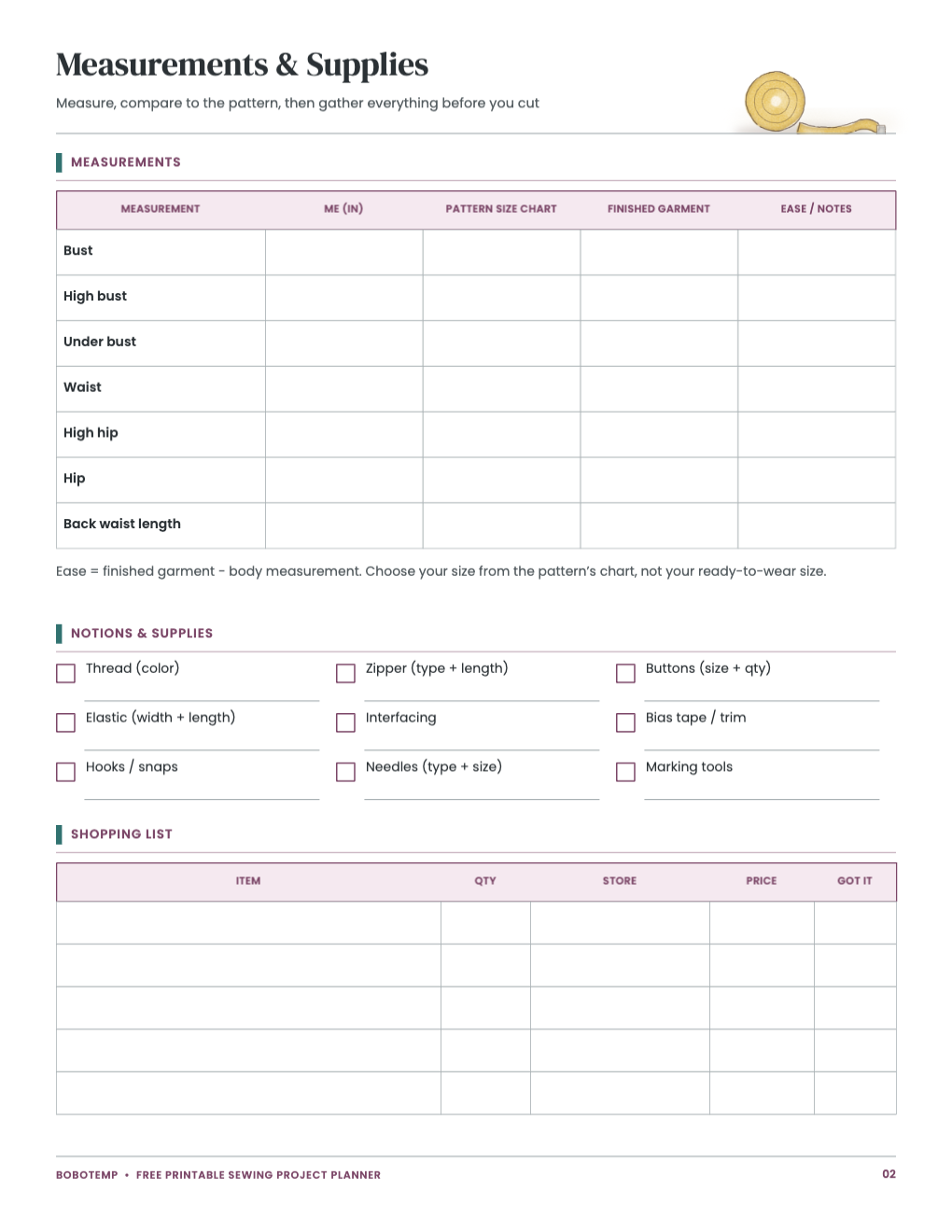
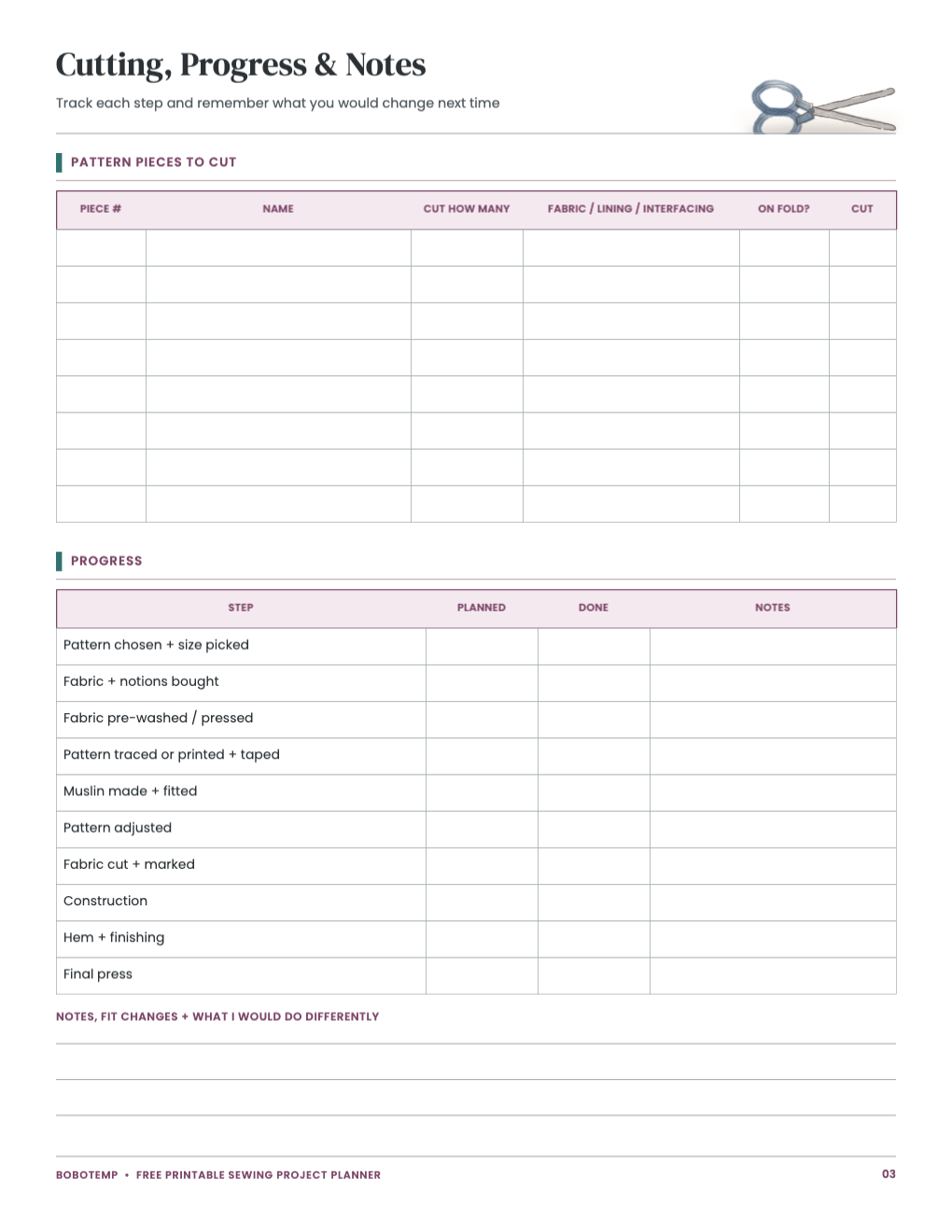
Type stable information such as machine, pattern and fabric details in BoboCreate, then leave fitting and progress boxes open for pencil notes at the table.
Pattern sizing is not ready-to-wear sizing. Use the pattern maker’s current chart, finished-garment measurements and stated seam allowance.
What the free template includes
- Pattern, view, size and fabric plan
- Measurements, notions and shopping list
- Cutting checklist, progress and fit notes
Record the pattern decision—not only the pattern number
Add company, number, view, format, selected size and seam allowance. If you blended sizes or changed a view, say exactly where so a later version can repeat it.
Describe fabric before cutting
Enter fiber, width, yardage, care and whether the print has nap or direction. A small swatch can be attached to the printed page after export.
- Prewash when the project and fabric require it.
- List interfacing, closures, thread and special feet.
- Check directional pieces before laying out the pattern.
Save the fitting lesson
Use the final page for what changed during construction and what should change before cutting again. The next project benefits more from a precise adjustment than from a general “fit was off.”
Open the editable template in BoboCreate
- Install BoboCreate Desktop.
- Download and open the sewing planner `.bobo` file.
- Enter pattern and fabric information and adjust labels for the project.
- Preview the writing space and preserve room for swatches and notes.
- Export a PDF and print at Actual Size.
Download BoboCreate for Mac · Download BoboCreate for Windows
Keep the editable master with the project files so the next version starts from the recorded changes.