
Free PDF + editable BoboCreate template
How to Customize a Seed-Starting Log
The useful garden record is the one tied to your own location and seed packet. Customize this four-page log with the crops you actually grow, then record germination and transplant results instead of relying on a generic national calendar.
Both downloads are the free edition. The editable file opens in BoboCreate Desktop.
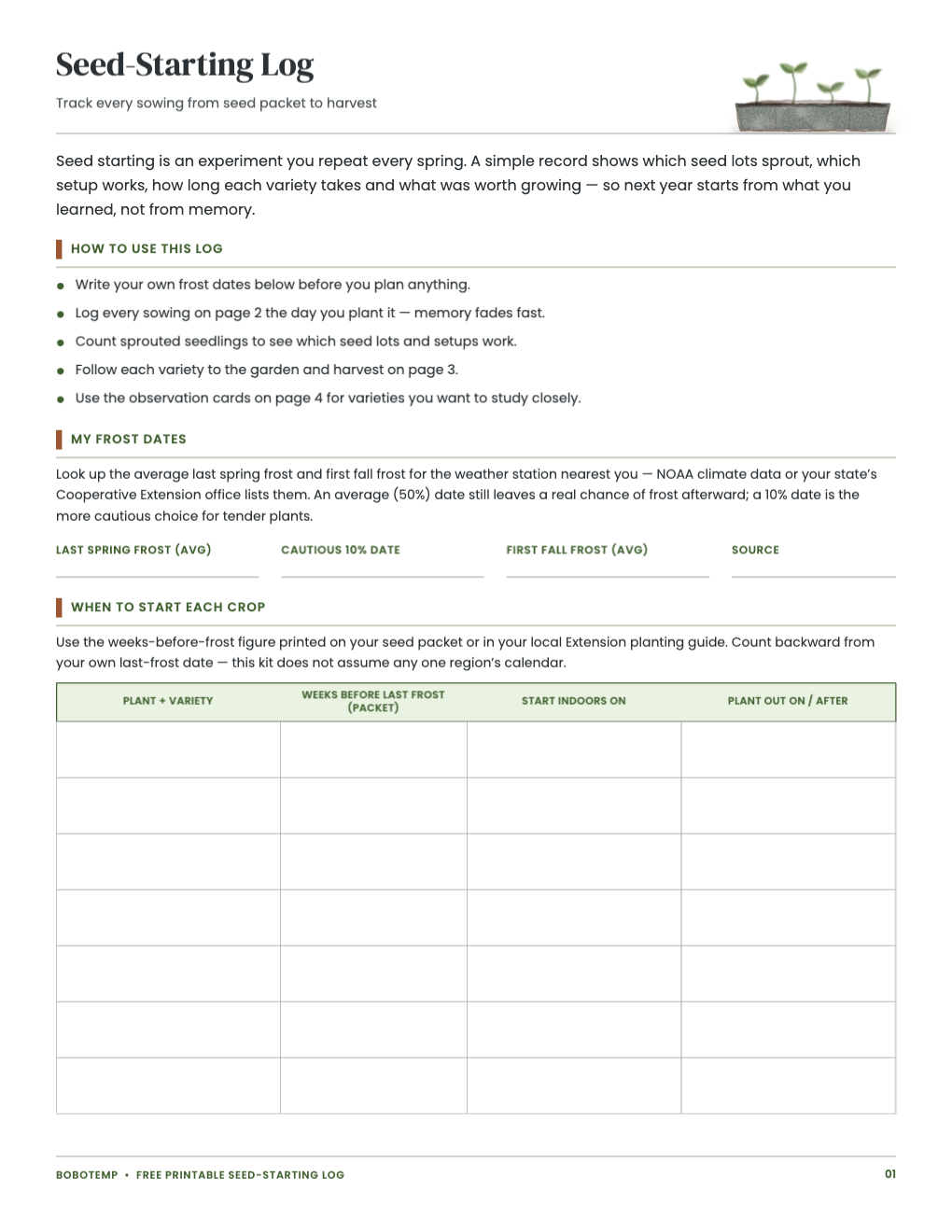
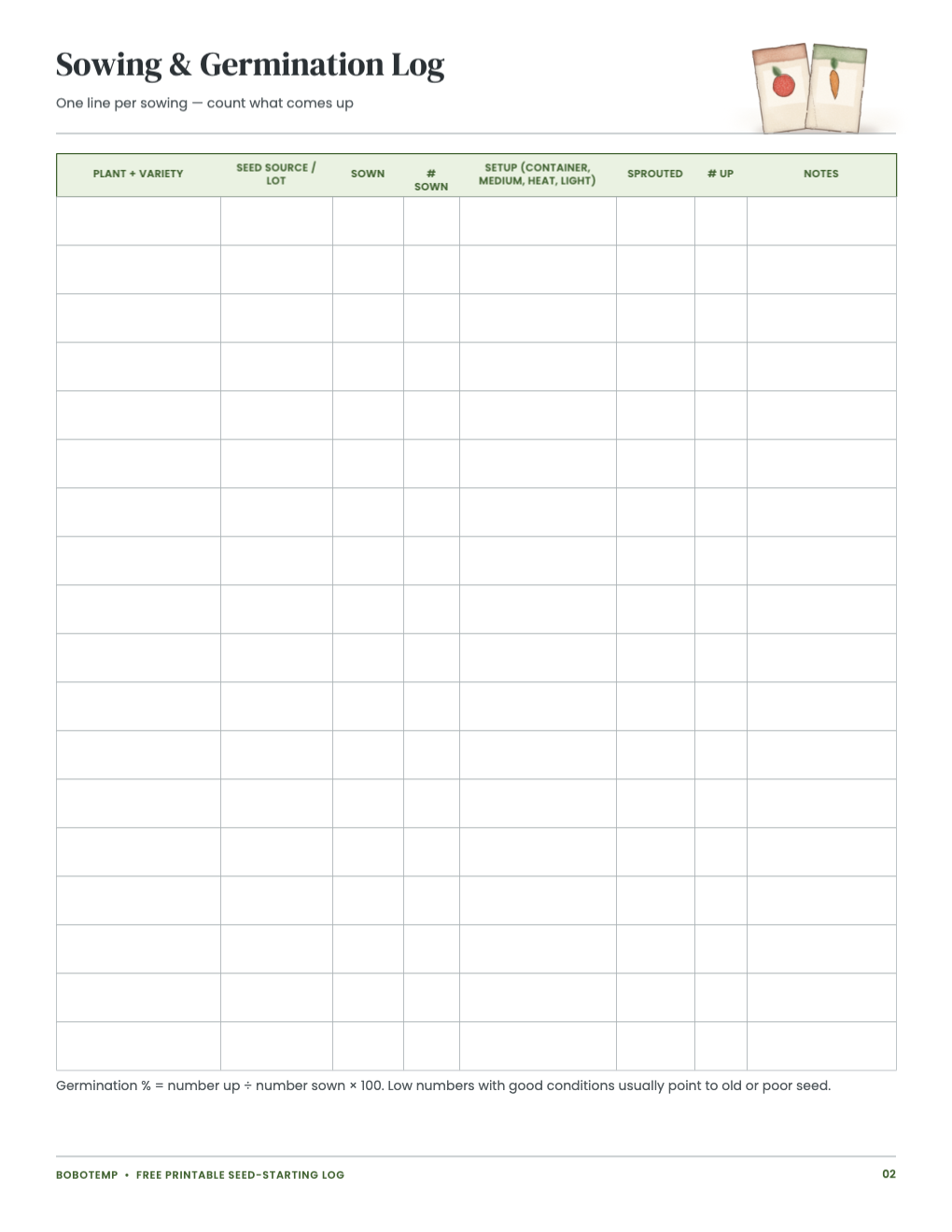
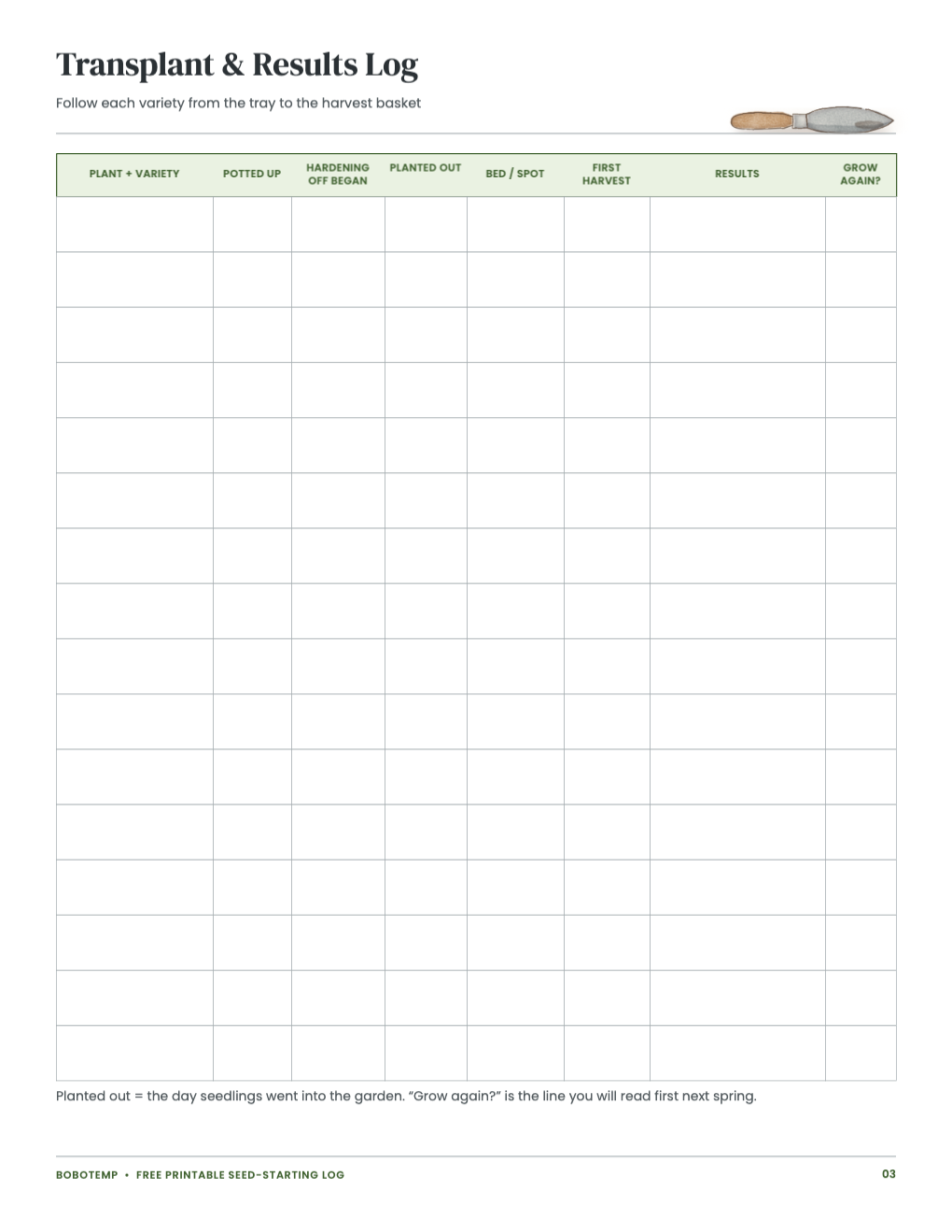
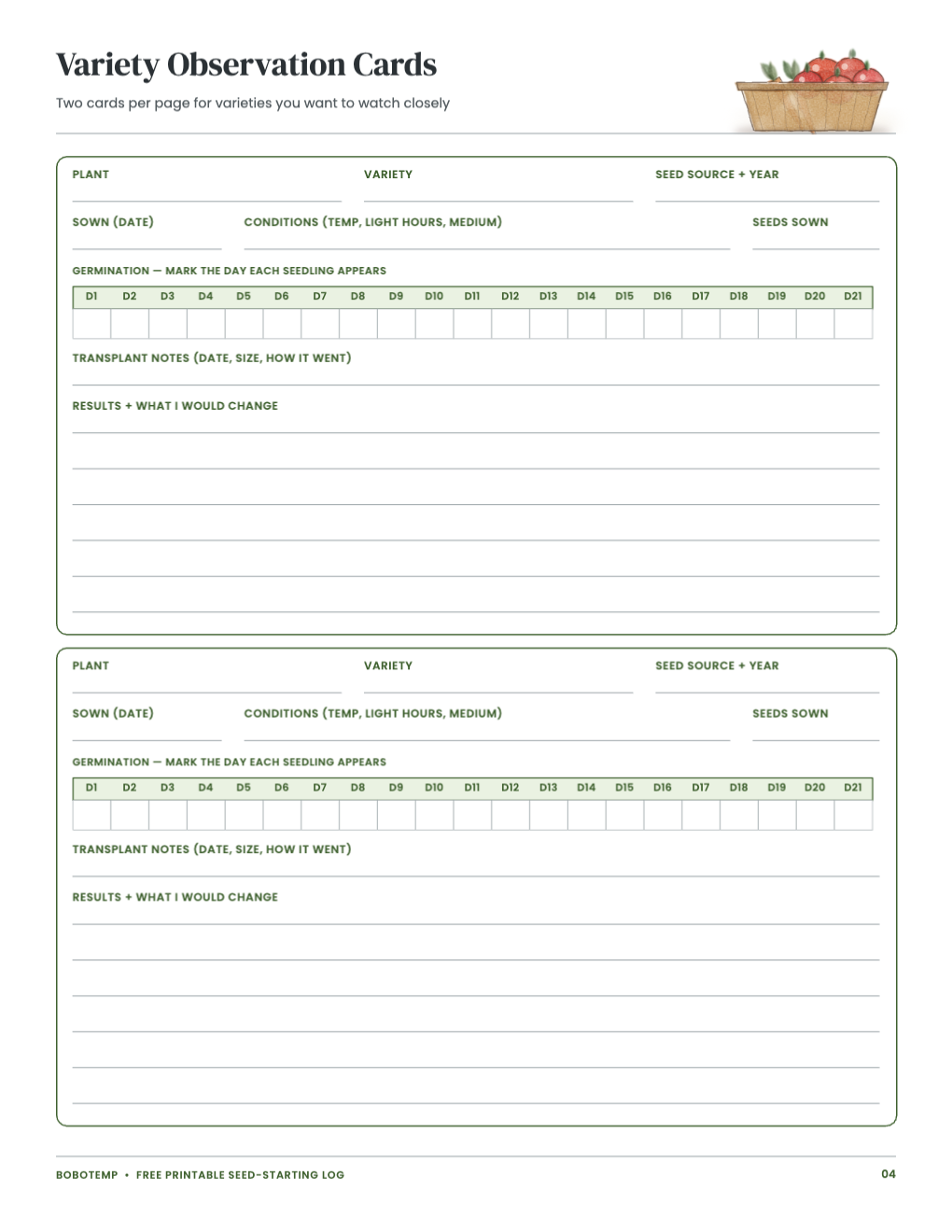
The editable version lets you type recurring crop names, bed names and observation labels before printing. Leave date and result fields blank when you want to write outdoors.
Frost dates are estimates. Use a current local source such as NOAA climate data or Cooperative Extension guidance, and record that source on the page.
What the free template includes
- Season plan and frost-date source
- Sowing and germination log
- Transplant and harvest results
- Reusable variety observation cards
Start with the packet and your location
Enter the variety exactly as it appears on the packet. Add the packet’s timing guidance and your own frost-date source; do not replace those with a one-size-fits-all planting date.
- Keep varieties separate even when they are the same crop.
- Record whether seed was new, saved or older stock.
- Use the same short bed code on every related page.
Make germination measurable
Record seeds sown and seedlings emerged so the log can show a rate rather than a vague “good” or “bad.” Note warmth, light and any change you made between sowings.
Close the loop after transplanting
Carry the variety into the transplant and results page. At the end of the season, write whether it earned space next year and why. Those decisions are the value of keeping the record.
Open the editable template in BoboCreate
- Install BoboCreate Desktop.
- Download and open the free `.bobo` template.
- Replace the example crop and bed labels with your own.
- Leave seasonal result fields blank or type them after each check.
- Export a PDF and print on US Letter paper at Actual Size.
Download BoboCreate for Mac · Download BoboCreate for Windows
This is a record-keeping template, not pesticide, fertilizer or treatment advice.