
Free PDF + editable BoboCreate template
How to Customize and Print a Volleyball Rotation Workbook
Rotations and overlap are easier to learn on paper first. This guide covers opening the free Volleyball Rotation Starter in BoboCreate, making it your team’s own, and printing it at the right size.
Both downloads are the free edition. The editable file opens in BoboCreate Desktop.
The editable file imports in BoboCreate Free 0.3.19 or later. It uses one of Free's three design places, and its own artwork does not count toward your three uploaded images. Older versions of the app need BoboCreate activated to import it, so update BoboCreate first.
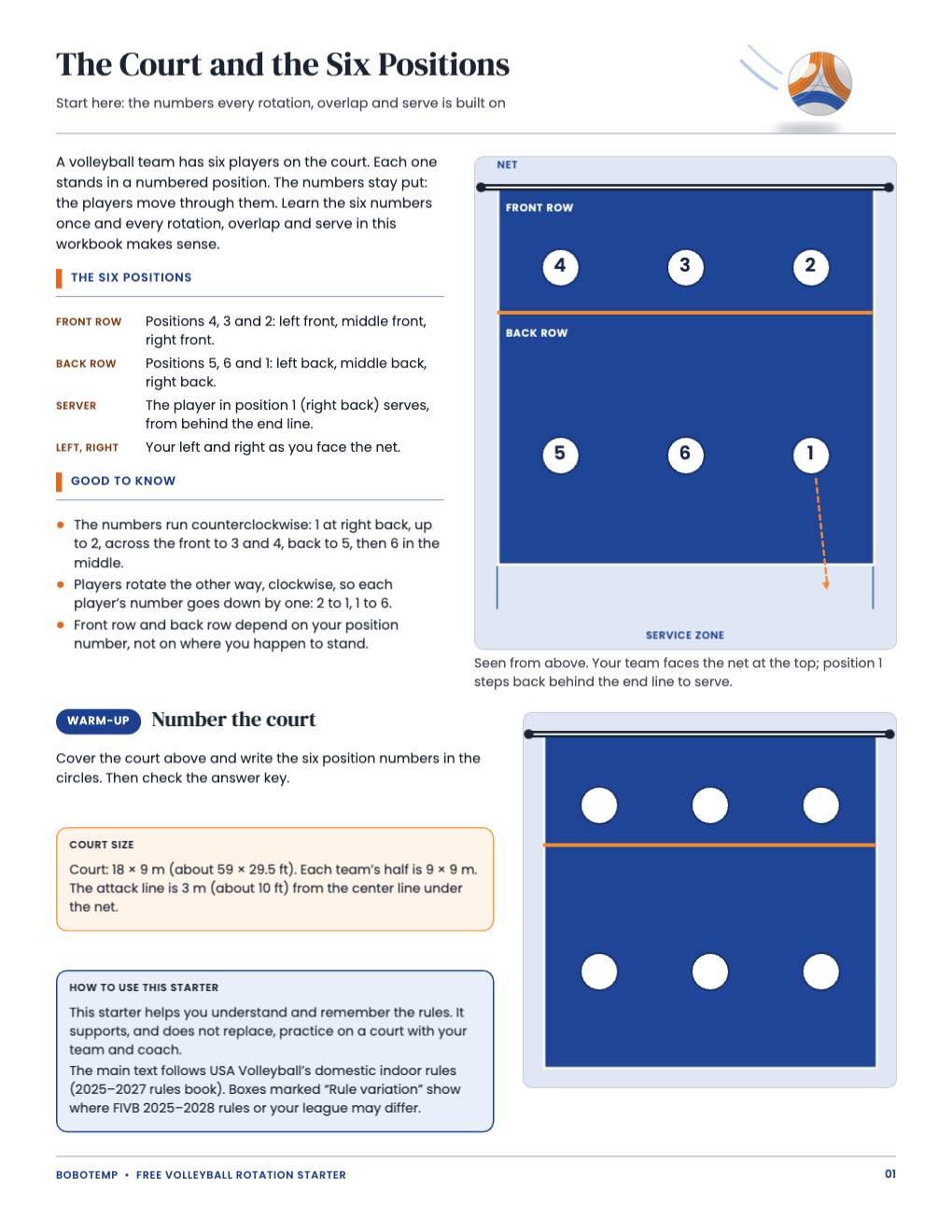
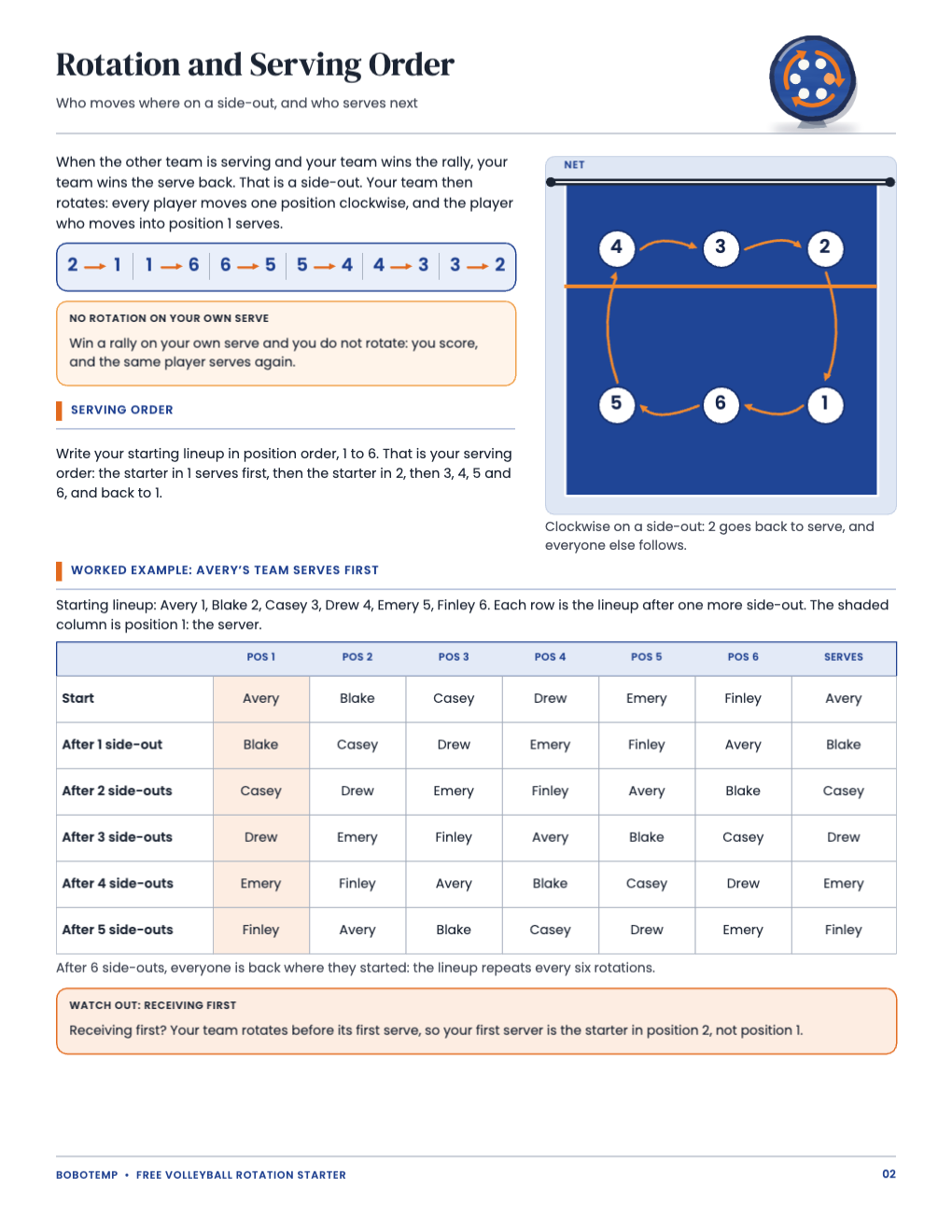
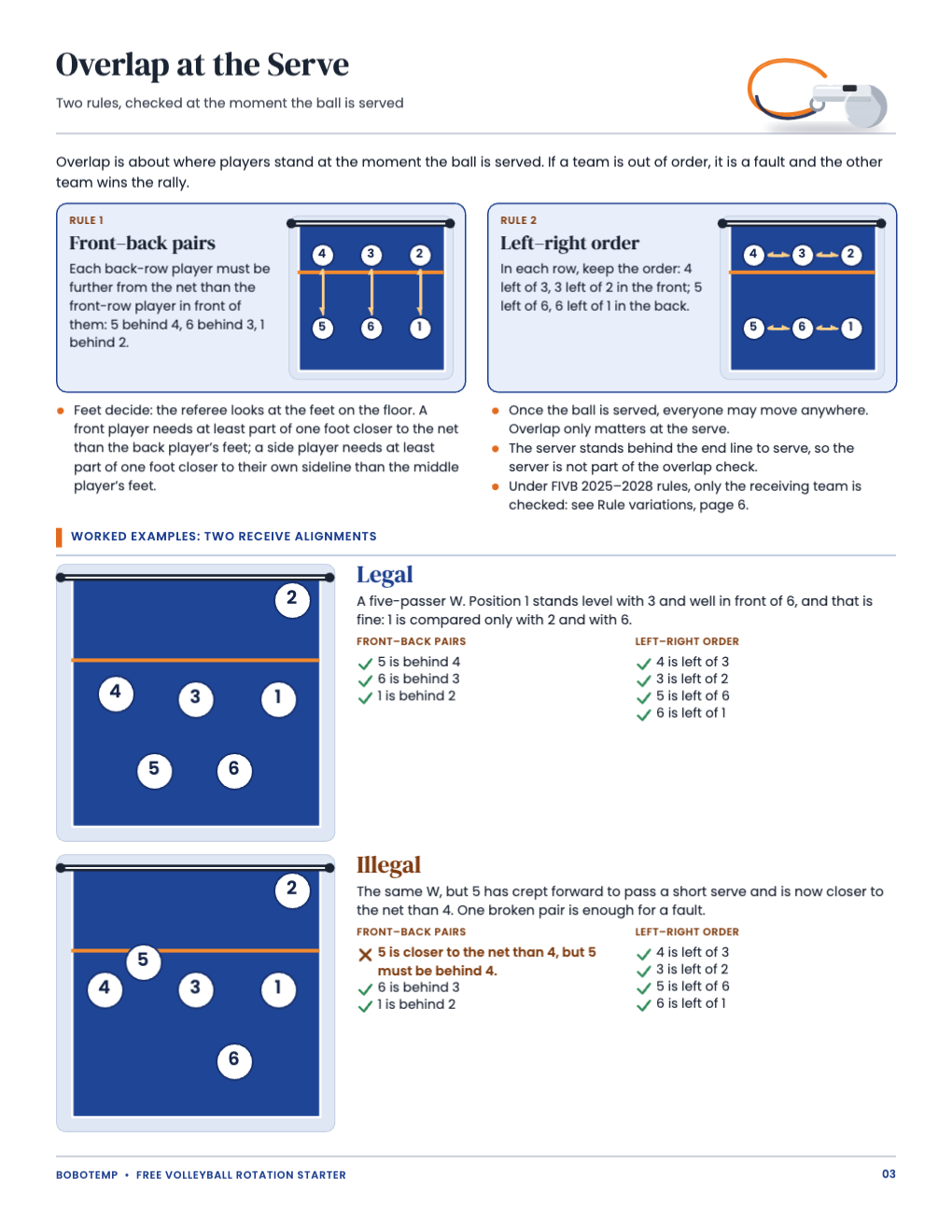
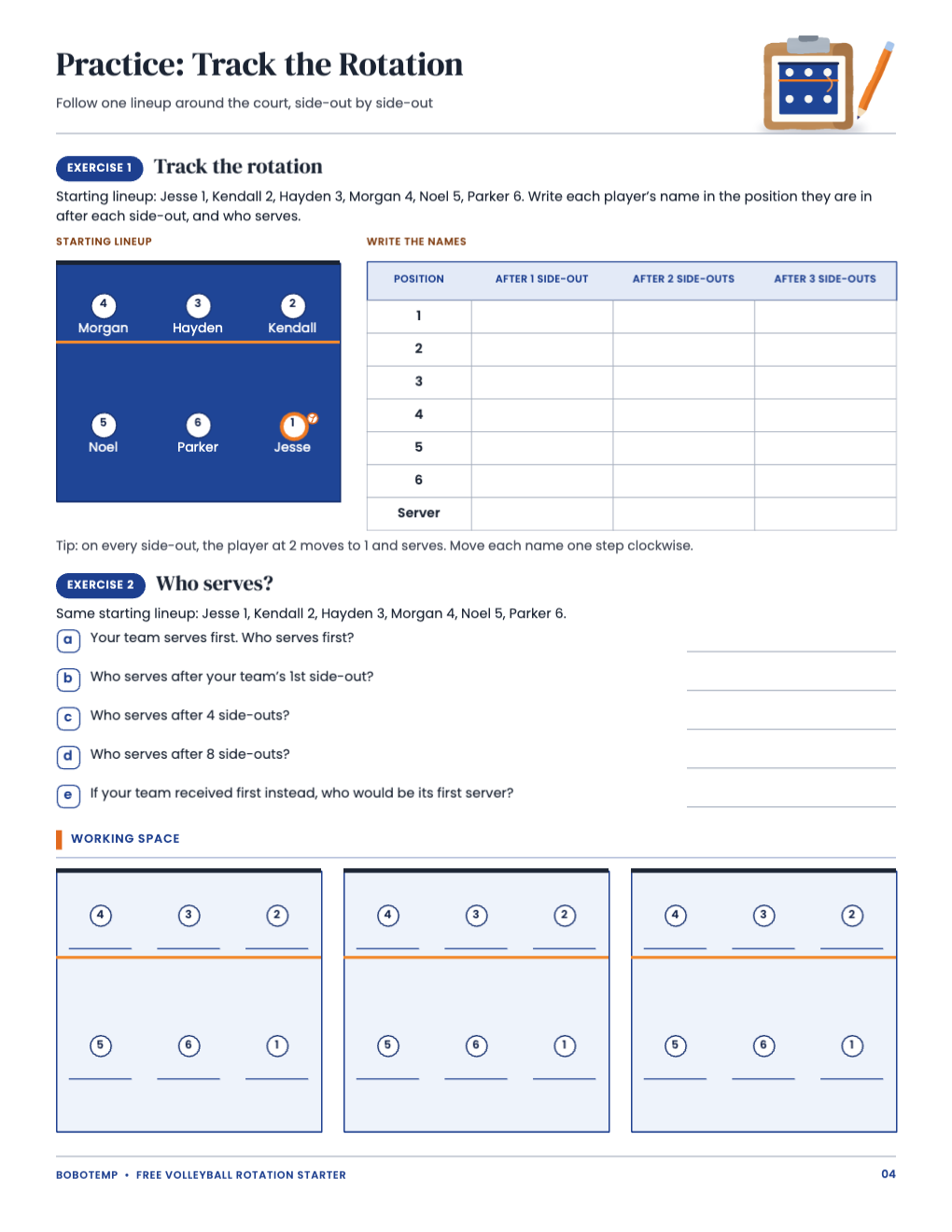
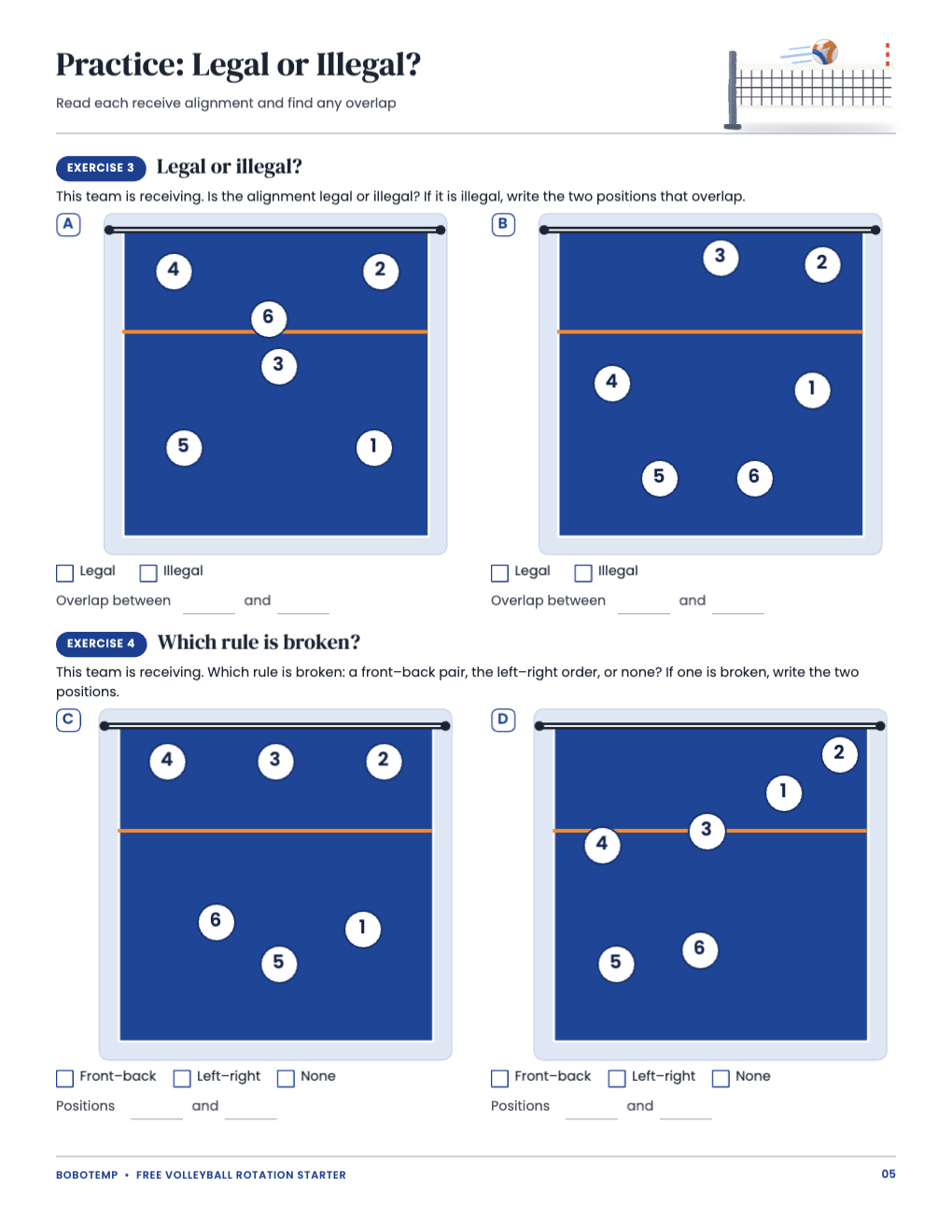
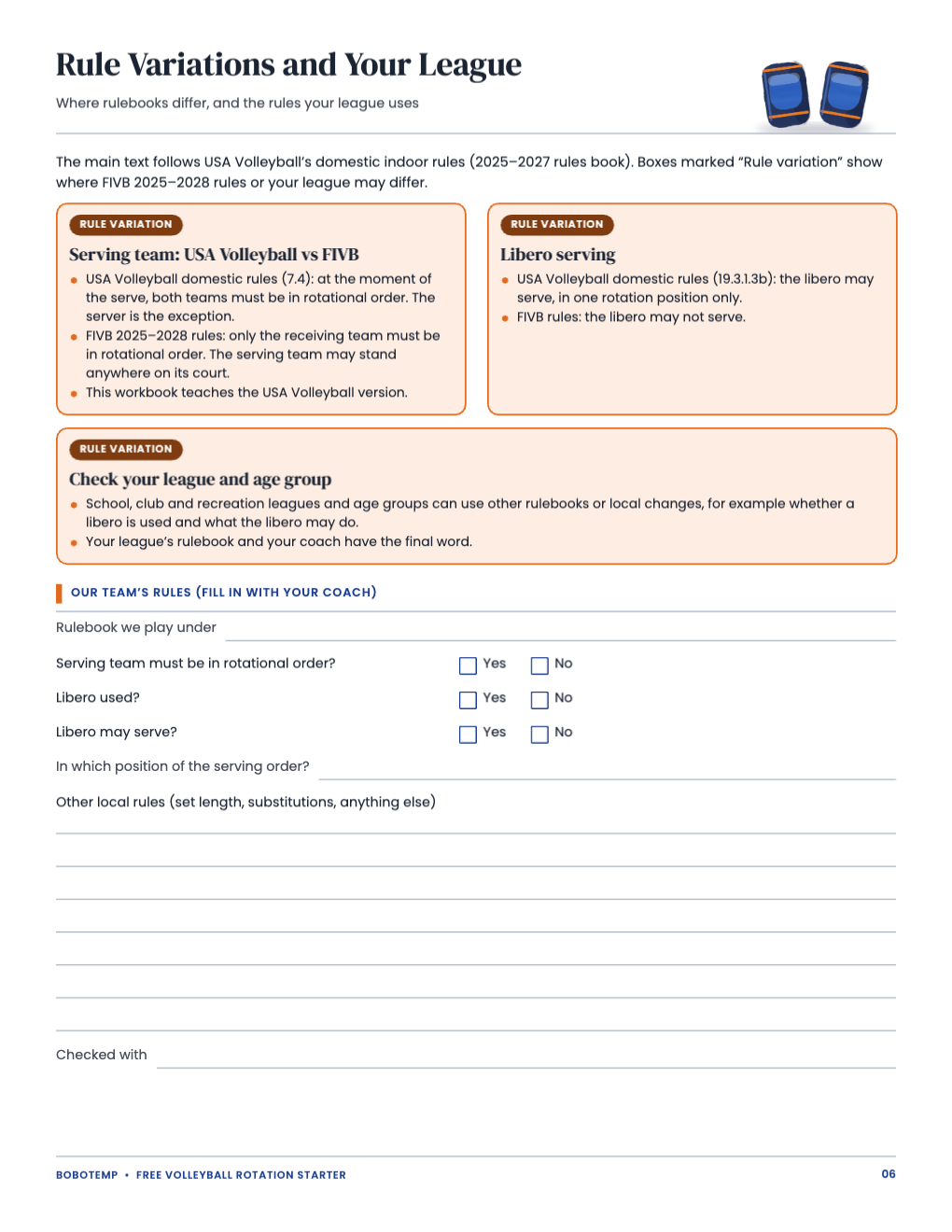
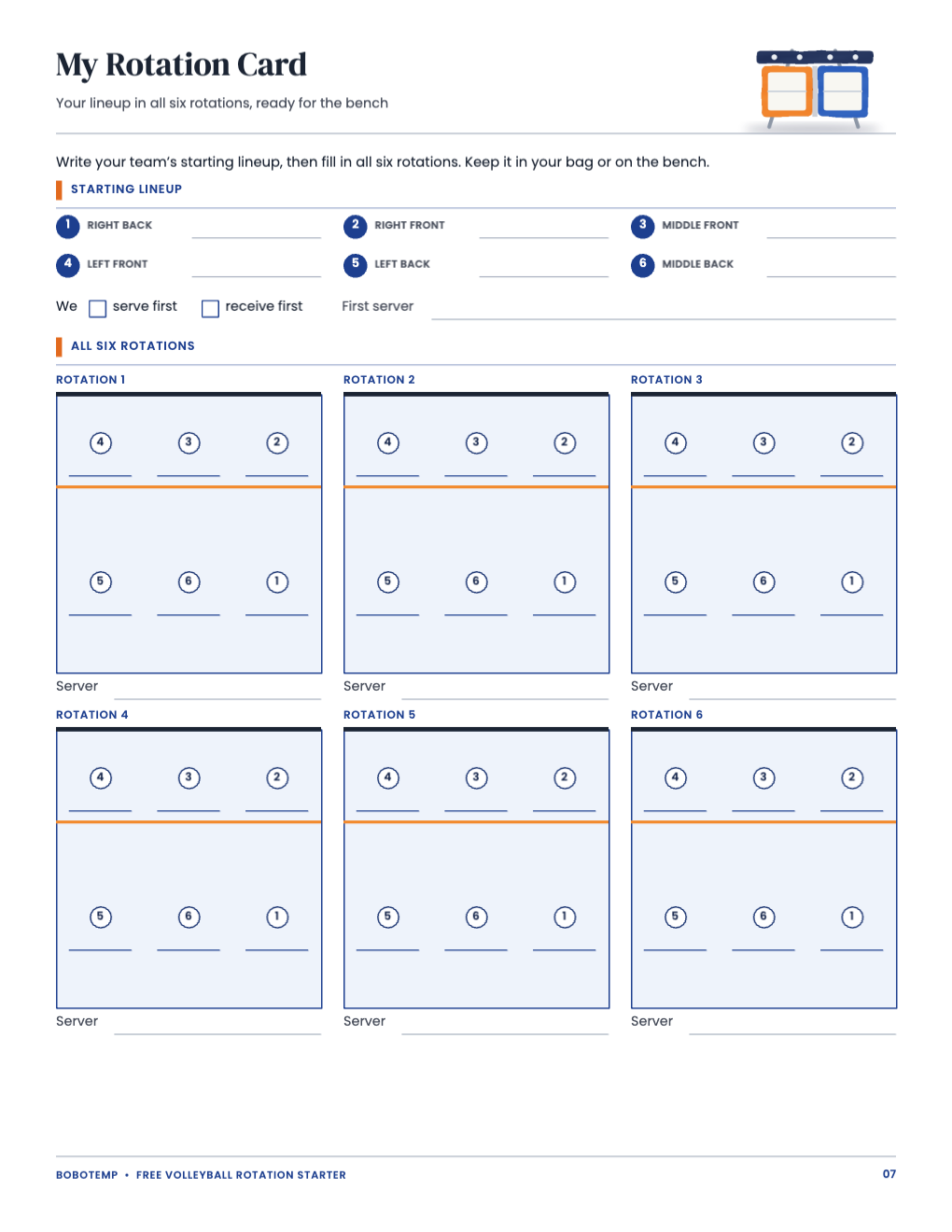
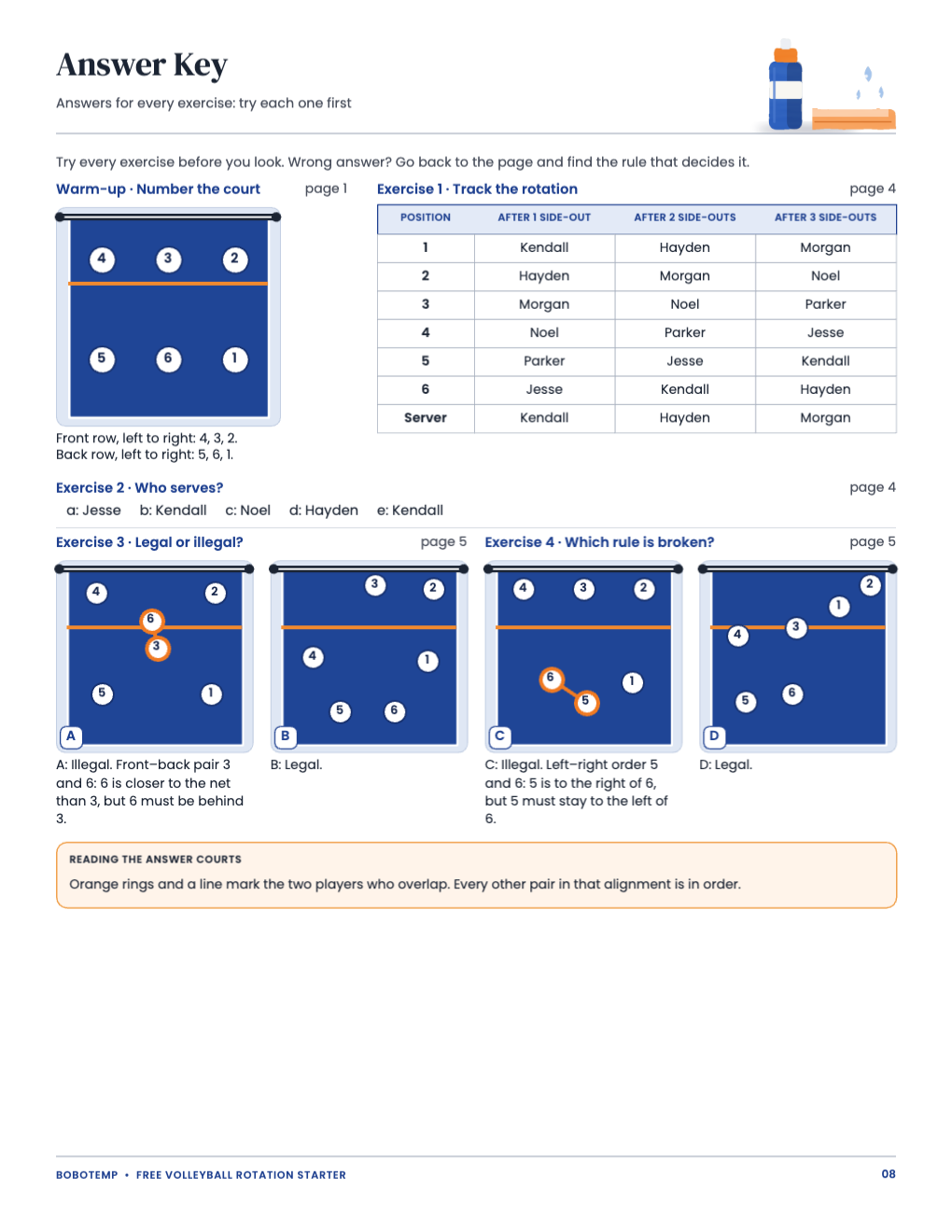
The starter is eight US Letter pages for players about 11–16, their parents and beginner coaches: the court and the six positions, rotation and serving order with a worked example, overlap at the serve, four exercises, rule variations with a fill-in for your league, a rotation card and an answer key. Print the PDF as it is, or open the `.bobo` file to type your team’s names first.
BoboCreate is a desktop design app for Mac and Windows, and the free plan is enough. Once the starter carries the owner’s free-template signature, its artwork does not use up your picture allowance; it does take one of your three design places.
What the free template includes
- The court and the six positions, with a warm-up
- Rotation and serving order, with a worked lineup table
- Overlap at the serve, with a legal and an illegal example
- Four exercises and an answer key
- Rule variations, a league fill-in and a six-rotation card
Type your lineup into the rotation card
Every word in the starter is a live text box, and every court is made of editable shapes. On the rotation card (page 7), add a text box above each write-in line and type a name, or print the card and write by hand.
- Start with the starting lineup in position order, 1 to 6.
- Each rotation moves every name one step clockwise: 2 to 1, 1 to 6, 6 to 5, 5 to 4, 4 to 3, 3 to 2.
- Receiving first? Your first server is the starter in position 2.
Fill in your league’s rules
Page 6 shows where rulebooks differ: USA Volleyball domestic rules check both teams’ rotational order at the serve, FIVB 2025–2028 rules only the receiving team, and libero serving differs too. Tick your league’s answers and note anything else your coach tells you.
Edit the diagrams
The courts, players and arrows are shapes you can move. If you change a diagram, check the overlap rules again: each back-row player behind the front-row player in front of them, and the left-to-right order in each row.
Export and print
Export a vector PDF for the sharpest lines. Print at 100% or Actual Size on US Letter, never Fit to page, and print one test page on plain paper first.
- Answer key on page 8: print it separately if you want players to check their own work later.
- The rotation card fits a clipboard or a bench binder.
Open the editable template in BoboCreate
- Download and install BoboCreate Desktop for Mac or Windows.
- Download the free `free-volleyball-rotation-starter.bobo` file.
- In BoboCreate, choose Open or Import and select the file.
- Type your lineup and league rules; preview all eight pages.
- Export a PDF and print at 100% or Actual Size on US Letter.
Download BoboCreate for Mac · Download BoboCreate for Windows
The free source is for your own team or family. Do not resell or redistribute the design. The starter supports, and does not replace, practice with a team and coach; it has not yet been used with players or coaches, and a home print test has not been done yet.