
Free PDF + editable BoboCreate template
How to Customize and Print a Team Sponsorship Starter
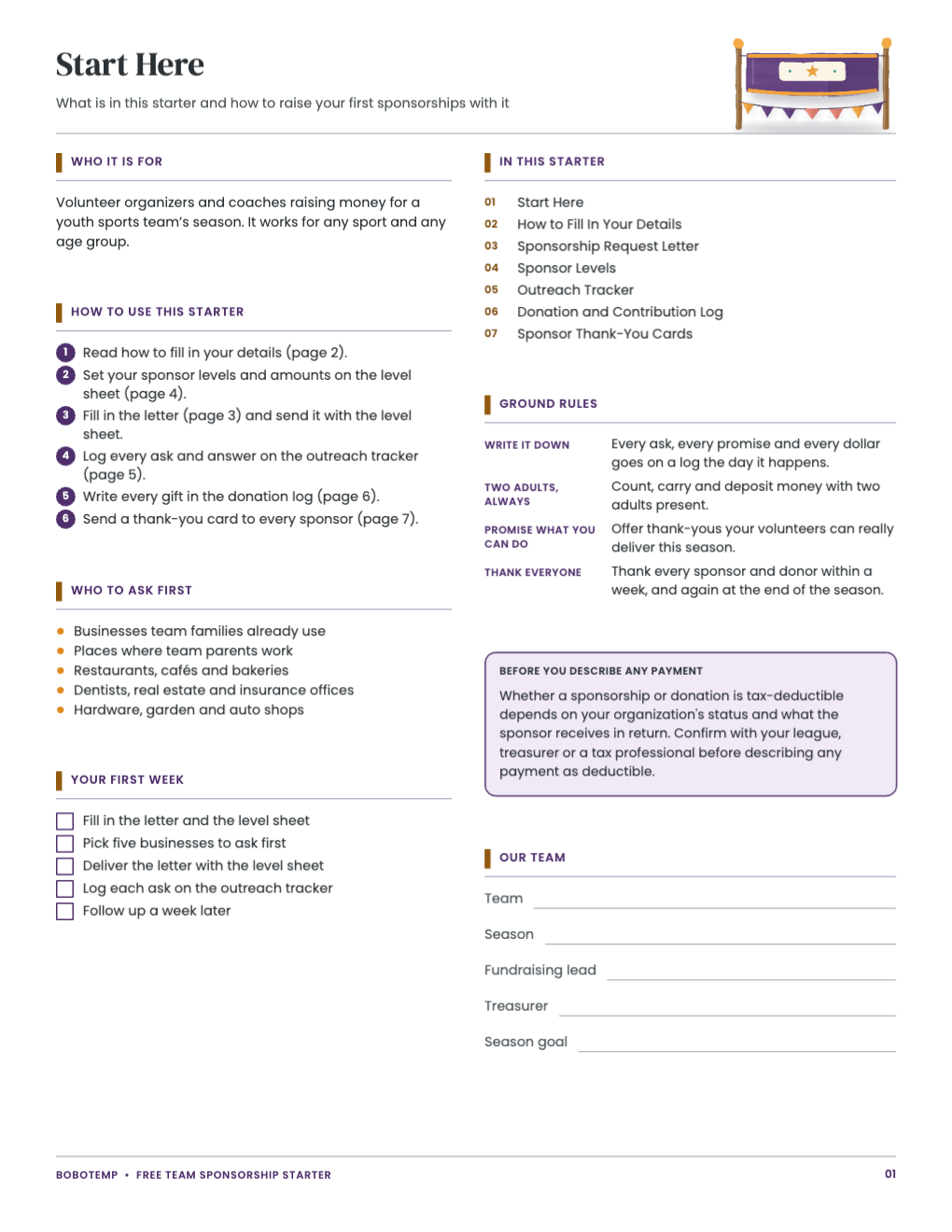
The Team Sponsorship Starter is a free seven-page printable for a volunteer raising money for a youth sports team, and its editable .bobo opens in BoboCreate, a desktop design app for Mac and Windows. This guide covers the making side: opening the file, putting your team’s details in place of the placeholders, and printing the pages at the right size. The starter’s own Start Here page explains how to run the fundraising with it.
Both downloads are the free edition. The editable file opens in BoboCreate Desktop.
The editable file imports in BoboCreate Free 0.3.19 or later. It uses one of Free's three design places, and its own artwork does not count toward your three uploaded images. Older versions of the app need BoboCreate activated to import it, so update BoboCreate first.
You will need BoboCreate (the free plan is enough), a printer, US Letter paper and your team’s details: name, season, contacts and your fundraising goal.
Every word in the starter is a live text box. The words that belong to your team are placeholders in square brackets on a tinted band, so they are easy to find and replace.
What the free template includes
- Start Here with six steps and a note about describing payments
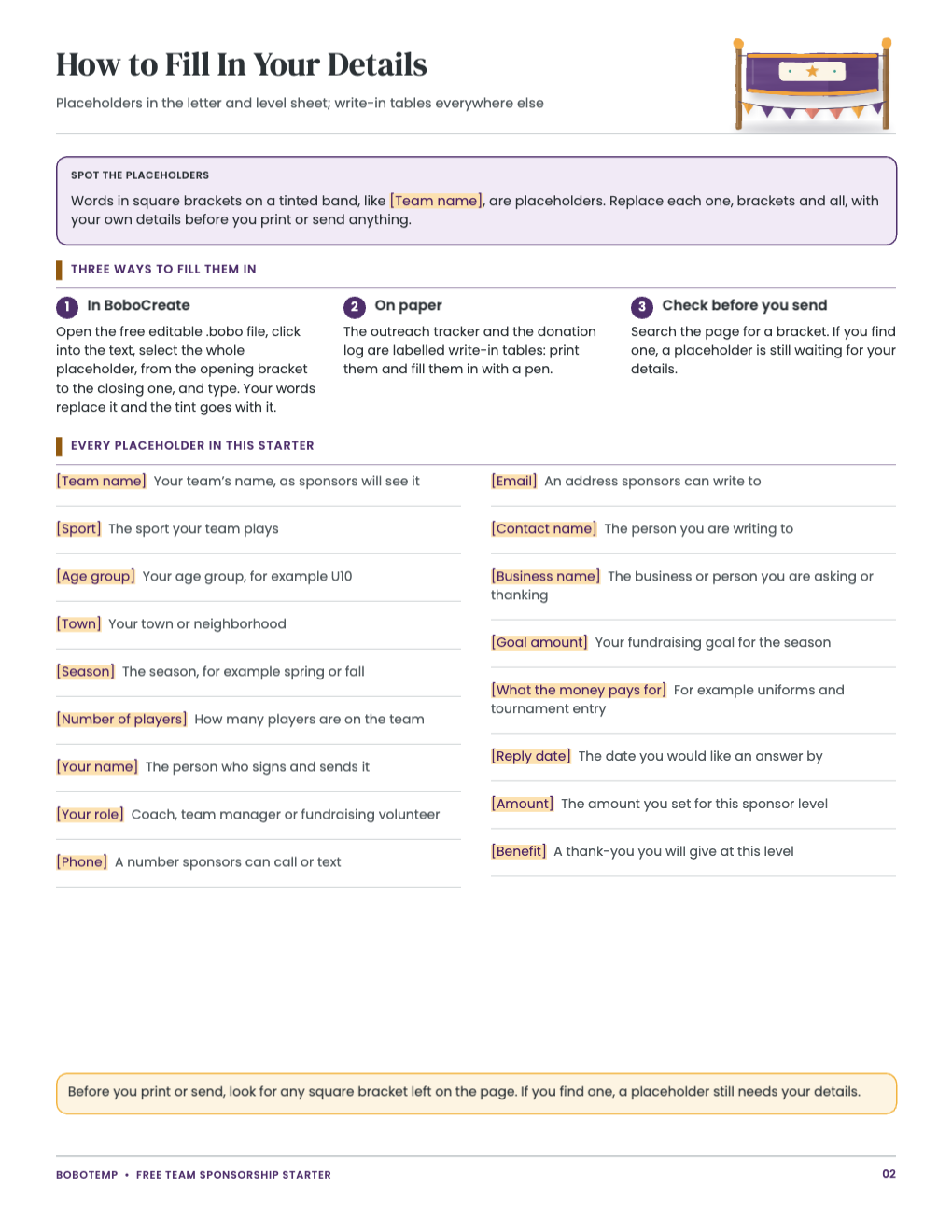
- How to Fill In Your Details: every placeholder and what goes there
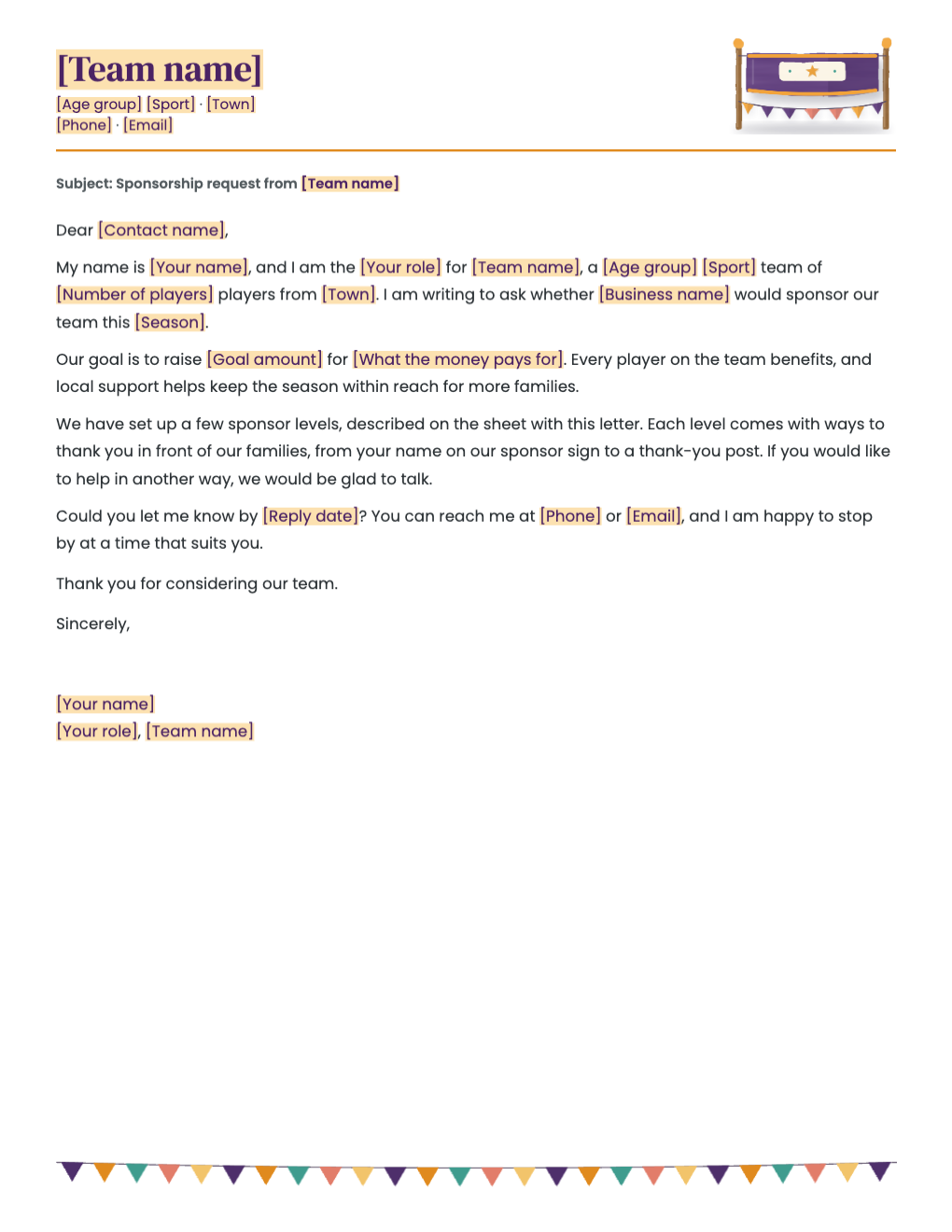
- A sponsorship request letter to a local business
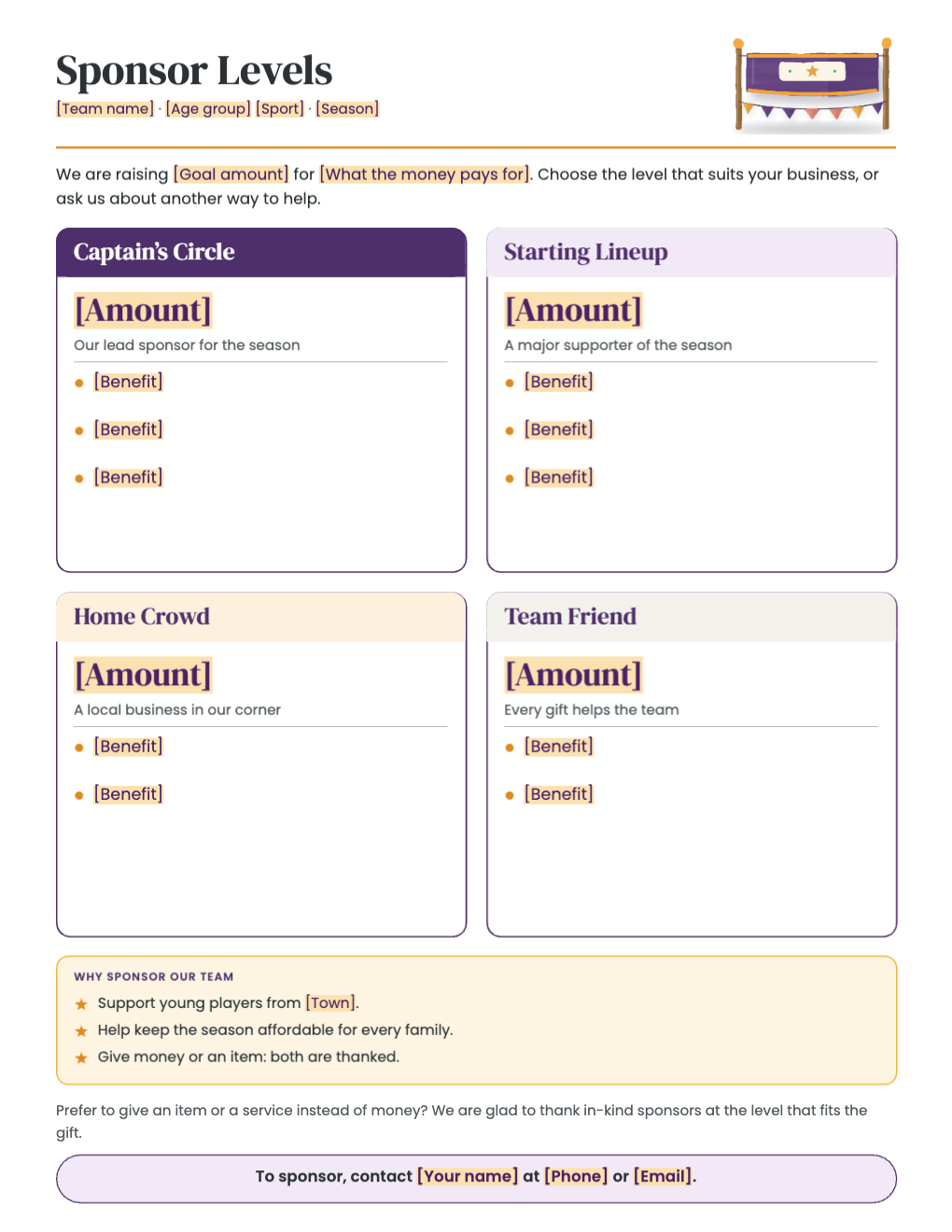
- A sponsor level sheet with four levels you set yourself
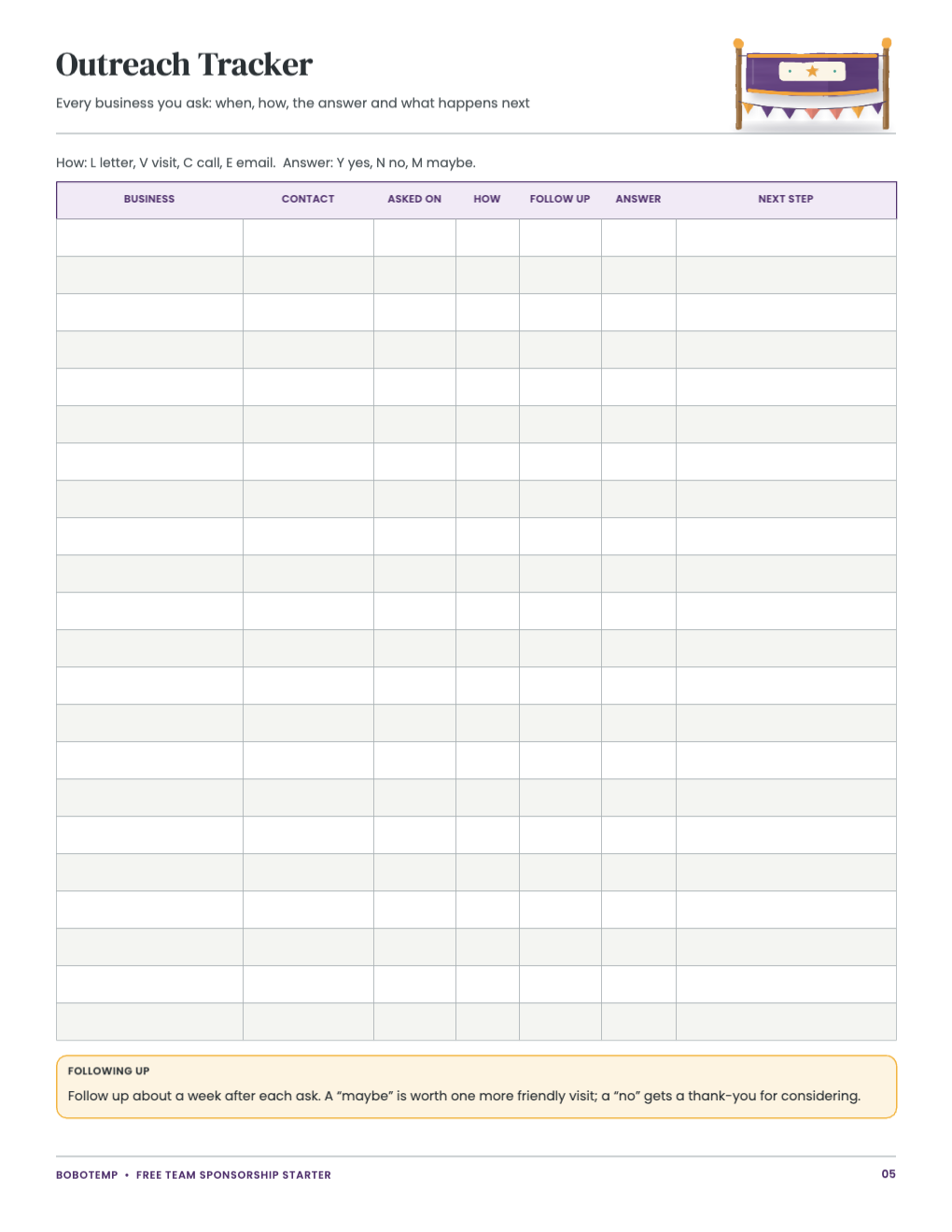
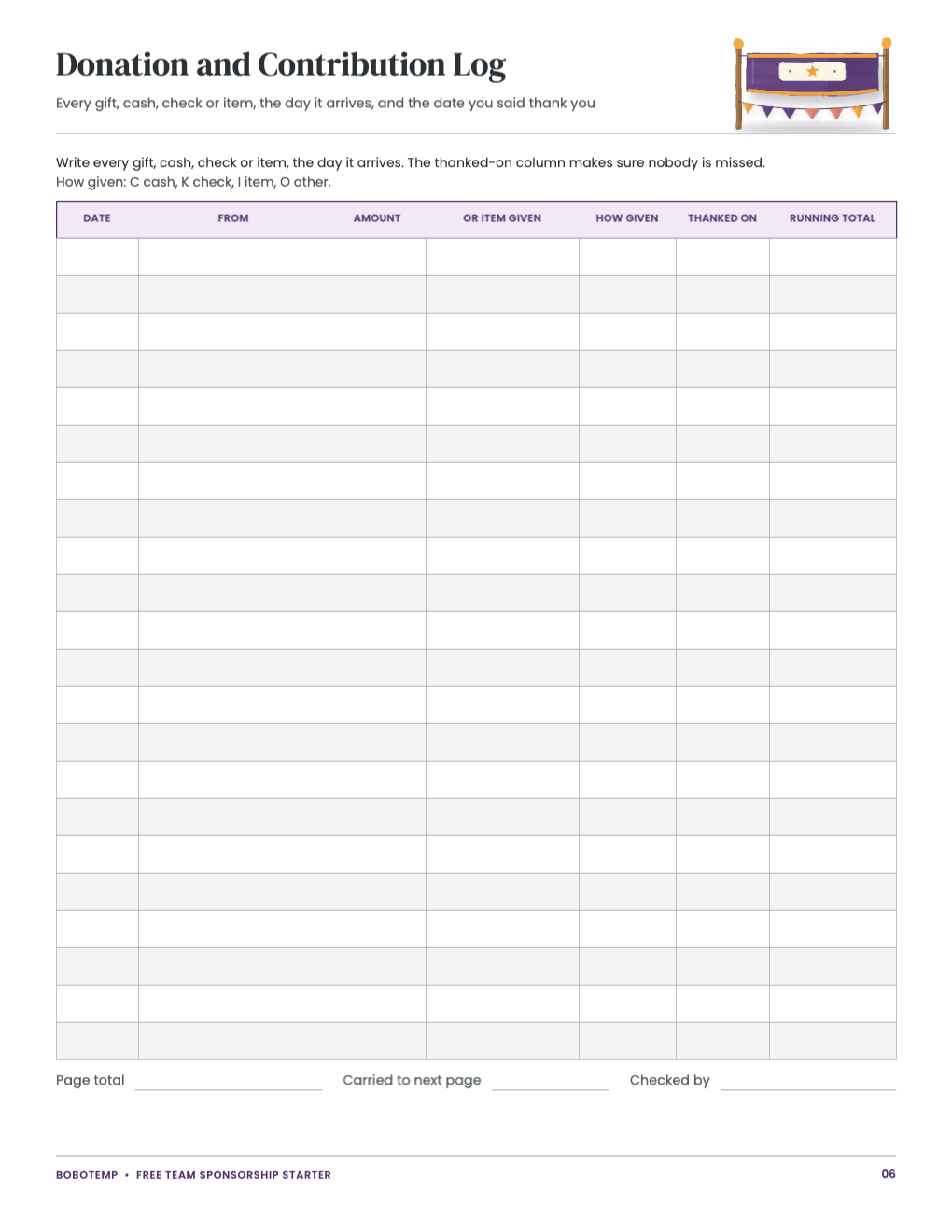
- An outreach tracker and a donation and contribution log
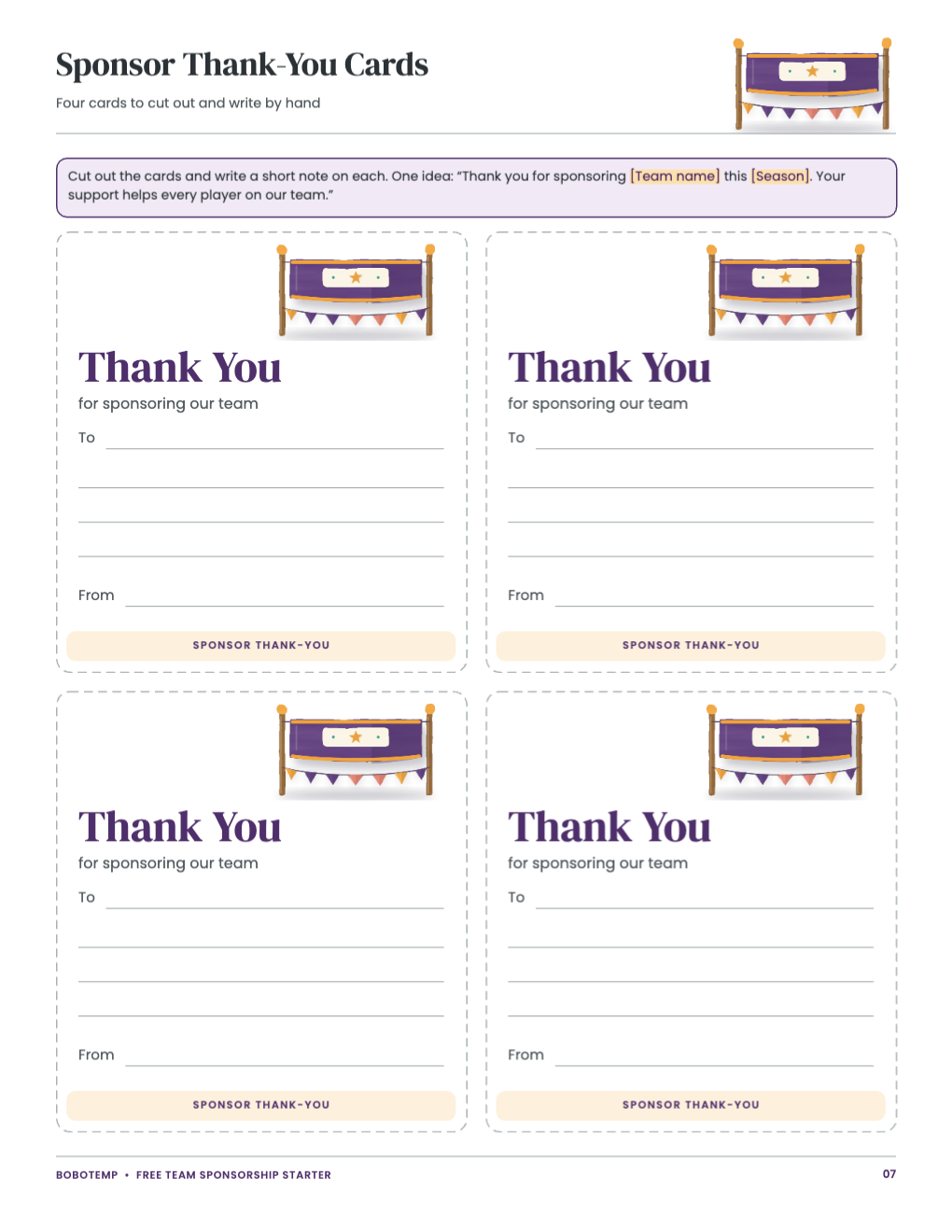
- Four sponsor thank-you cards
Open the free .bobo file
Download free-team-sponsorship-starter.bobo, choose Open or Import in BoboCreate and select it. All seven pages open as one design. The painted banner in the page headers is a locked art layer, so a click lands on the words, not the picture.
Replace the placeholders
Page 2 lists every placeholder in the starter and what to write in its place. Click into a text box, select the whole placeholder from the opening bracket to the closing one, and type: your words replace it, and the tint goes with it.
- Search each page for a square bracket before you print: any left over is a placeholder still waiting for your details.
- The letter on page 3 and the level sheet on page 4 hold all the placeholders; the tracker, log and cards are write-in pages.
Set your own sponsor levels
The level sheet names four levels and leaves the amounts and thank-yous to you. There is no standard price for a team sponsorship: choose amounts from your season budget and offer only thank-yous your volunteers can deliver. If a level does not suit your team, delete its card or rename it.
Print US Letter at 100%
Export a PDF and print at 100% (Actual Size), never “fit to page”, so the tables and cut lines keep their sizes. Print the thank-you cards on card stock if you have it, and keep the tracker and log on a clipboard for the season.
Open the editable template in BoboCreate
- Download and install BoboCreate Desktop for Mac or Windows.
- Download the free `free-team-sponsorship-starter.bobo` file.
- In BoboCreate, choose Open or Import and select the file.
- Replace every placeholder in the letter and the level sheet, then preview all seven pages.
- Export a PDF and print US Letter at 100% or Actual Size.
Download BoboCreate for Mac · Download BoboCreate for Windows
The free source is for your own team. Do not resell or redistribute the design. It has not yet been used by a team organizer for a real season, and a home print test of this edition has not been done.