
Free PDF + editable BoboCreate template
How to Customize and Print a Team-Challenge Birthday Invitation and Game Kit
A team-challenge party has two printed pieces: the invitation that goes out first and the game kit you use on the day. This guide covers editing the free Neon Team Challenge Starter in BoboCreate, personalizing a matching invitation, and printing both at the right size.
Both downloads are the free edition. The editable file opens in BoboCreate Desktop.
The editable file imports in BoboCreate Free 0.3.19 or later. It uses one of Free's three design places, and its own artwork does not count toward your three uploaded images. Older versions of the app need BoboCreate activated to import it, so update BoboCreate first.
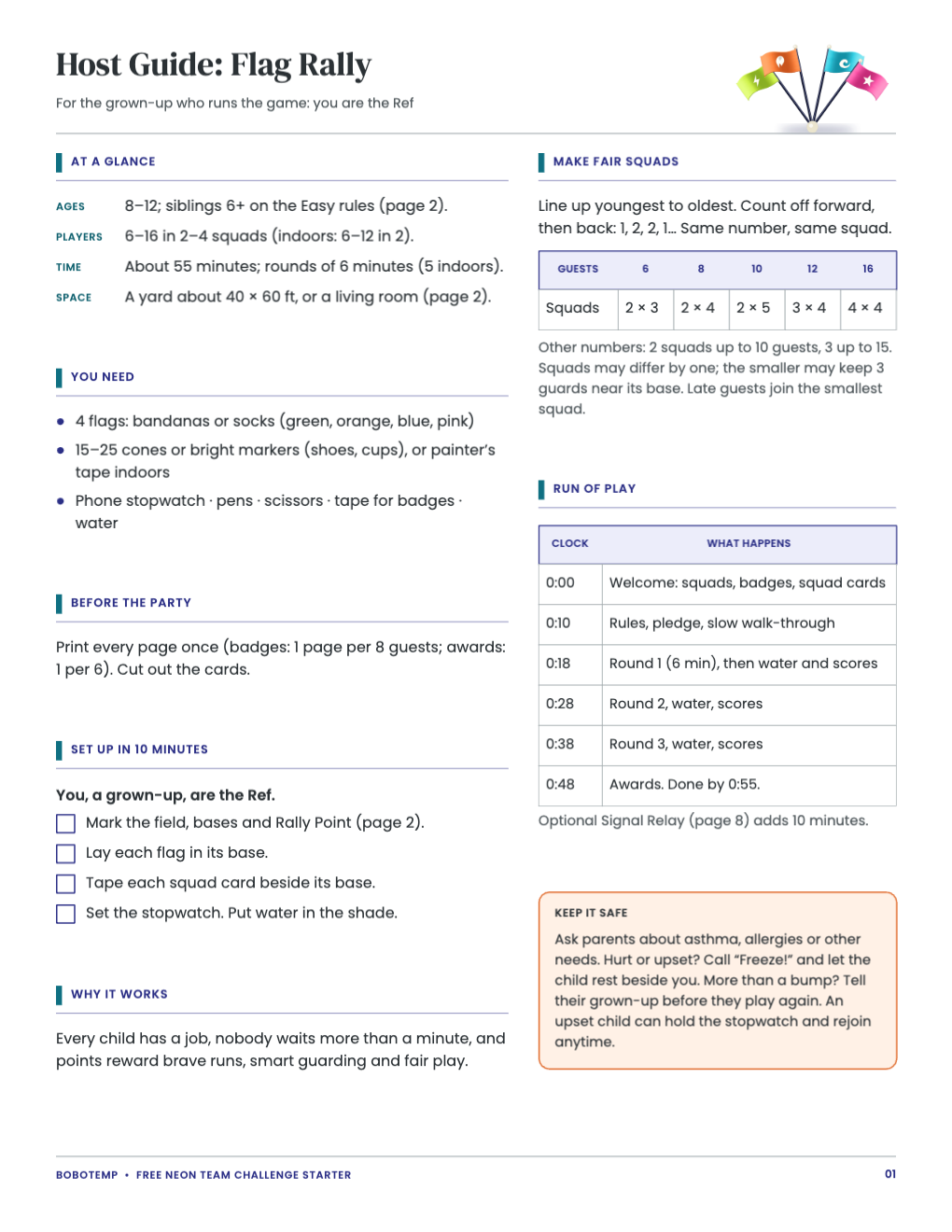
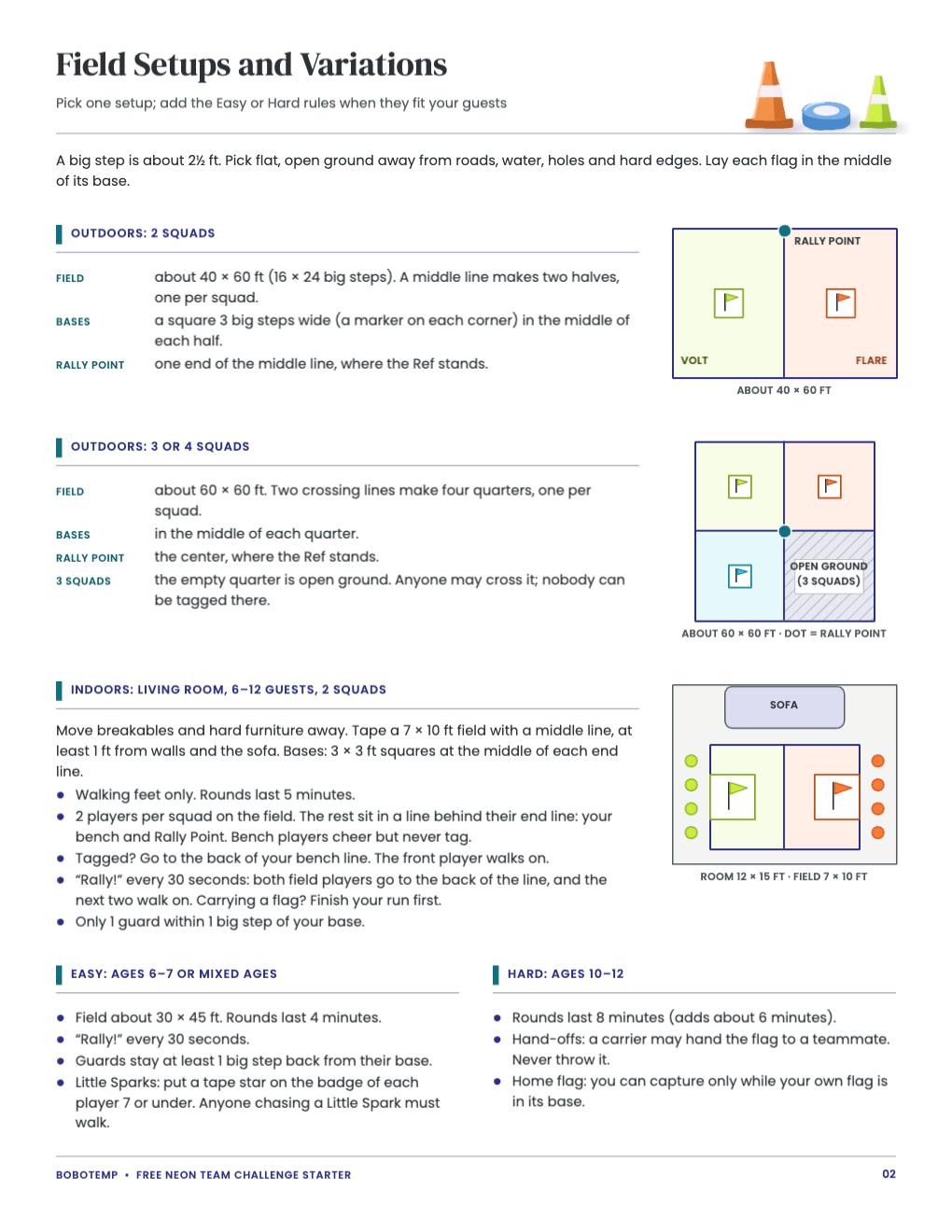
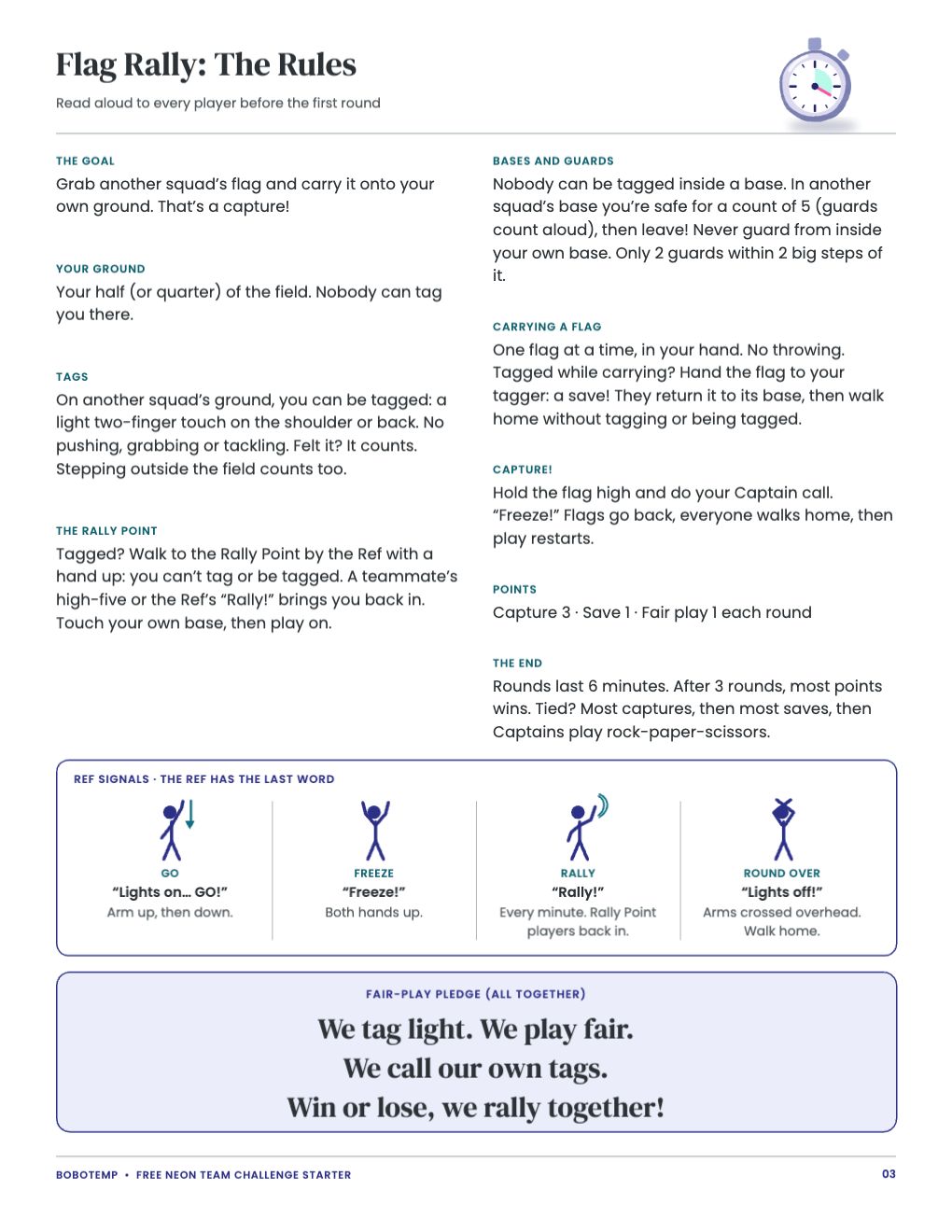
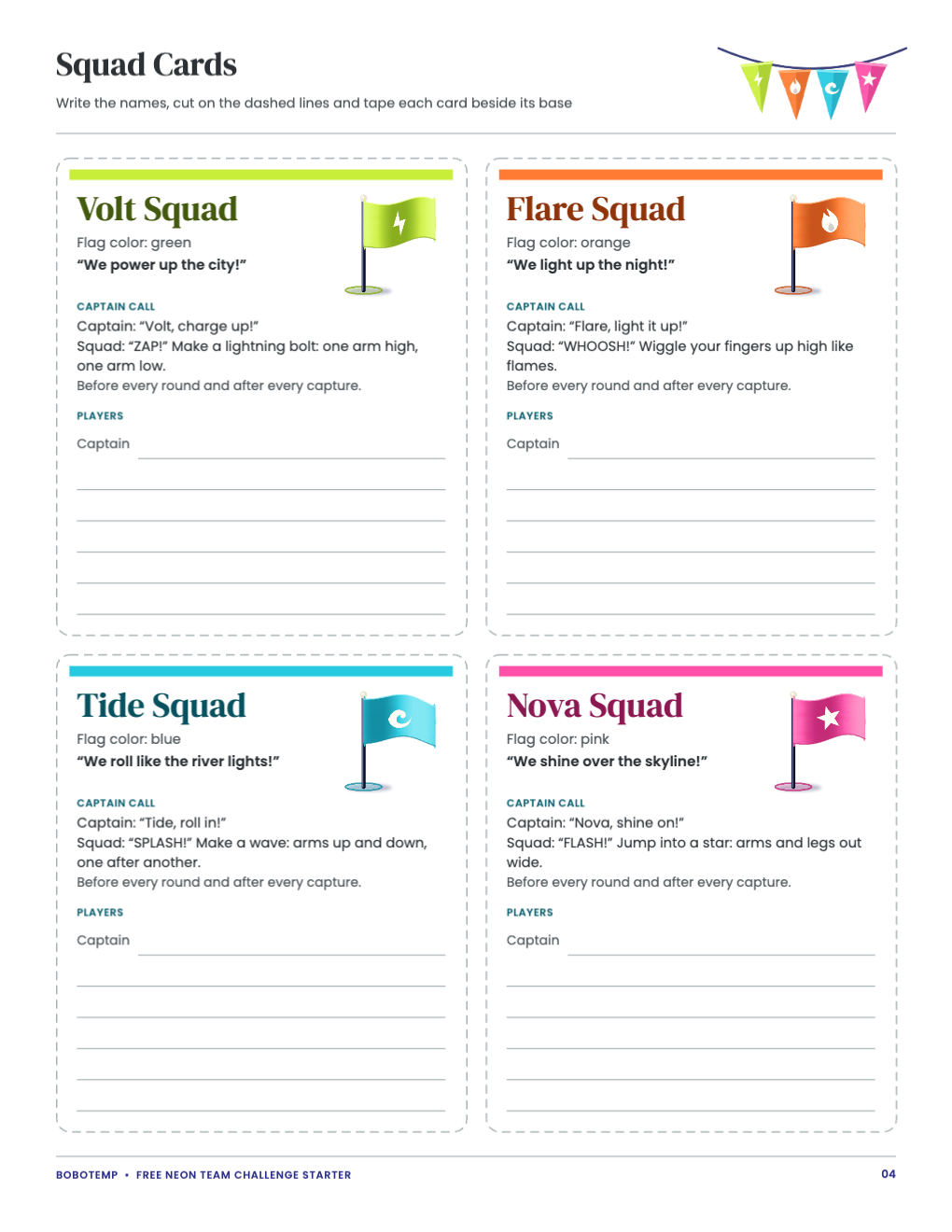
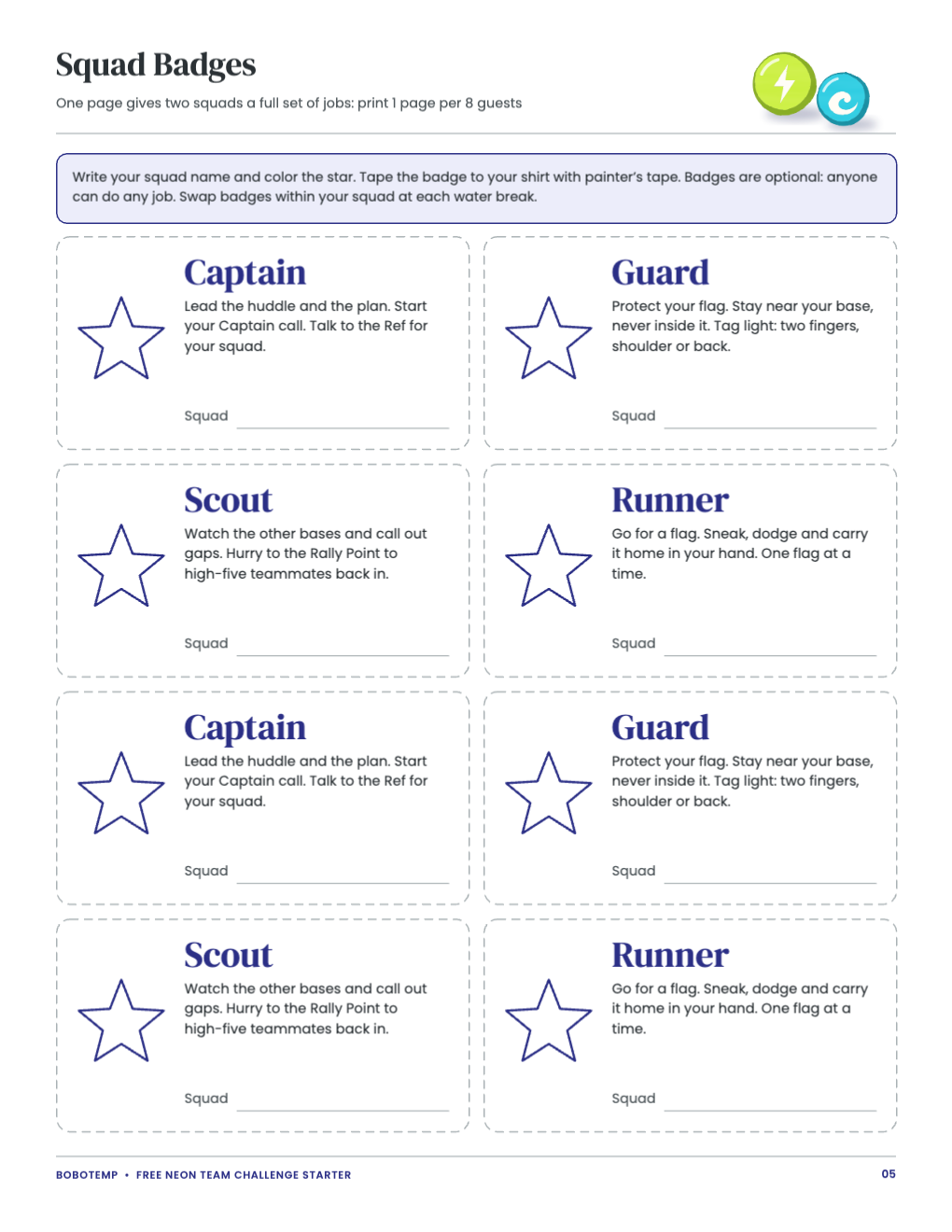
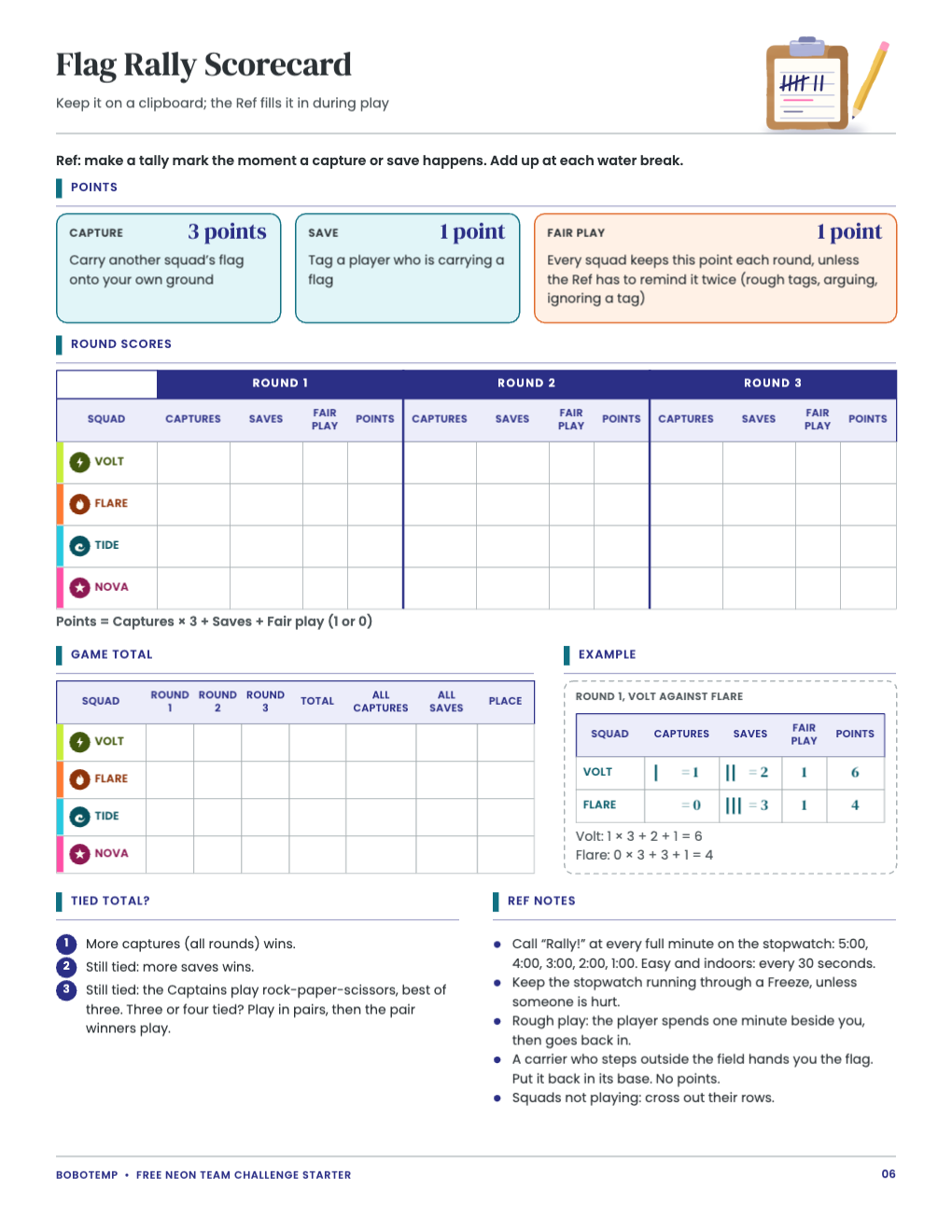
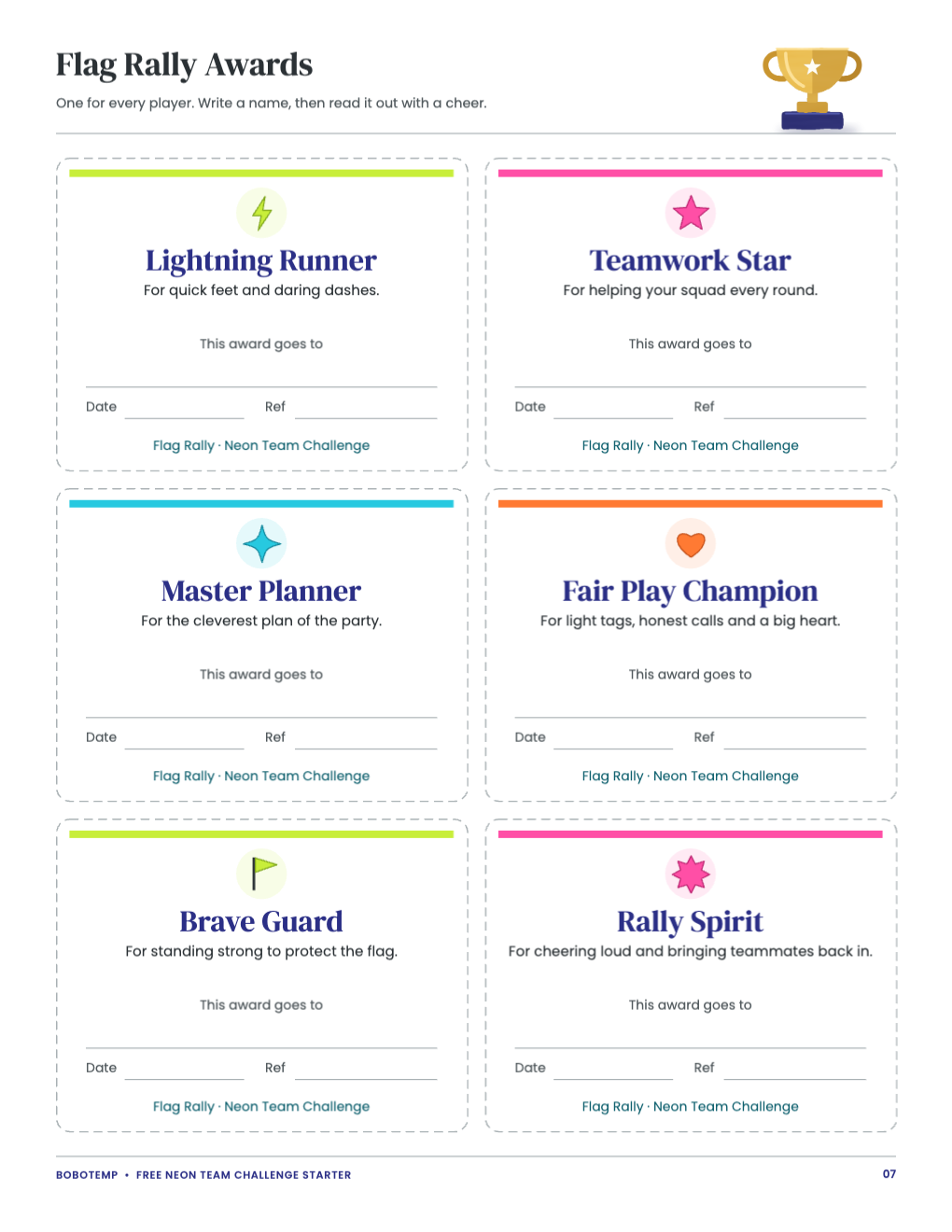
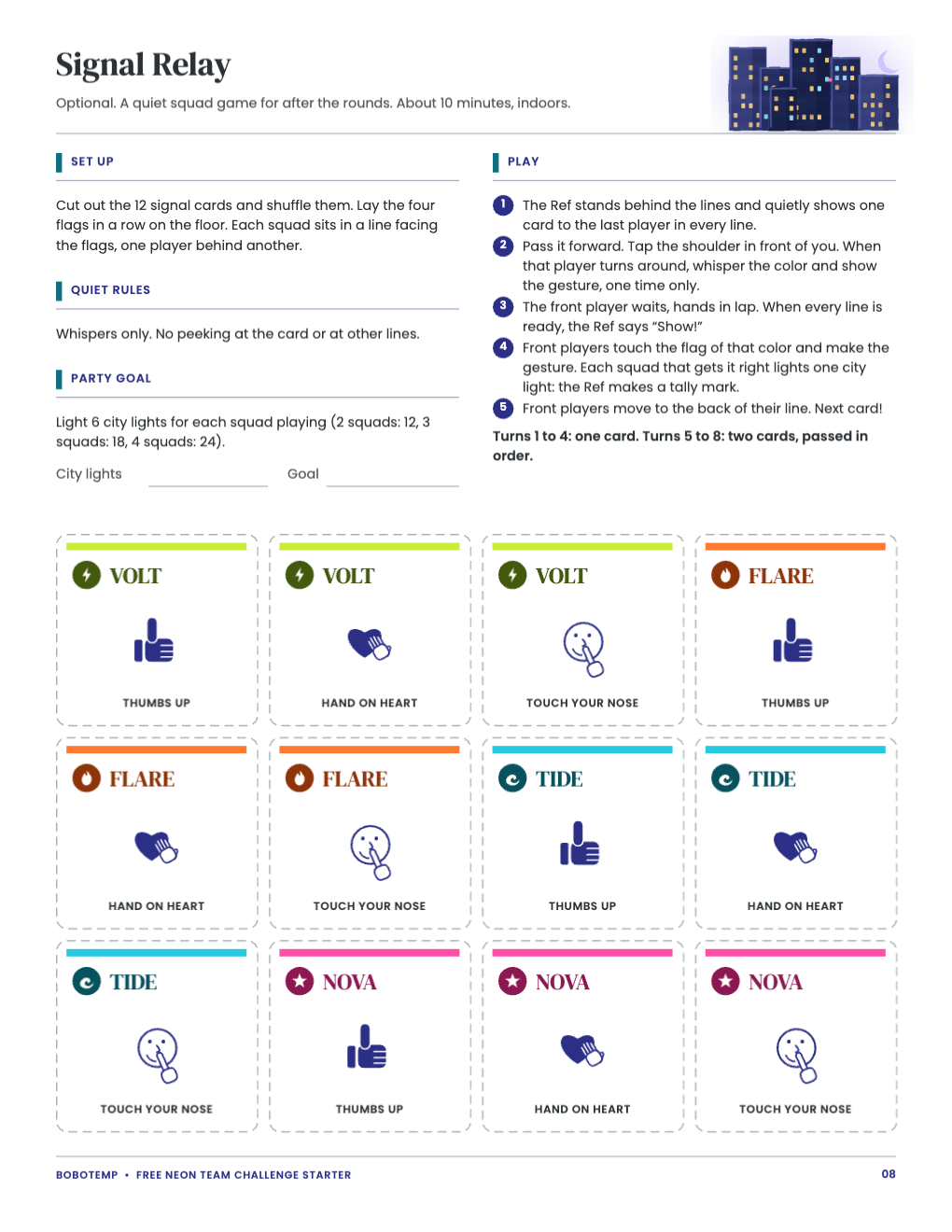
The starter is eight US Letter pages for Flag Rally, a capture-the-flag game for 2–4 squads: the host guide, field setups, read-aloud rules, squad cards, badges, scorecard, awards and the optional Signal Relay. Print the PDF as it is, or open the `.bobo` file when you want to change squad names, flag colors or player names first.
BoboCreate is a desktop design app for Mac and Windows, and the free plan is enough. The starter is an official signed starter, so its artwork does not use up your picture allowance; it does take one of your three design places.
What the free template includes
- Host guide with a squad split table and a 55-minute run of play
- Field setups for a yard, 3–4 squads or a living room
- Read-aloud rules with Ref signals and a fair-play pledge
- Four squad cards, eight badges and a scorecard
- Six award cards and the Signal Relay with 12 cards
Edit squad names and colors
Every word in the kit is a live text box: click or double-click to type, and change its font and color. The four squads are Volt, Flare, Tide and Nova, and each squad card names its flag color: green, orange, blue or pink.
- Match your flags: if your bandanas are red and yellow, change the “Flag color” line and recolor the squad name.
- Rename a squad everywhere: its squad card, motto and Captain call, the scorecard rows and the Signal Relay cards.
- Keep names short: a one-word name fits the space.
Add player names
Each squad card has a Captain line and five more name lines. If you know your guest list, type the names onto the lines at a size that sits comfortably on them. Leave a spare line on the smallest squad’s card, since a late guest joins the smallest squad. You can pre-fill the award cards the same way, or leave them for a pen on the day.
Export and print the kit
Export a vector PDF for the sharpest lines, or PNG or JPEG images at a DPI you choose. Print at 100% or Actual size, never Fit to page, and print one test page on plain paper before switching to card stock.
- Host guide, field setups, rules and scorecard: plain paper, 1 each.
- Squad cards and Signal Relay: card stock, 1 each.
- Badges: card stock, 1 page per 8 guests. Awards: 1 page per 6 guests.
- Cut along the dashed lines: long cuts across the sheet first, then the short ones.
Personalize the matching invitation
The Neon Flag Rally and Skyline Checkpoint Challenge invitations are bought on Bobotemp and personalized in the Bobotemp editor online, then downloaded as a print-ready 5 × 7 in PDF. If you have connected BoboCreate to your Bobotemp Purchases, you can import the invitation and use the PDF export to place two 5 × 7 cards on one US Letter sheet with crop marks.
Open the editable template in BoboCreate
- Download and install BoboCreate Desktop for Mac or Windows.
- Download the free `free-neon-team-challenge-starter.bobo` file.
- In BoboCreate, choose Open or Import and select the file.
- Edit squad names, flag colors and player names; preview all eight pages.
- Export a PDF and print at 100% or Actual Size.
Download BoboCreate for Mac · Download BoboCreate for Windows
The free source is for your own family. Do not resell or redistribute the design. Physical printing of this edition has not yet been tested.