
Free PDF + editable BoboCreate template
How to Customize a Photo Organizing Checklist
Photo projects stall when boxes, filenames and people lose their connection. Customize this four-page checklist with your collection IDs, folder plan and scan settings before the first batch leaves its box.
Both downloads are the free edition. The editable file opens in BoboCreate Desktop.
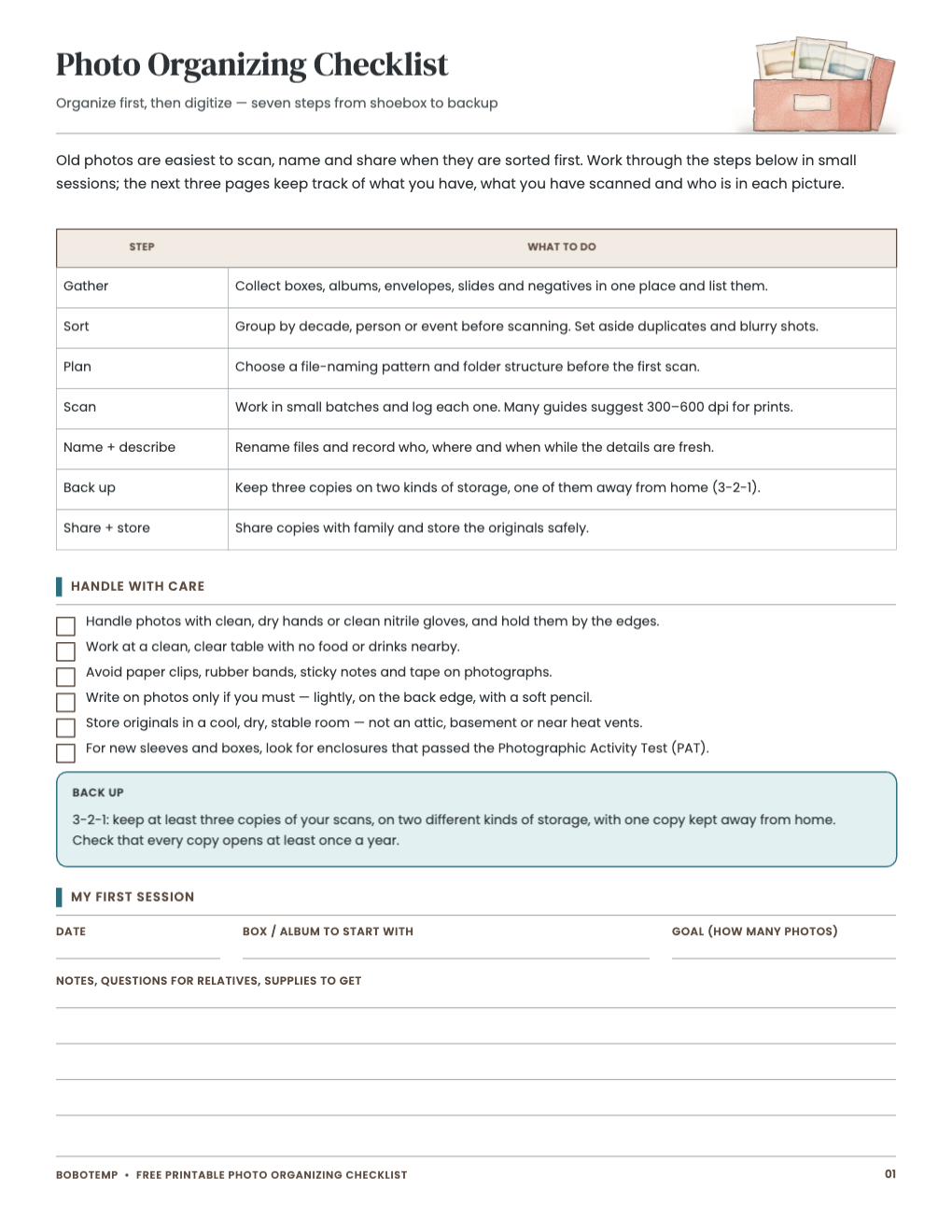
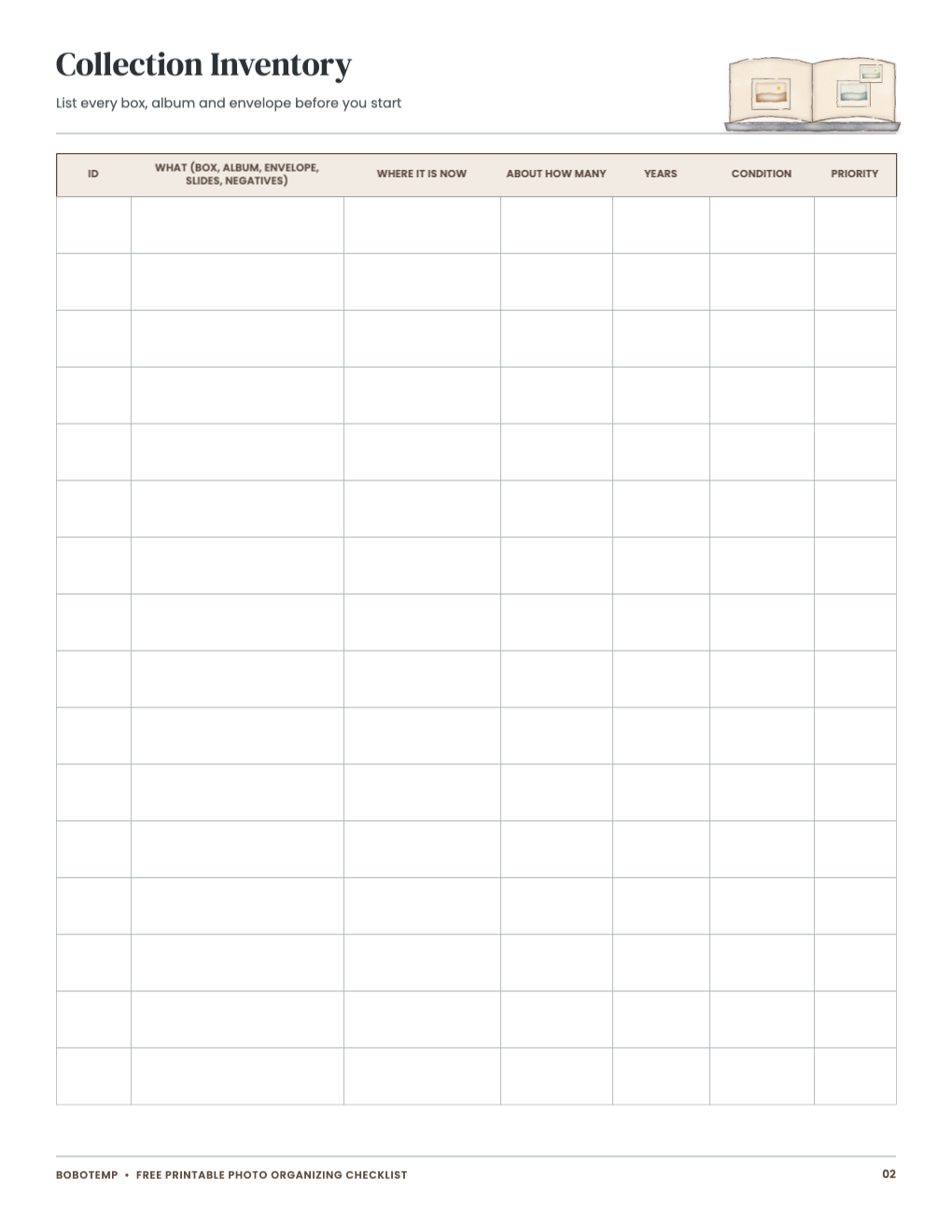
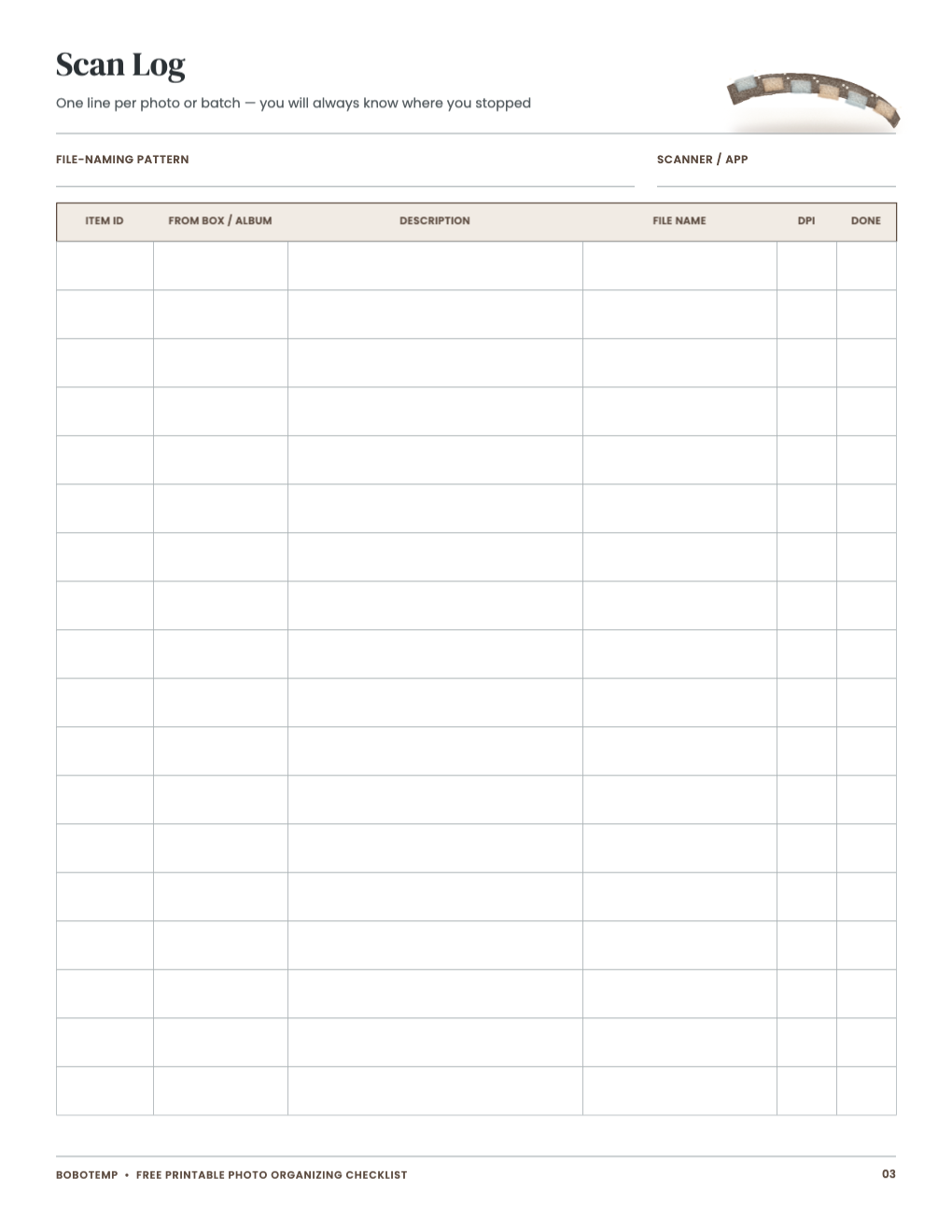
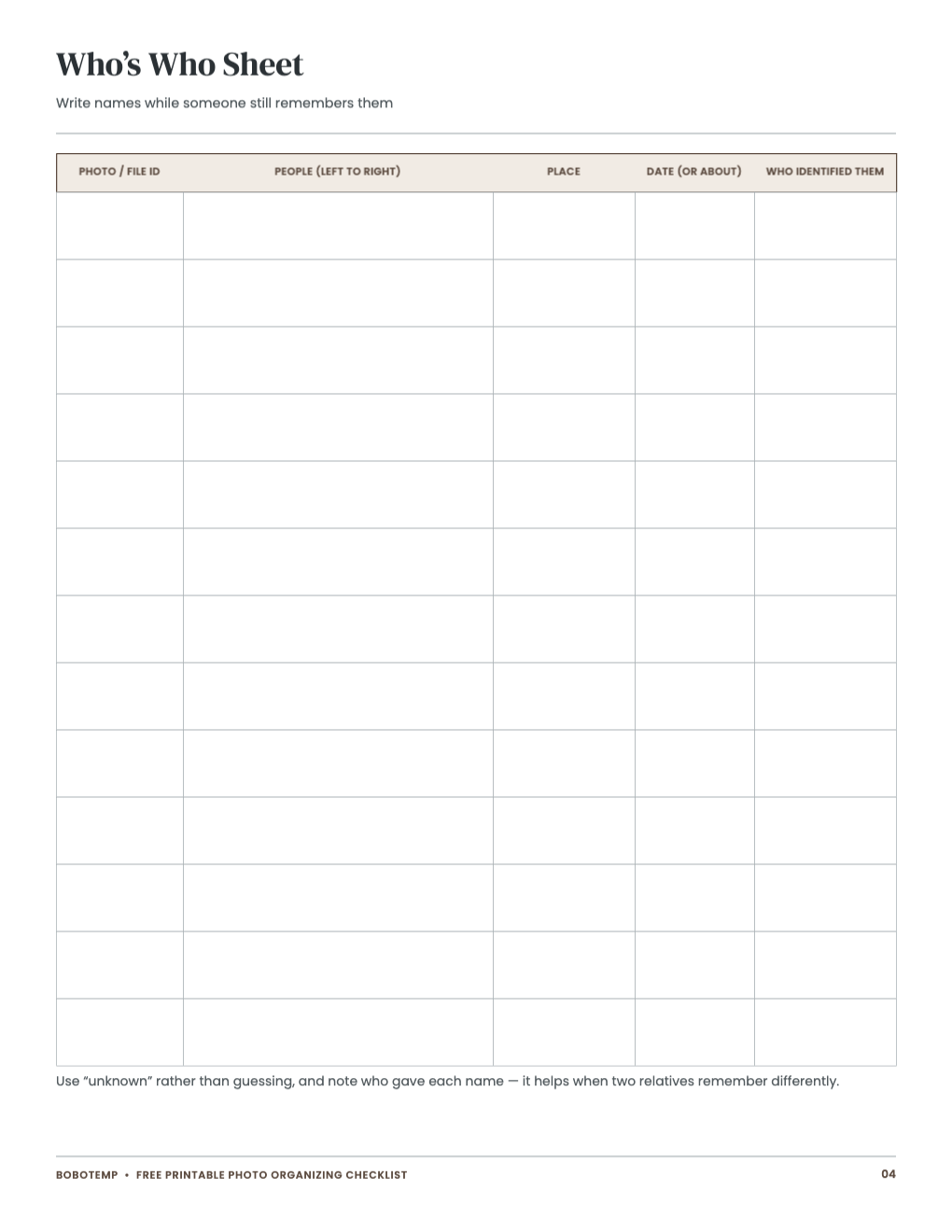
The editable template lets you type the naming convention and collection labels you will reuse. Print the inventory and identification pages for relatives who can help with names and approximate dates.
Work in small batches and preserve the connection between an original and its digital copy. When a fact is uncertain, mark it as uncertain instead of turning a guess into metadata.
What the free template includes
- Seven-step organizing and backup checklist
- Collection and album inventory
- Scan-session log
- People and mystery-photo identification sheet
Assign collection IDs before sorting
Give every box, album, envelope or slide group a short unique ID. Put that ID on the inventory and in the first folder or filename so separated items can be matched again.
Choose naming and scan settings once
Edit the checklist with the file pattern, folder structure, format and resolution selected for the project. Changing the scheme halfway through creates avoidable renaming and duplicate scans.
Capture names while someone remembers
Print identification sheets for relatives and record who, place, event, approximate date and confidence. Do not write directly on original photographs.
- Use clean, dry hands or suitable clean gloves.
- Avoid tape, rubber bands, paper clips and ordinary sticky notes on originals.
- Keep food and drinks away from the work surface.
Plan more than one backup
Use the checklist to record at least three copies on two kinds of storage with one copy away from home. Test that a sample file opens from each copy before calling the backup complete.
Open the editable template in BoboCreate
- Install BoboCreate Desktop.
- Download and open the photo-organizing `.bobo` file.
- Enter collection IDs, filename pattern, folders and scan settings.
- Leave identity and progress areas blank when relatives will write on paper.
- Export a PDF and print at Actual Size on US Letter paper.
Download BoboCreate for Mac · Download BoboCreate for Windows
The template organizes the project; it does not alter or upload your photographs.