
Free PDF + editable BoboCreate template
How to Customize a Moving Checklist
A moving checklist works better when it contains your dates, providers and room names. Customize the reusable pages first, then print a working copy you can carry while internet service and boxes are in flux.
Both downloads are the free edition. The editable file opens in BoboCreate Desktop.
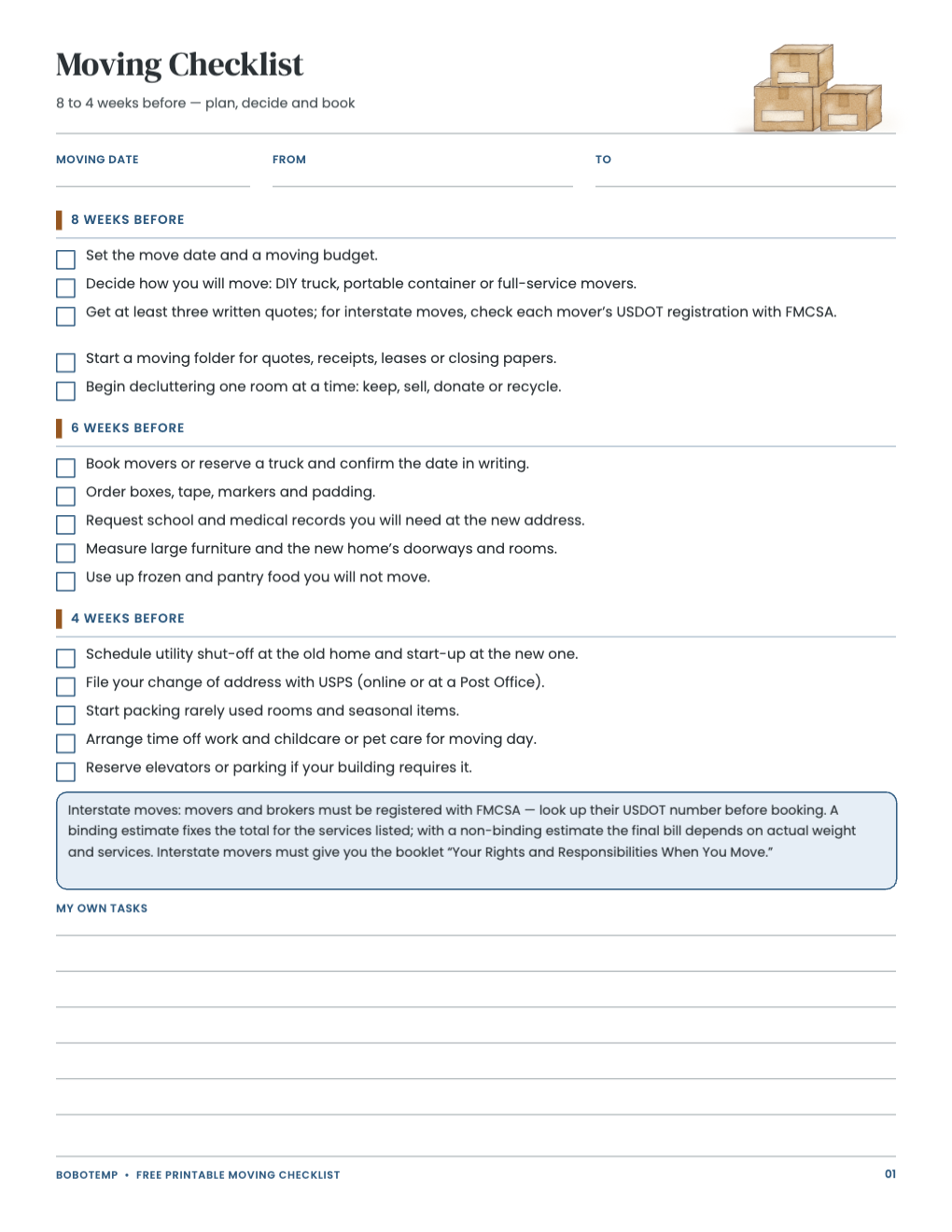
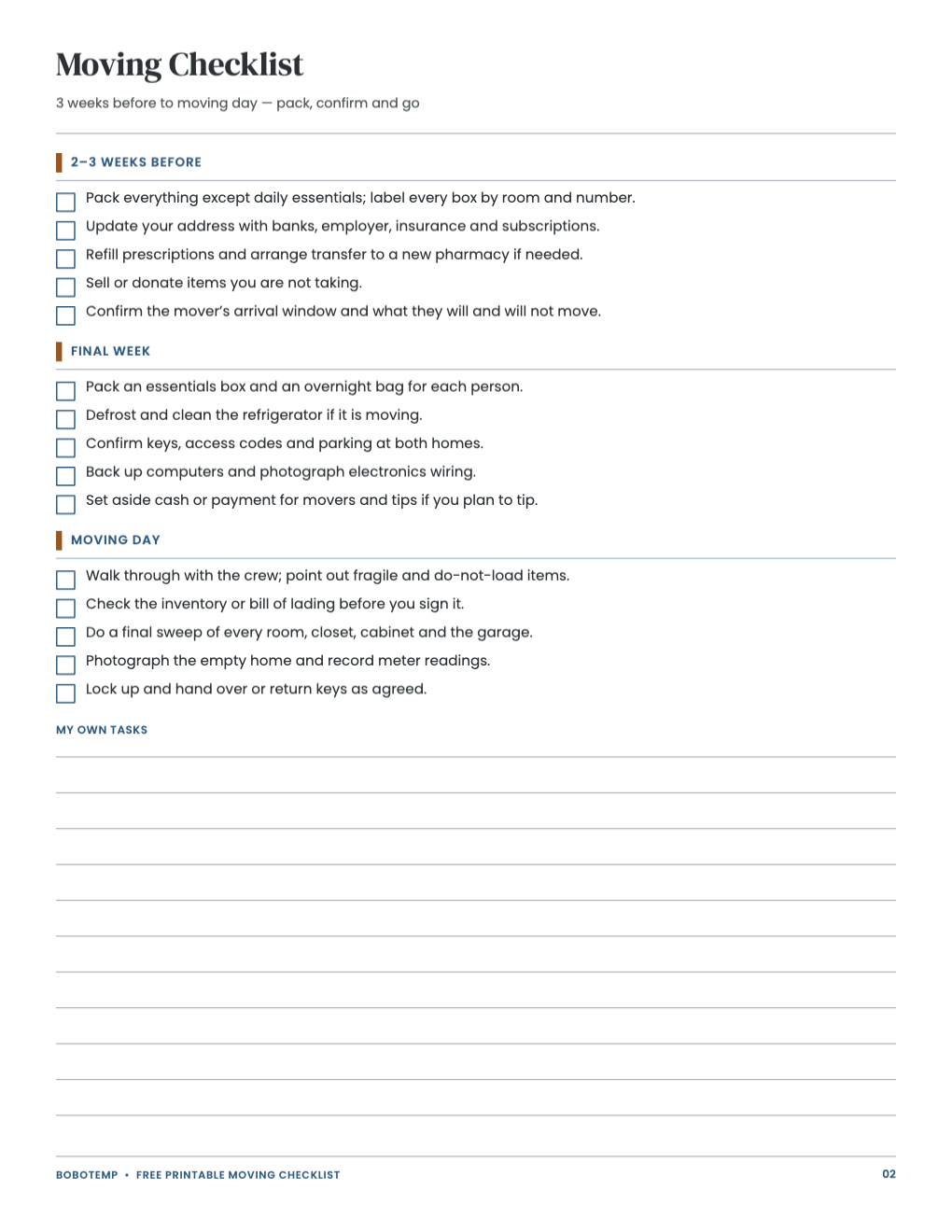
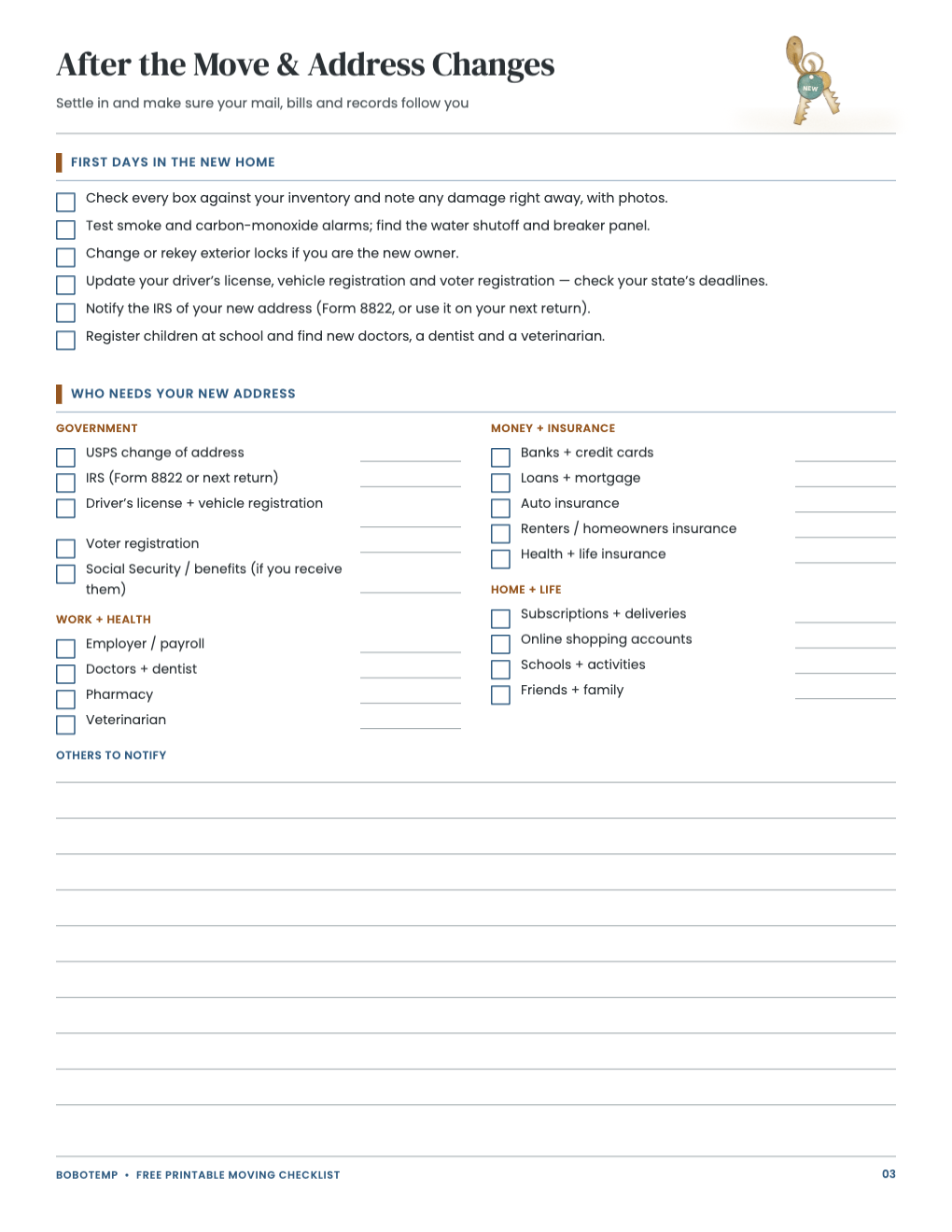
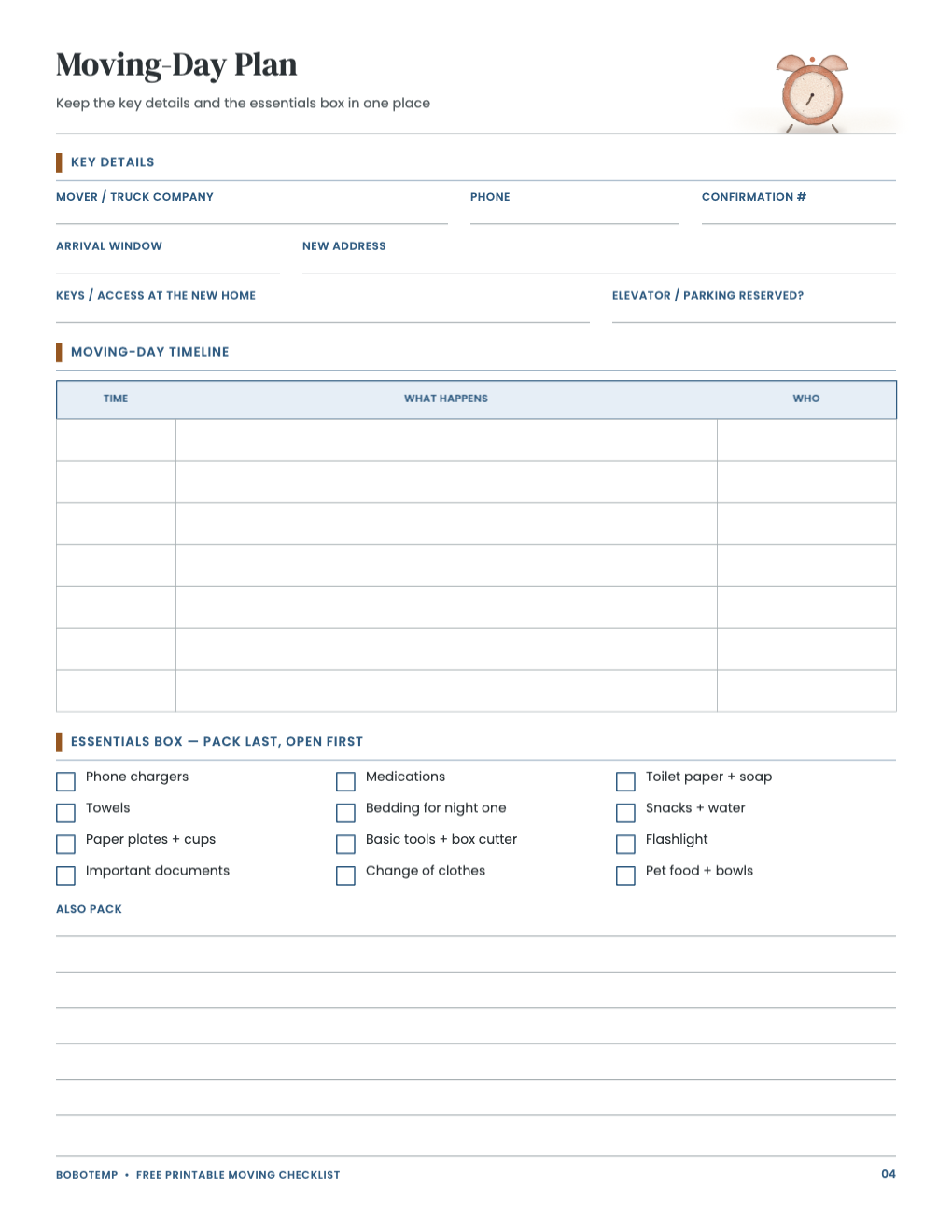
The four-page free template covers the countdown, address changes, first days and moving-day essentials. Editing the headings before printing makes it useful for a local move, interstate move or staged handover.
Deadlines and mover requirements vary. Verify current rules with the agency, utility, landlord, insurer or mover involved.
What the free template includes
- Eight-week countdown
- Final weeks and moving day
- Address changes and first days
- Moving-day schedule and essentials box
Anchor every task to the real move date
Enter the move date and both addresses, then work backward. Remove tasks that do not apply and add lease, closing, elevator or building-access deadlines that are unique to the move.
Use names and confirmation numbers
Replace generic utility labels with the actual companies. Leave room beside each stop or start request for the date, confirmation number and person contacted.
- Keep written mover estimates together.
- For interstate moves, verify the mover through FMCSA.
- Photograph valuable items before packing.
Design an essentials box for the first night
Edit the essentials list for medications, chargers, basic tools, bedding, child or pet needs and documents. Keep that box with you rather than loading it where it cannot be reached.
Open the editable template in BoboCreate
- Install BoboCreate Desktop.
- Download and open the moving-checklist `.bobo` file.
- Enter dates, addresses, providers and room names.
- Preview all four pages and remove details you do not want printed.
- Export and print at 100% on US Letter paper.
Download BoboCreate for Mac · Download BoboCreate for Windows
The organizer is practical planning material, not legal, tax, insurance or real-estate advice.