
Free PDF + editable BoboCreate template
How to Customize a Home Maintenance Log
A maintenance record becomes useful when it names the actual system, location, provider and next check. Customize those stable details once, then print new log pages as work is completed.
Both downloads are the free edition. The editable file opens in BoboCreate Desktop.
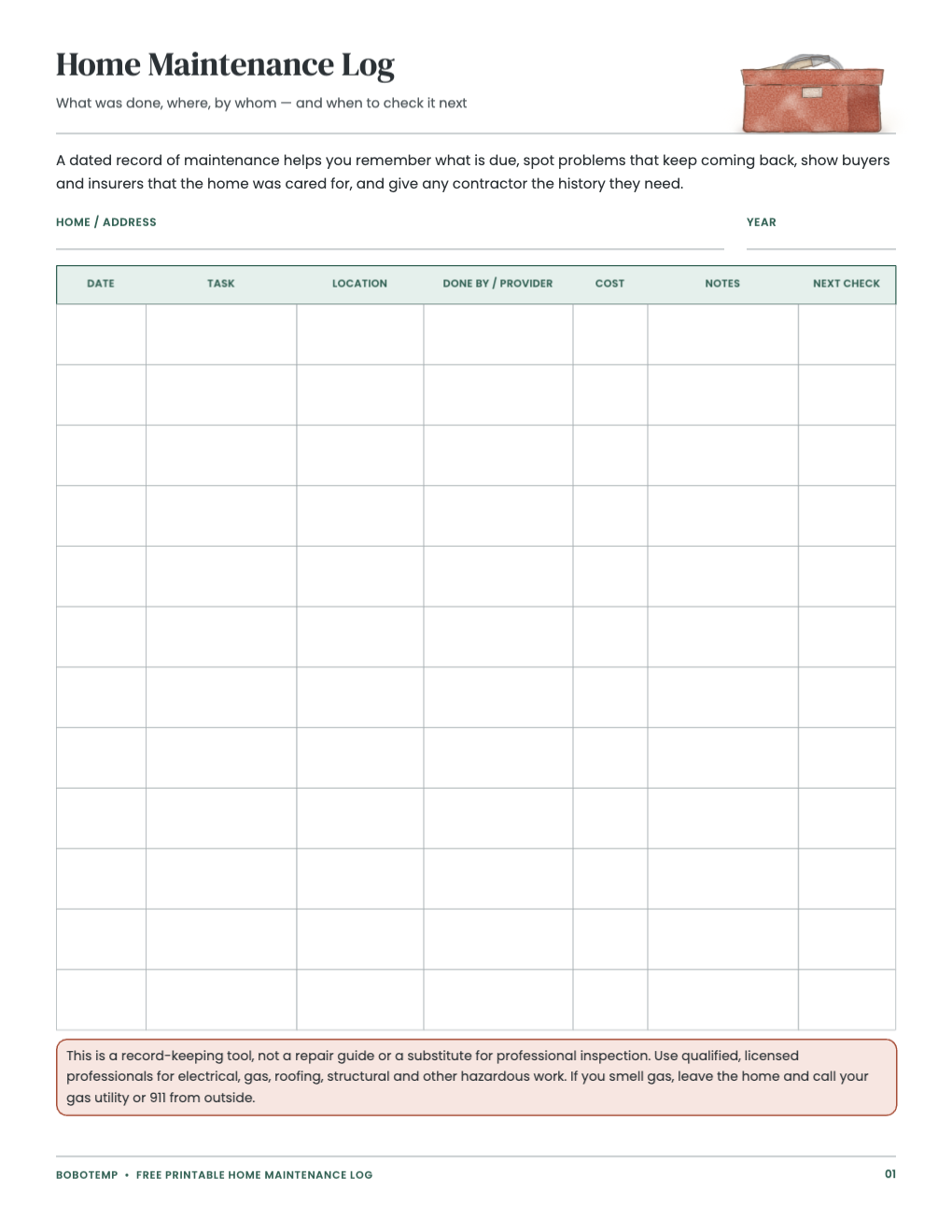
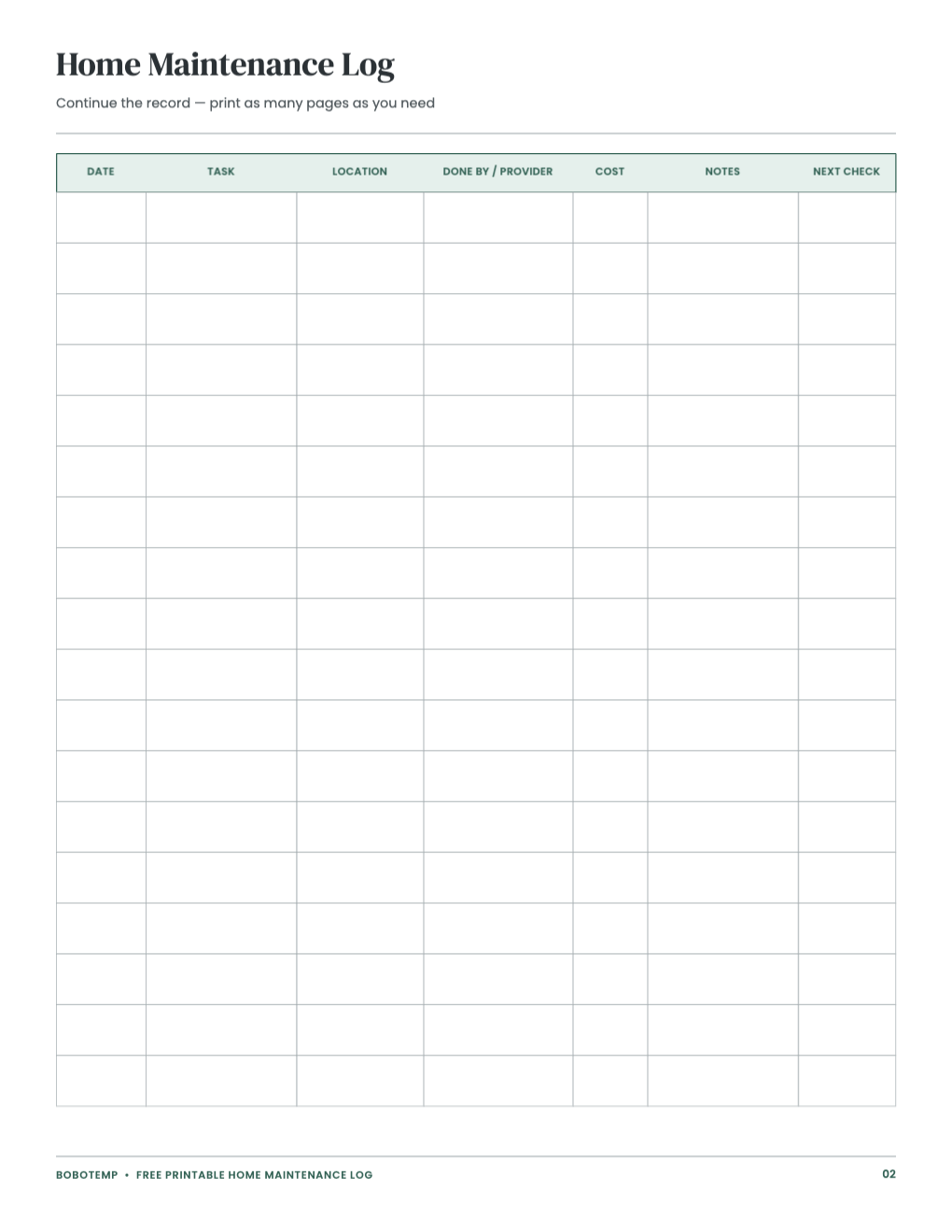
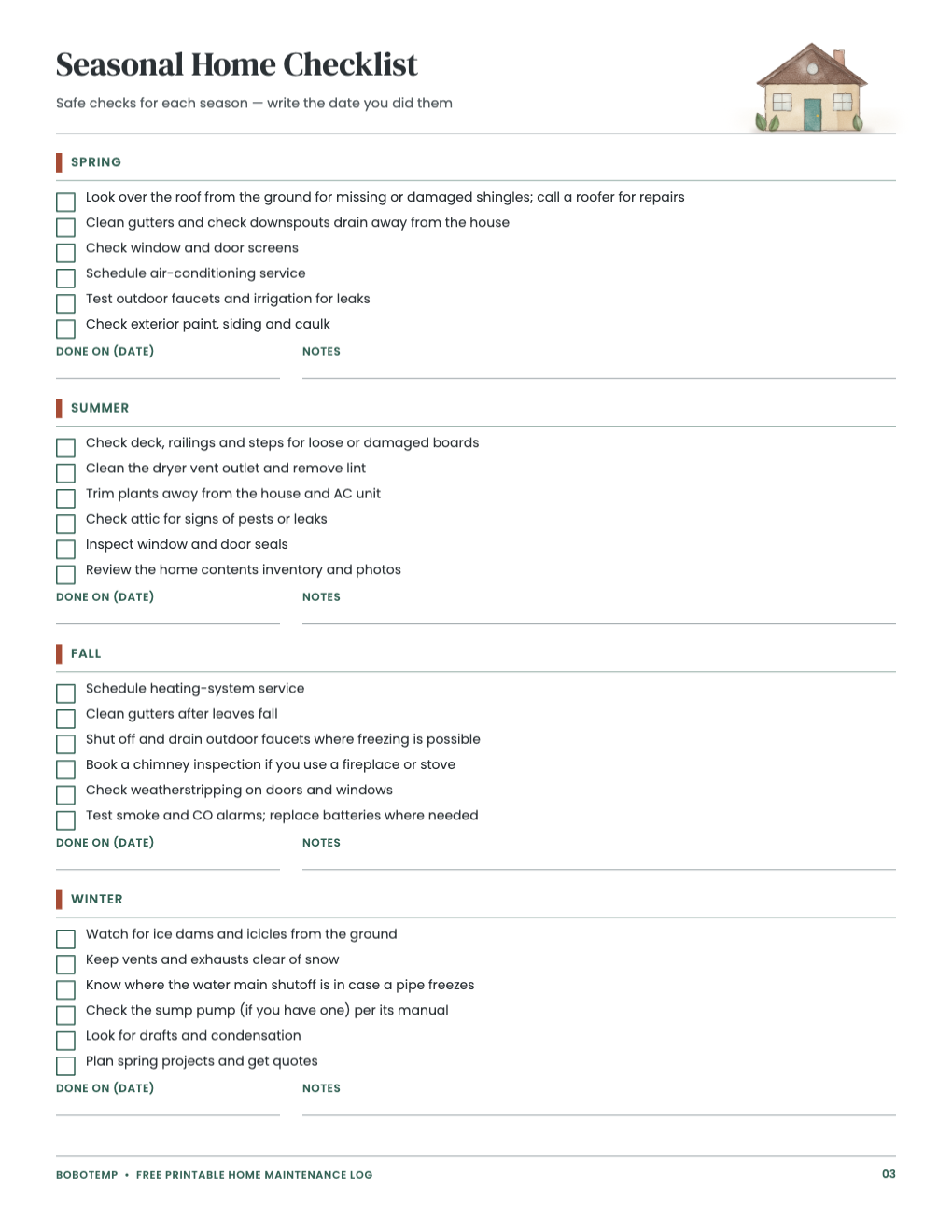
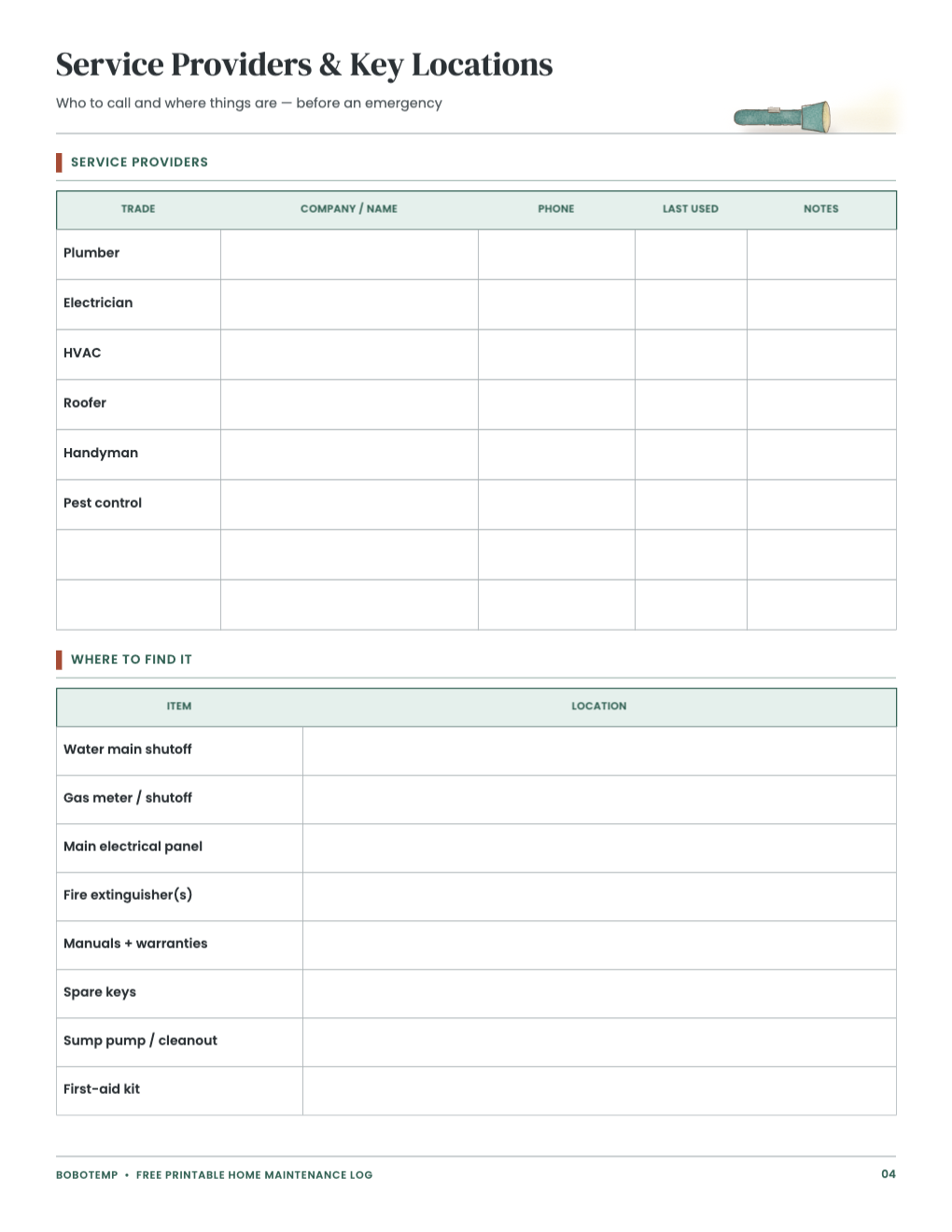
The free template is a history and reminder system, not a repair guide. Keep receipts, manuals and warranty information with the printed pages when possible.
Seasonal tasks depend on the home, equipment and climate. Remove irrelevant reminders and add the manufacturer or professional schedule that applies to your property.
What the free template includes
- Maintenance history with next-check dates
- Reusable continuation log
- Four-season reminder checklist
- Service-provider and key-location reference
Name equipment and locations precisely
Replace general labels with the model or system name and room, floor or exterior location. “Upstairs air handler filter” is more useful than “HVAC.”
Record what happened and what comes next
For every visit or task, enter the provider, work completed, cost, notes and next date. A diagnosis or part number is often more useful later than the total alone.
Keep safety information findable
Use the reference page for shutoff, panel, extinguisher, manual and supply locations, but never treat the sheet as permission to perform hazardous work.
- Use qualified professionals for gas, electrical, structural and roofing work.
- If you smell gas, leave and contact the utility or emergency services from outside.
- Do not print alarm codes or sensitive account information.
Open the editable template in BoboCreate
- Install BoboCreate Desktop.
- Download and open the home-maintenance `.bobo` file.
- Enter system names, service providers and relevant seasonal tasks.
- Keep private account and access details out of the printable.
- Export and print on US Letter paper at Actual Size.
Download BoboCreate for Mac · Download BoboCreate for Windows
This template organizes records; it does not replace inspection, manuals or professional repair advice.