
Free PDF + editable BoboCreate template
Customize Following Directions Activities
Following Directions gives grade 4–6 learners one clear page per problem: the situation, the evidence, space to show thinking, and a new problem to try. The free starter has 6 complete activities with worked answers.
Both downloads are the free edition. The editable file opens in BoboCreate Desktop.
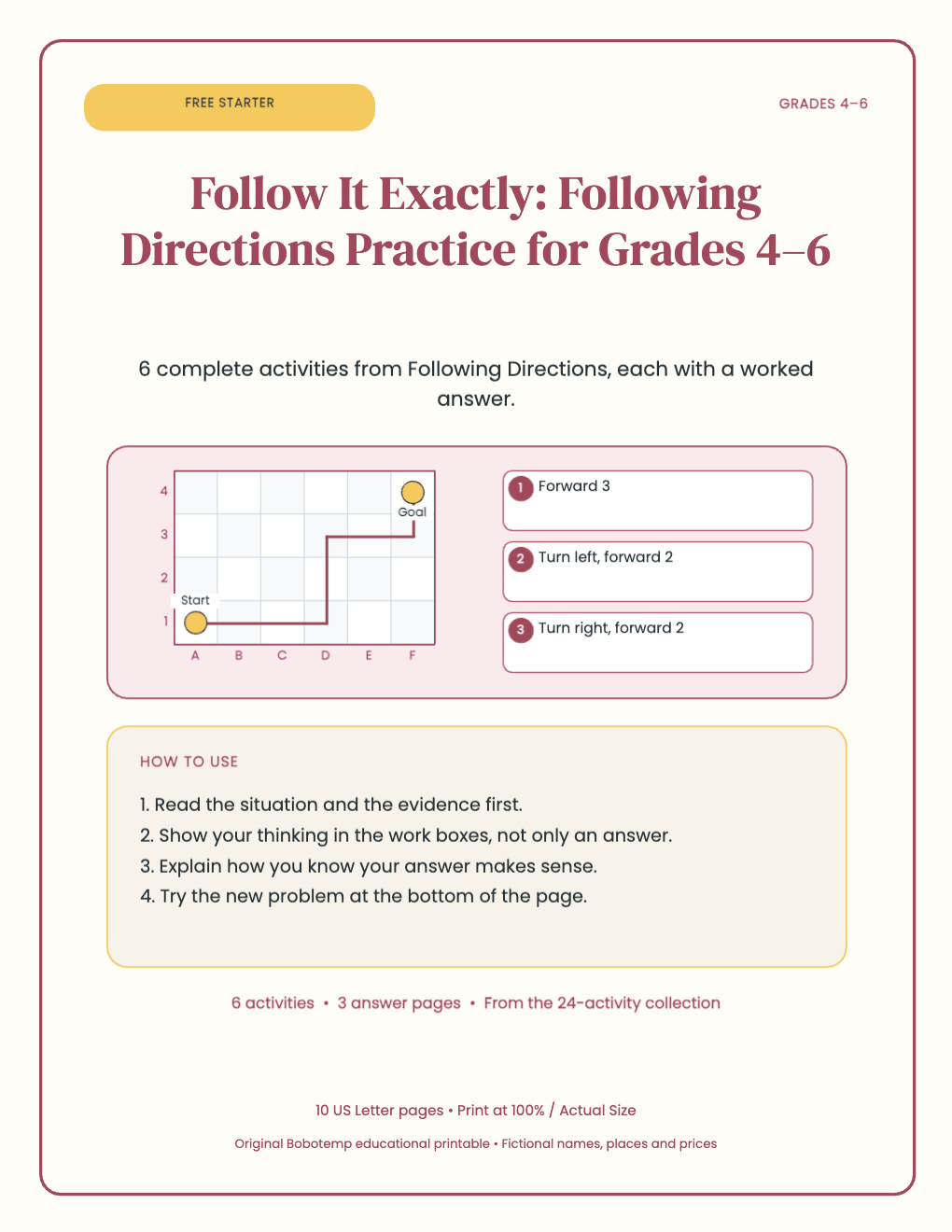
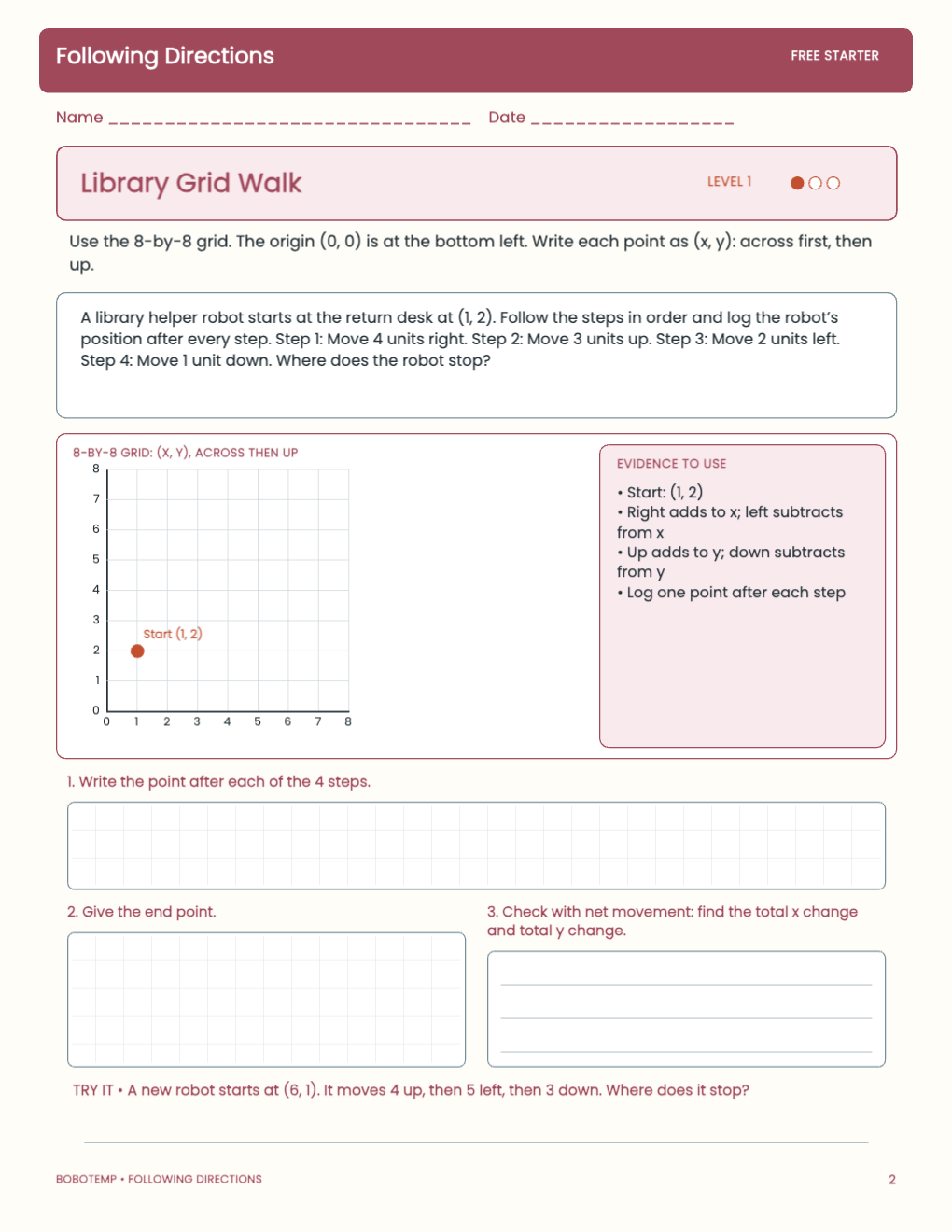
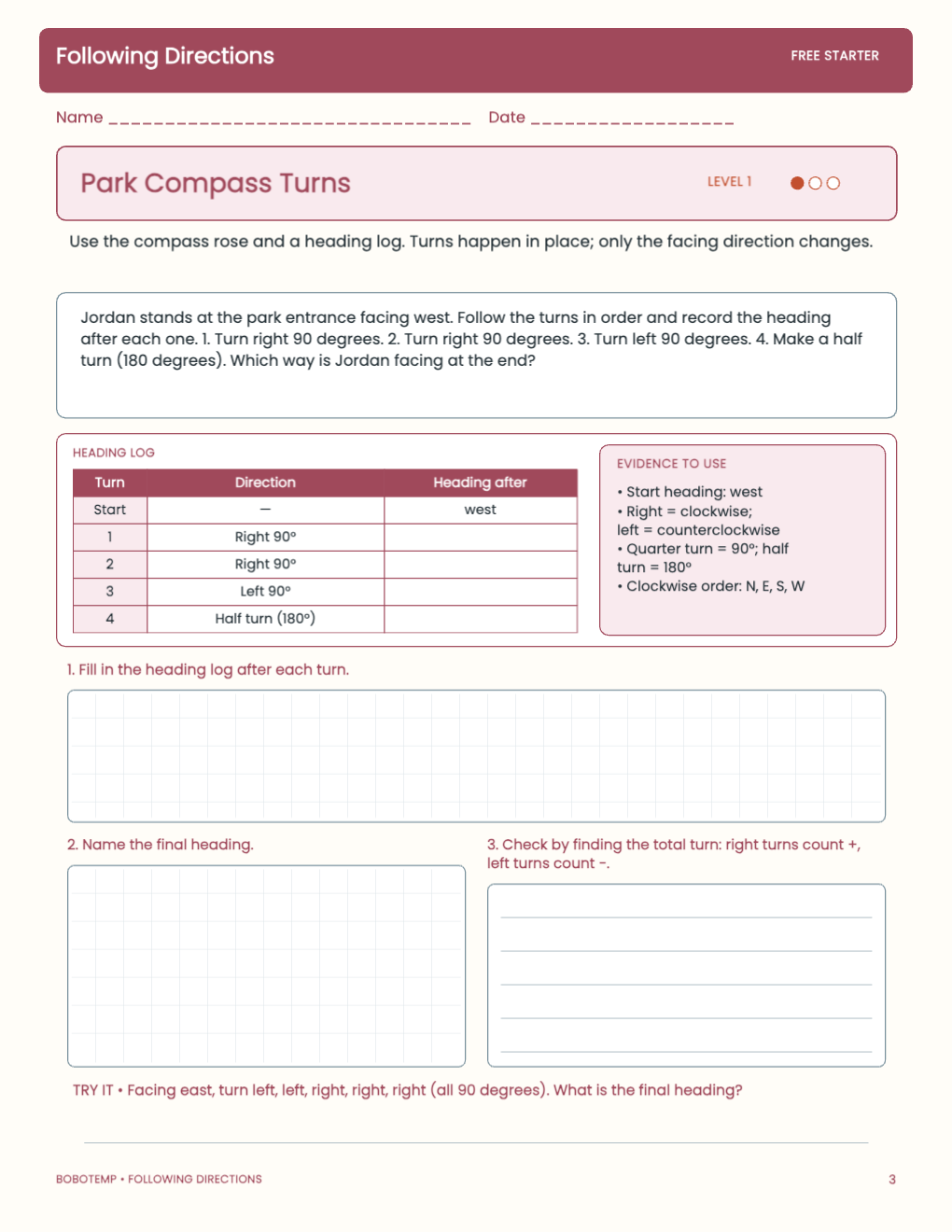
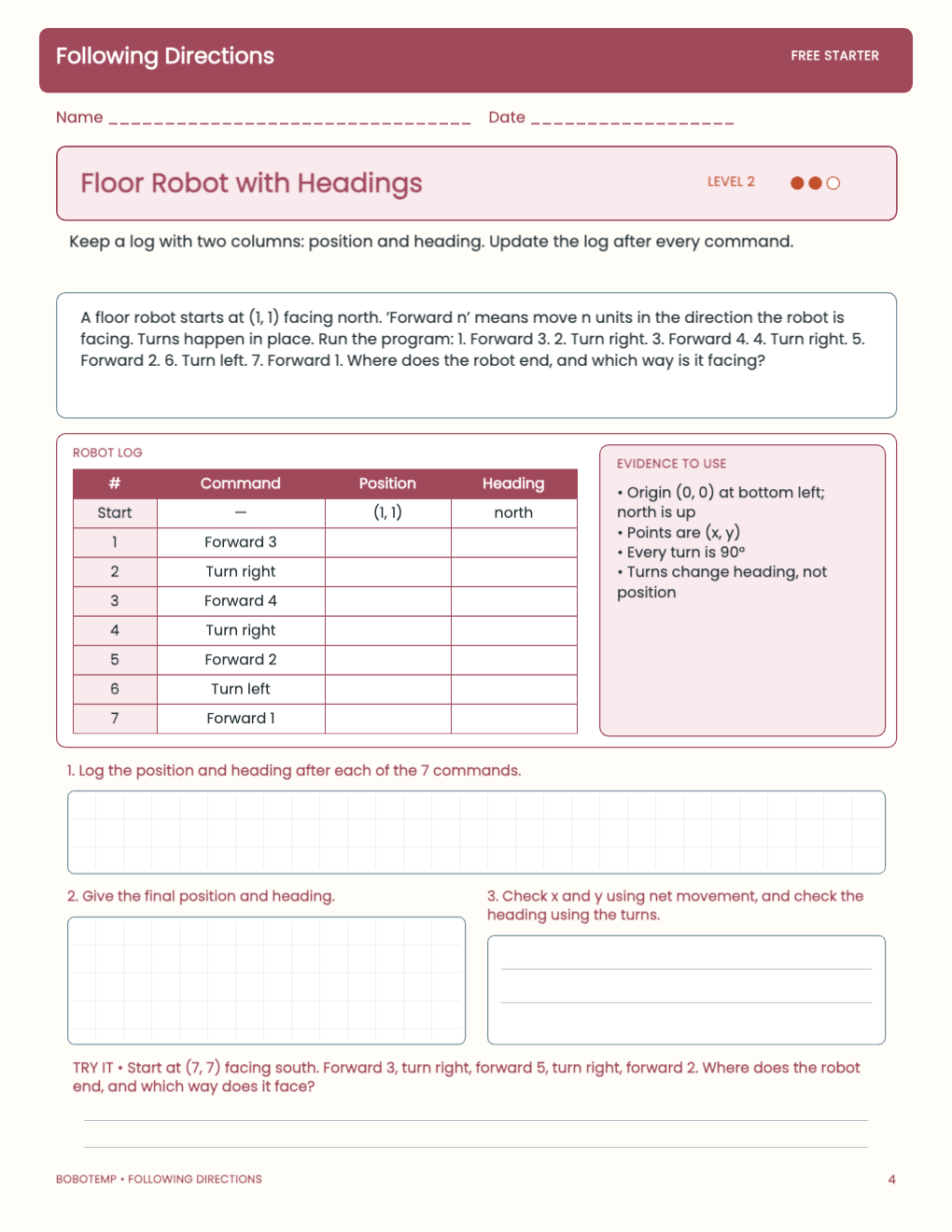
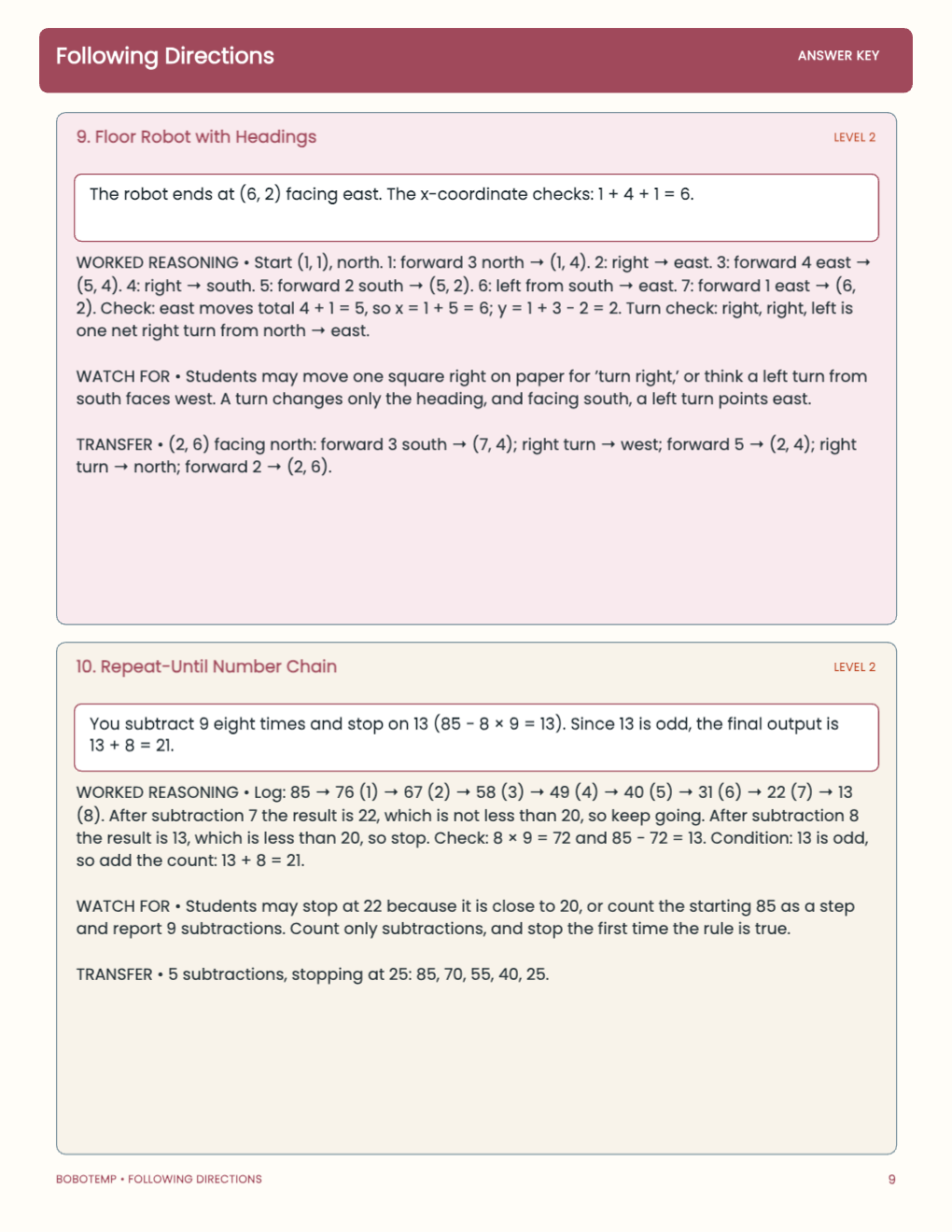
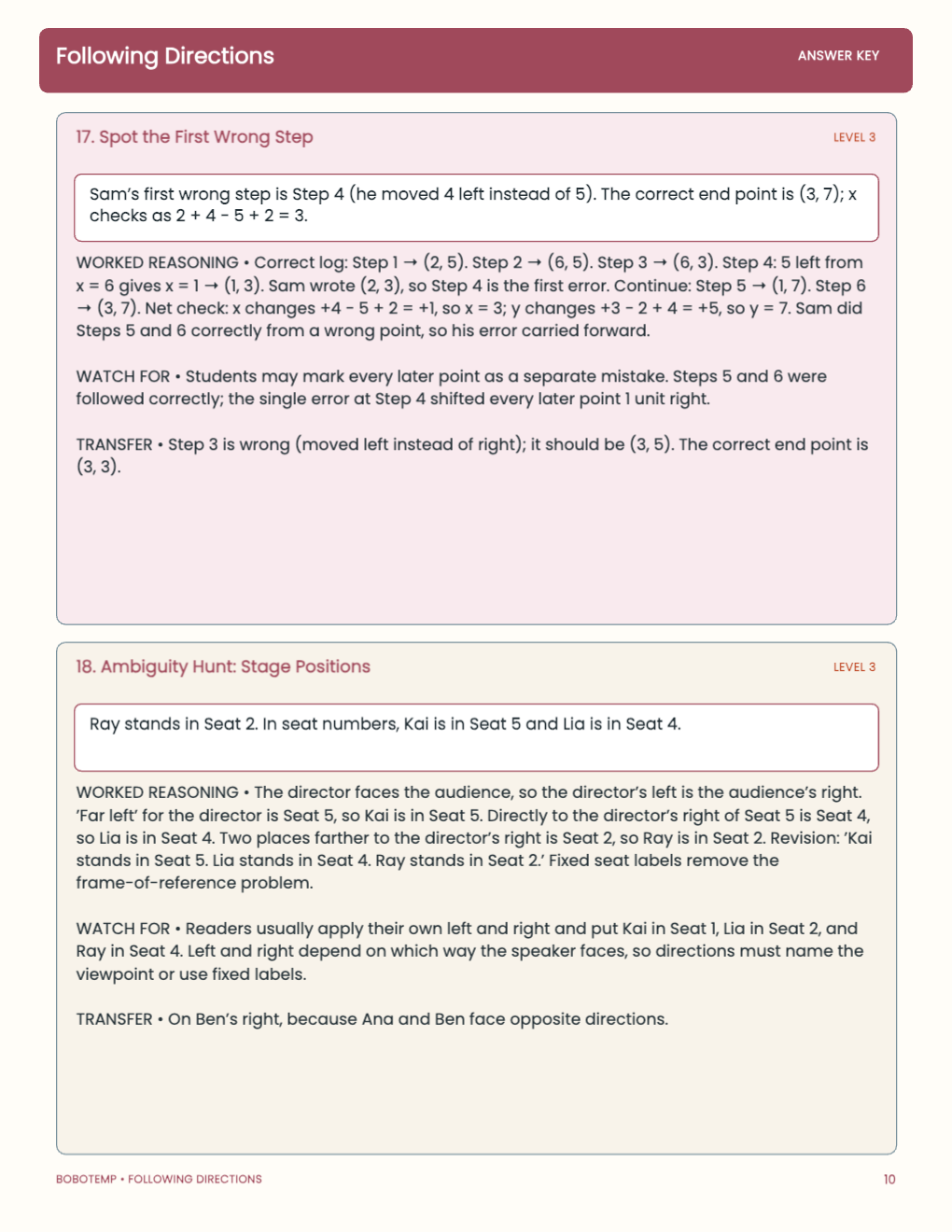
24 one-page activities for grades 4–6 on grid moves, turns, if-then rules, loops, clue puzzles, debugging, and writing precise directions
The editable version keeps directions, evidence and response areas as native BoboCreate elements, so you can adjust names, numbers or wording before printing.
What the free template includes
- 6 standalone student activities across three levels
- 3 worked answer pages
- Editable text, evidence panels and response areas in the native template
Read the evidence before calculating
Each page puts the facts students need in one place — often as a graph, model, map or table — and asks them to show their reasoning before answering.
Print only what you need
Print student pages on US Letter at Actual Size (100%). Keep the answer pages for the adult, or view them on screen.
Open the editable template in BoboCreate
- Install or update BoboCreate Desktop.
- Download the free .bobo file and open it from your library.
- Edit any text if needed, then export a PDF and print at Actual Size.
Download BoboCreate for Mac · Download BoboCreate for Windows